
ImgPilot
AI image generator and editor with free creditsGenerate and edit images from text or references, 20 free credits
Highlights
What you can do with it
- Generate images from a written prompt
- Edit a reference image into a new version
- Try several models on the same idea
How to use it
- 1 Open imgpilot.app and claim free credits
- 2 Choose text-to-image or reference editing
- 3 Pick a model and set resolution
- 4 Generate, then edit further in chat
- 5 Track credit use on the dashboard
Who it is for
Pros
- Free credits to start
- Reference-based editing is supported
- Several models available in one place
Limitations
- Free credits run out quickly
- Credit cost varies by model and resolution
- Free offers and prices can change
What ImgPilot is
ImgPilot is an AI image generation and editing tool. You can generate images from text prompts or edit based on reference images, and it supports chat-style editing and multiple AI models for different scenarios. New users receive 20 free credits to try the service, and credit use depends on the model and resolution you choose. A dashboard shows your balance and usage. The platform is positioned for a wide range of image creation, from hobbyists to professionals, and it aims to make high quality image creation and editing accessible without complex software. Start with text, or refine an existing image, all in one place.
What you can do with it
The tool mixes generation with iterative editing. You can create from a prompt, then keep refining the result through chat-style instructions.
- Generate images from a written prompt
- Edit a reference image into a new version
- Try several models on the same idea
- Track credit use on the dashboard
Who it is for
It suits both casual users and professionals who want quick image output without a heavy editor. The multi-model setup helps people who like to compare results.
- Hobbyists exploring AI images
- Designers needing quick edits
- Professionals comparing model output
What to watch out for
The 20 free credits are a trial offer, not a permanent allowance, and they can run out quickly if you use high resolution or heavier models. Credit cost varies by model and resolution, so track the dashboard and budget before long sessions. Free offers and prices can change over time, so the current deal may not last. Output quality depends on the model you pick and the prompt or reference you provide, and chat-style editing may need several passes. Confirm current credit rates and model availability on the site before you rely on it for client work.
FAQ
Is ImgPilot free to try?
Yes. New users get 20 free credits to test generation and editing.
How does credit use work?
Credit consumption depends on the model and resolution you choose, and the dashboard shows your balance.
Can I edit existing images?
Yes. You can edit based on reference images and use chat-style editing.
Why it is free
What the official page says: 免费试用免费
Free limits, trial length and features are decided by the official site and can change at any time.
Product preview
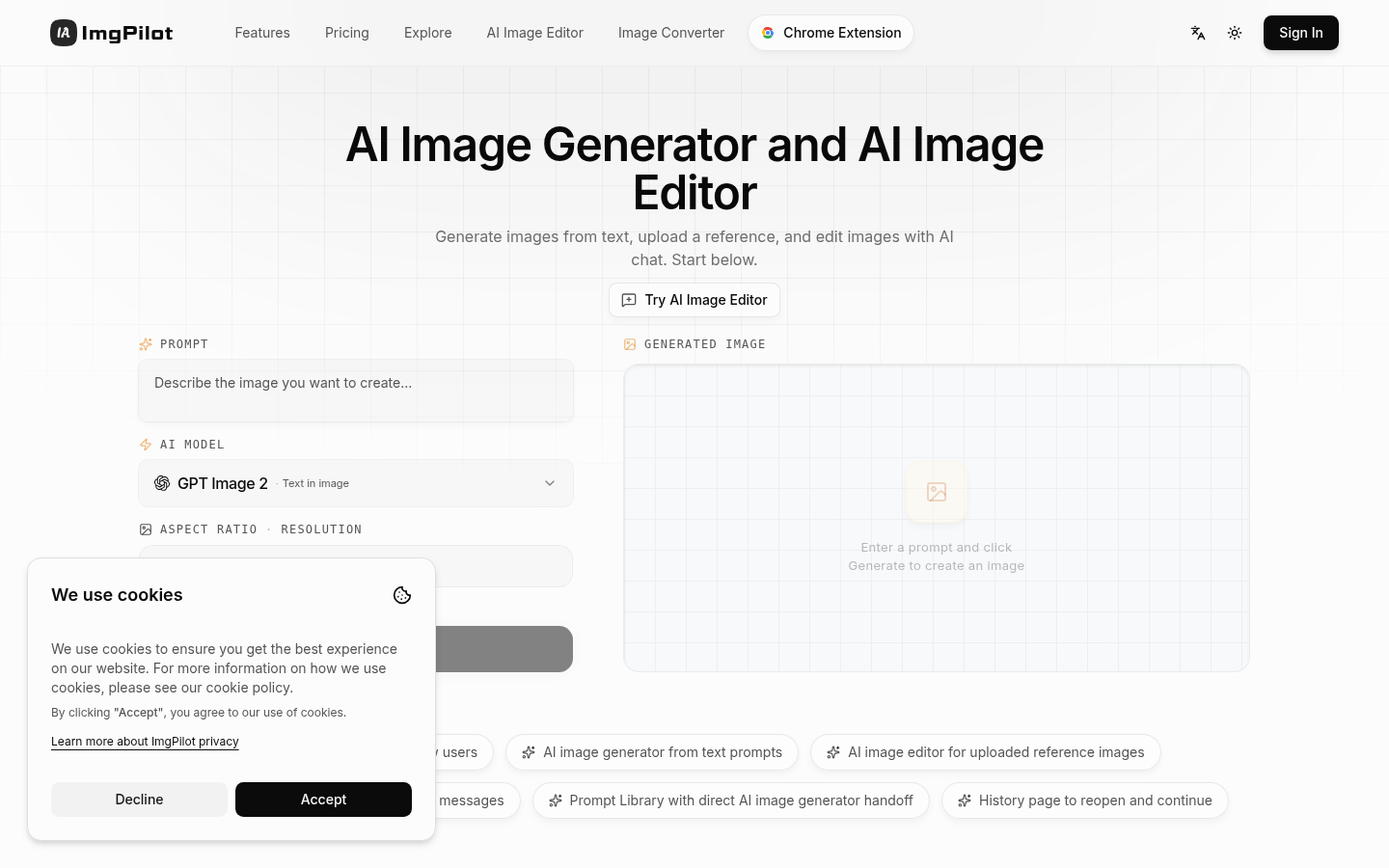
Screenshot archived from the listing page, for preview only.