
Imgkits
Free online AI image editing toolsRemove backgrounds, watermarks, and restore photos
Highlights
What you can do with it
- An individual removes watermarks and restores old photos
- A photographer replaces backgrounds on portraits
- An e-commerce seller removes unwanted objects from product shots
How to use it
- 1 Open the Imgkits website.
- 2 Select the tool you want, such as background replacement.
- 3 Upload your image and adjust the settings.
- 4 Preview the effect and confirm the changes.
- 5 Download or share the processed image.
Who it is for
Pros
- Free online tools with no install required
- Handles common edits like backgrounds and watermarks
- Batch processing for many images at once
Limitations
- Free tool, so access and limits can change
- Complex edits may still need manual touch-ups
- Result quality varies by the source image
What Imgkits is
Imgkits is an online platform of AI image and video processing tools that helps users edit, restore, and customize photos quickly. It is positioned as a free online image editing tool for both individuals and professionals, with a simple interface, support for multiple image formats, and efficient batch processing. Common jobs include removing watermarks, restoring old photos, replacing backgrounds, and removing unwanted objects from product images. The workflow is short: open the site, pick the tool, upload an image, adjust settings, preview, and download. Because it is free and browser-based, there is nothing to install, which suits quick one-off edits as well as larger batches.
What you can do with it
- Remove watermarks from photos
- Restore and clean up old pictures
- Replace backgrounds on portraits and product shots
- Remove unwanted objects from an image
Who it is for
- Individuals cleaning up personal photos
- Photographers replacing backgrounds on portraits
- E-commerce sellers tidying product images
What to watch out for
It is a free tool, so availability and any usage limits can change without notice. Complex edits may still need manual touch-ups, since automatic results are not always clean around edges. Quality varies by the source image, so upload the best version you have, and review the output before you use it in a listing or a print. Free tiers and usage limits can change, so check the current rules on the official page before relying on it long term. Processing speed depends on file size and network conditions, so retry later if a task stalls during peak hours. Processing speed depends on file size and network conditions, so retry later if a task stalls during peak hours.
FAQ
What is Imgkits?
It is an online platform of AI image and video processing tools for editing, restoring, and customizing photos.
Is it free?
It is positioned as a free online image editing tool for individuals and professionals.
What can it remove?
It can handle tasks such as watermark removal, background replacement, and removing unwanted objects from product images.
Why it is free
What the official page says: 免费
Free limits, trial length and features are decided by the official site and can change at any time.
Product preview
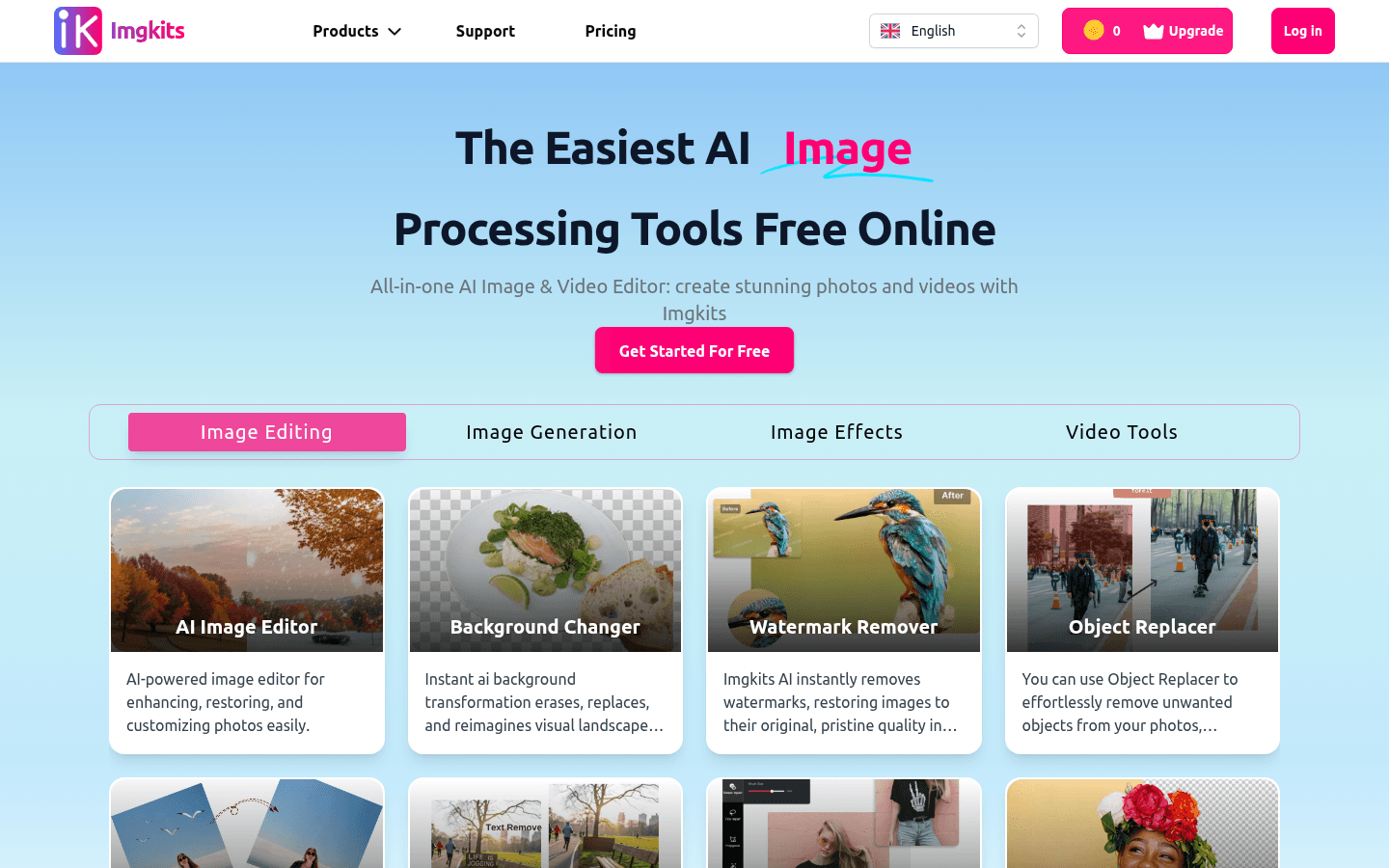
Screenshot archived from the listing page, for preview only.











