ImgArt Ai
Free AI image generator with multiple art stylesYour creativity in any style
Highlights
What you can do with it
- Generate Ghibli-style character designs for animation projects
- Create Q-style social posters to boost engagement
- Produce Pixar-style digital paintings to share in art communities
How to use it
- 1 Open the ImgArt website and register or log in if required
- 2 Select your preferred image style
- 3 Enter a description of your idea, including theme and elements
- 4 Click generate and wait for the AI to produce the image
- 5 Edit and adjust the result, then save or download it
Who it is for
Pros
- Free to create and edit
- Several distinct styles in one platform
- Simple interface that beginners can use quickly
- Editing built in, so you can refine before export
Limitations
- Free generation likely carries usage limits
- Style presets may not fit a specific vision exactly
- Output quality varies with prompt detail
- Free terms and limits can change, so confirm current details
What ImgArt is
ImgArt is an AI image generation platform that turns your ideas into images across several styles, including Ghibli, Q-style, and Pixar. You describe what you want, choose a style, and the AI produces the image, which you can then edit freely to better fit your intention. The output suits character design, social content, posters, and digital art, and the interface is designed to be simple enough for beginners to pick up quickly. Users can start creating for free, which lowers the barrier for non-professionals who want high-quality images without learning complex design software.
What you can do with it
- Generate images in styles like Ghibli, Q-style, and Pixar.
- Edit generated images to better fit your expectations.
- Create character designs, social posters, and digital art.
- Save or download results for your own projects or social sharing.
Who it is for
- Creators who want style variety without design tools.
- Social media operators making eye-catching content.
- Designers and digital art enthusiasts exploring new looks.
- Beginners who want usable images without a long learning curve.
What to watch out for
Free creation likely carries usage limits, and the exact quotas are not detailed in the listing, so confirm current terms before you plan a large batch of images. Style presets will not always fit a specific vision, and output quality depends heavily on how detailed your description is, so expect to iterate several times before you get what you imagined. Editing tools are basic compared with professional software, and for client work you may still need to finish in another editor. Free access and limits can change, and generated images should be checked for quality before you publish them.
FAQ
Is ImgArt free?
Users can start creating for free, including editing the generated images.
Which styles are available?
It supports styles such as Ghibli, Q-style, and Pixar.
What can I make with it?
Images for character design, social content, posters, and digital art creation.
Is it beginner friendly?
Yes. It has a user-friendly interface and a simple operation flow that beginners can pick up quickly.
Why it is free
What the official page says: for free
Free limits, trial length and features are decided by the official site and can change at any time.
Product preview
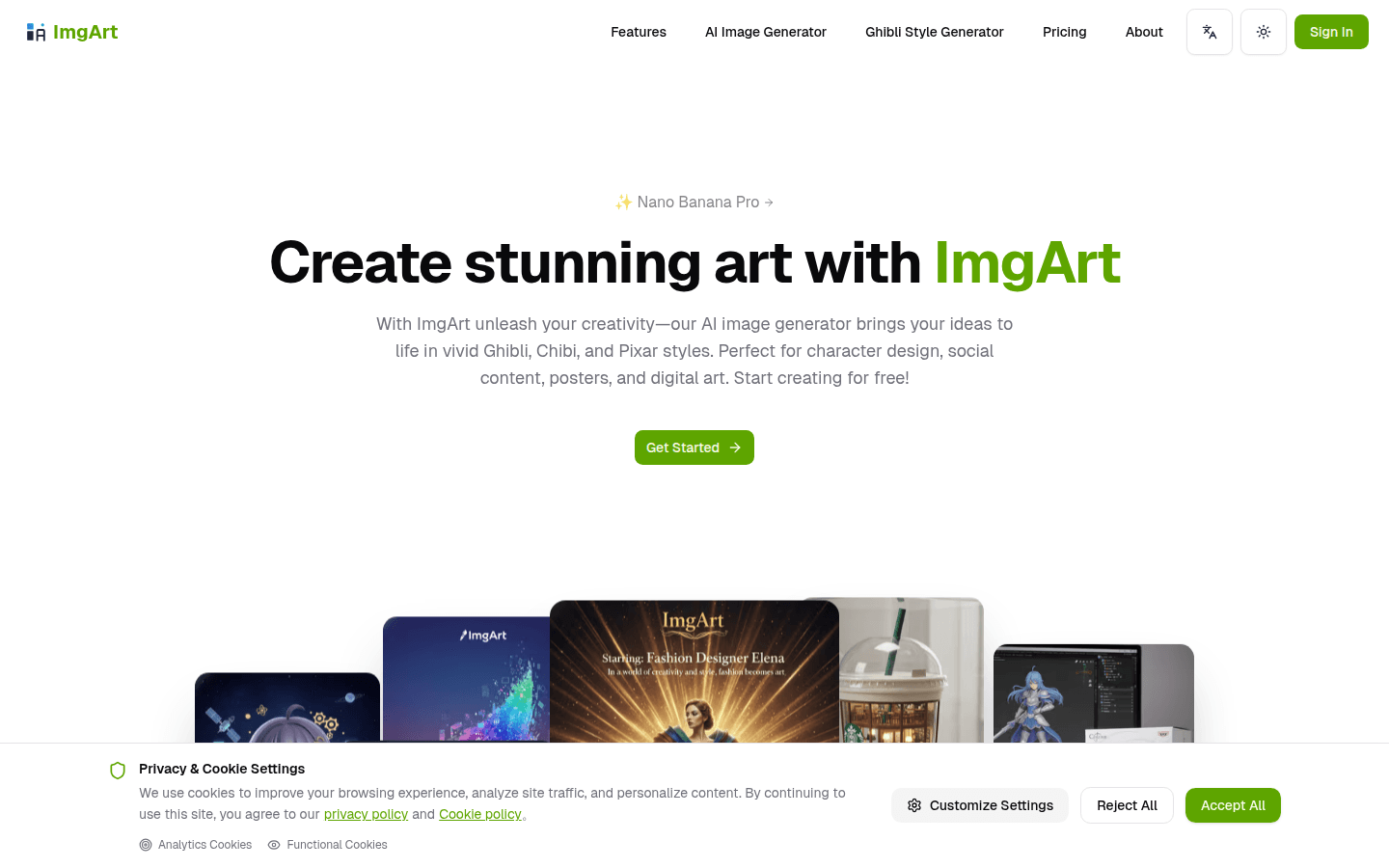
Screenshot archived from the listing page, for preview only.











