
Img2.AI
Image to video AI creatorPhotos and prompts to images and video
Highlights
What you can do with it
- Turn landscape photos into styled art for shows or sales.
- Generate game scenes and characters from text descriptions.
- Convert photos or prompts into short social videos.
How to use it
- 1 Open img2.ai and register or log in.
- 2 Pick a mode such as image to image or text to video.
- 3 Upload a photo or type a prompt, then adjust style and length.
- 4 Generate, preview, and download the result.
Who it is for
Pros
- Many creation modes sit in one platform.
- Fast generation with downloadable results.
- Free trial lowers the barrier to try it.
Limitations
- Free trial limits may change, so check current terms.
- Some modes need an account before you can generate.
- Good output takes clear prompts and good source photos.
What Img2.AI is
img2.ai is a combined image and video AI platform that puts several creation modes in one place. You can move from image to image, image to video, text to image, or text to video without switching tools or learning complex editing software. The goal is fast, high-quality output for everyday creative work. A free trial is available so you can test the modes before choosing a paid package, and the site notes that packages exist for heavier use. It is aimed at people who want strong visuals quickly rather than a full studio workflow, and it keeps the steps short: upload or type, adjust a couple of settings, generate, and download.
What you can do with it
- Restyle a single photo into new looks with image-to-image AI.
- Animate a still frame into a short video with natural motion.
- Build scenes, backgrounds, and concepts from text prompts.
- Enhance image clarity and detail with one-click AI tools.
Who it is for
- Content creators who publish short videos and social posts.
- Designers who need quick image variations to explore ideas.
- Marketers and general users who want fast visuals without a long setup.
- Photographers and game developers turning ideas into art and scenes.
What to watch out for
The free trial may change, so confirm the current limits before you plan regular work around it. Some modes ask you to register and log in first, which adds a step. Clear prompts and good source photos give stronger results, so low-quality inputs may disappoint. Video length and style options are adjustable but still bounded by the tool, so very specific shots may need several tries. Treat the trial as a way to test fit, not a promise of unlimited free generation, and keep your expectations realistic for fast, casual output.
FAQ
Does img2.ai offer a free trial?
Yes. New users can try the tools for free, and paid packages cover heavier use. Check the site for current trial limits.
Can it turn a photo into a video?
Yes. The image-to-video mode animates a still photo into a short clip with motion and camera movement.
Do I need editing skills?
No. The platform is built for quick creation, so you mainly upload or type a prompt and adjust a few settings.
Why it is free
What the official page says: 免费试用免费
Free limits, trial length and features are decided by the official site and can change at any time.
Product preview
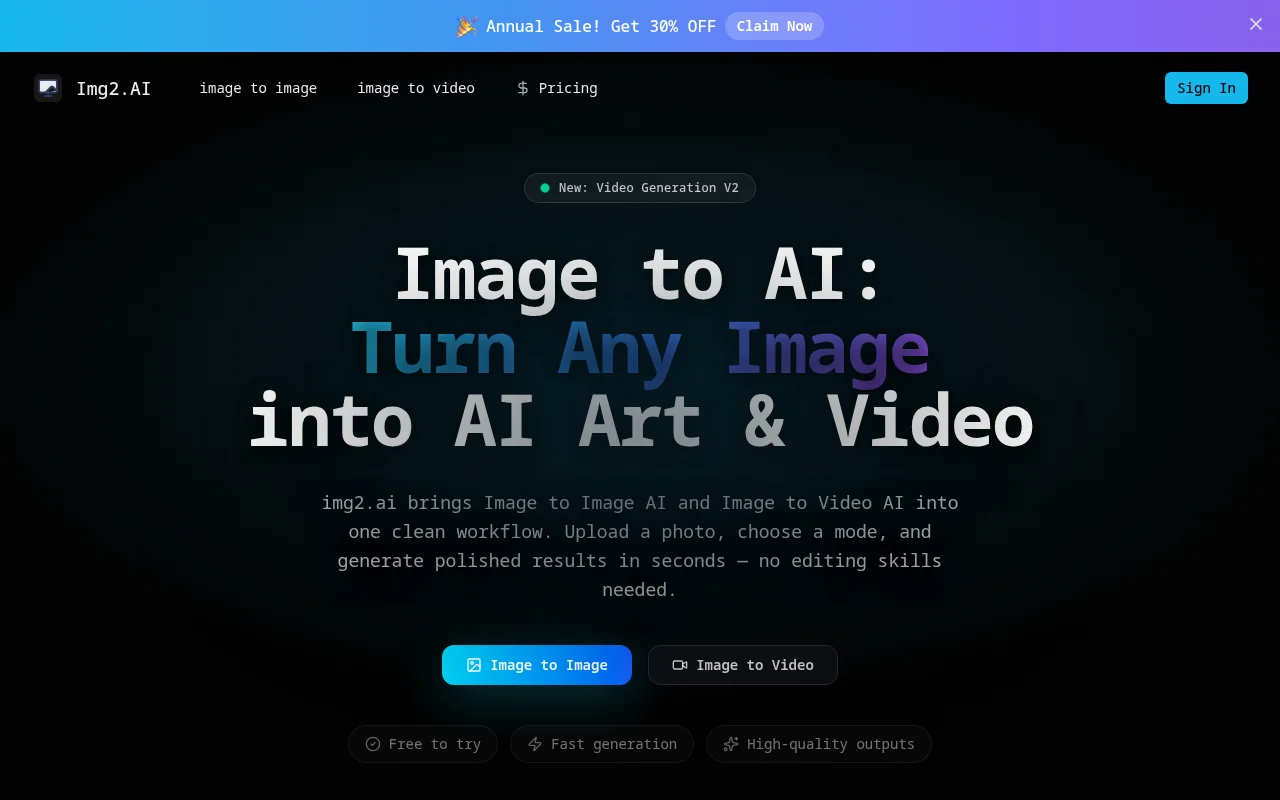
Screenshot archived from the listing page, for preview only.











