Imaginify
Nano Banana powered AI image generatorText to image and precise editing in one place
Highlights
What you can do with it
- Creators generate illustrations that match article themes
- Designers iterate brand logo concepts quickly
- Marketers produce promotional posters for campaigns
How to use it
- 1 Visit imaginify.app and register; new users get 5 free credits
- 2 Select a model such as Nano Banana, Nano Banana 2, or Nano Banana Pro
- 3 Enter a detailed text description of the image
- 4 Set aspect ratio, output count, and resolution
- 5 Generate, adjust the prompt if needed, then download or keep editing
Who it is for
Pros
- Several model tiers balance speed, cost, and quality
- Precise area editing keeps the rest of the image intact
- Free credits let you test before buying more
Limitations
- Credits drain quickly; 5 free credits cover only a few images
- 4K and Pro outputs cost the most per image
- Complex prompts may need several tries to match your vision
What Imaginify is
Imaginify is an AI image generator powered by the Nano Banana family of Gemini image models. You can type a description to create a realistic image, or upload an existing photo and edit it with precise area control. Three model tiers are available: Nano Banana, Nano Banana 2, and Nano Banana Pro, with multiple aspect ratios and output up to 4K. New users get 5 free credits to start.
What you can do with it
- Generate realistic images from detailed text prompts
- Edit colors, contrast, effects, and specific areas of existing images
- Keep character faces and style consistent across pose or scene changes
- Choose aspect ratios from 1:1 to 21:9 and export in web-friendly formats
Who it is for
- Content creators who need illustrations that match a topic
- Designers exploring logo and brand directions
- Marketers and students producing posters and presentation visuals
What to watch out for
Credits are the limit. Five free credits cover only a handful of images, and 4K or Pro outputs cost up to 5 credits each, so plan generations carefully. Character consistency works well within limits but is not perfect across very different scenes. If you need steady volume, compare credit packs before committing. Processing speed depends on file size and network conditions, so retry later if a task stalls during peak hours. Run one full task end to end first, then expand once you are comfortable with the workflow and the result quality. Save a backup of the original file before large batch jobs, and keep an exported copy of key results in case the page or service becomes temporarily unavailable.
FAQ
How many free credits do new users get?
New users receive 5 free credits after registration.
How are credits consumed?
Nano Banana uses 1 credit per image, Nano Banana 2 uses 2, 3, and 4 credits for 1K, 2K, and 4K, and Nano Banana Pro uses 3, 3, and 5 credits.
Can I edit part of an image?
Yes. Precise area control lets you modify elements like eyes, backgrounds, and logos while keeping the rest consistent.
Why it is free
What the official page says: free credits
Free limits, trial length and features are decided by the official site and can change at any time.
Product preview
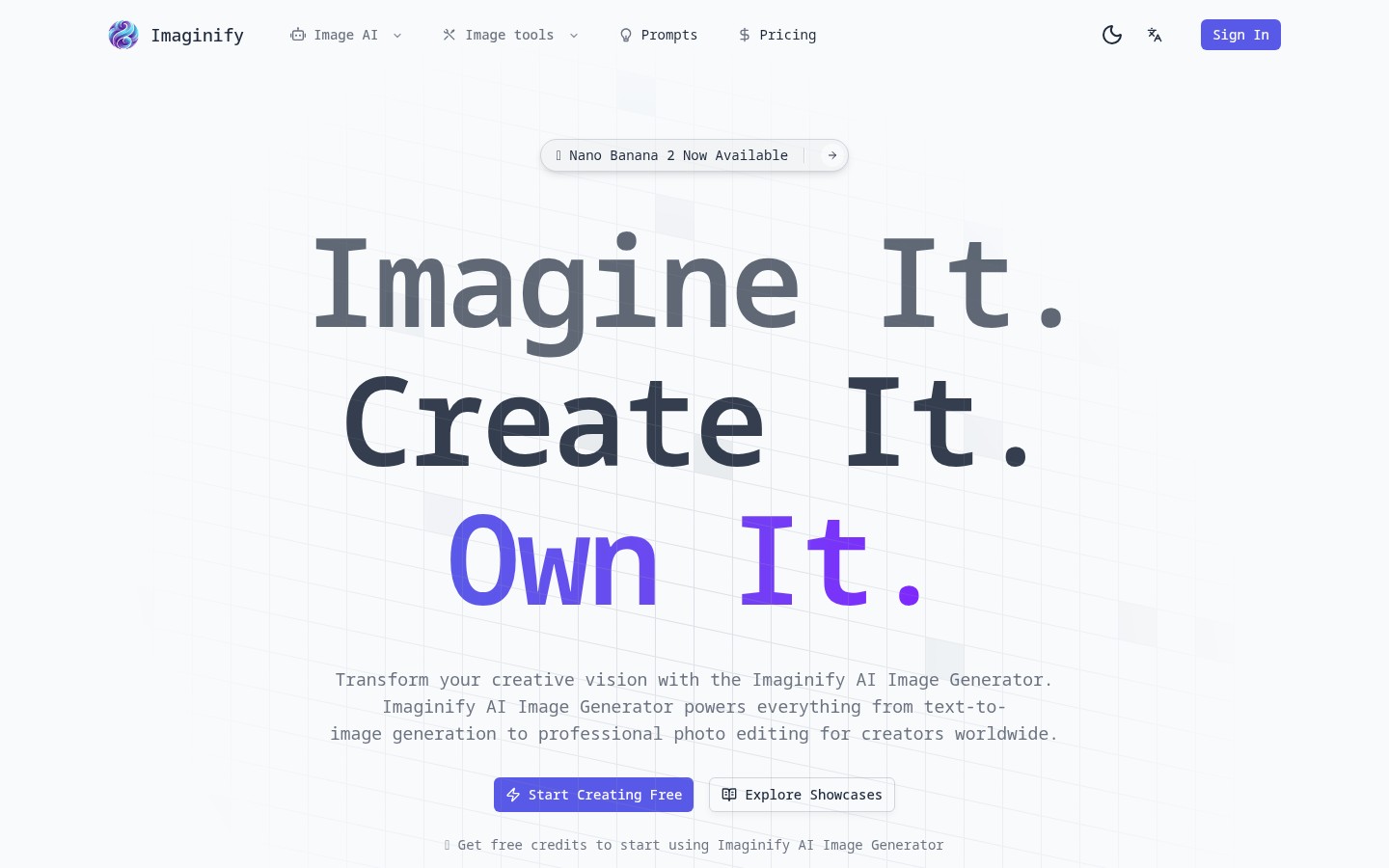
Screenshot archived from the listing page, for preview only.











