
ImagineQR AI
AI-generated artistic QR codesQR codes with your own design
Highlights
What you can do with it
- Making a personal name card QR code with a portrait
- Creating a promotional QR code for a shop
- Producing themed codes for event tickets
How to use it
- 1 Open the tool
- 2 Choose the content the code should point to
- 3 Adjust style, background, colours, text and icons
- 4 Generate the code
- 5 Test it with a phone camera before printing
Who it is for
Pros
- Design options go beyond the default black and white
- One-click generation is quick
- Free to use with no design skills required
Limitations
- Heavy styling can reduce scan reliability, so test before printing
- Free availability and limits can change
- Depends on the site staying online when you need a code
What ImagineQR AI is
ImagineQR AI is an online tool for generating customised QR codes. A standard QR code is a black square on a white background, and this tool exists to change that. You can adjust the style, place a background image behind the code, change the colours, and add text and icons around it. Generation is a single click once the settings are in place. The stated positioning is that the tool is powerful but simple, and that it is free to use, which puts it within reach of people with no design background at all. The use cases listed on the site are practical rather than artistic: a name card code with a portrait, a promotional code for a cake shop, and themed codes for art exhibition tickets.
What you can do with it
- Generate a QR code with custom styling
- Add a background image behind the code
- Adjust colours and add text or icons
- Produce codes for cards, promotions and tickets in one click
Who it is for
- Anyone who needs a QR code that does not look like every other one
- Small shops and promoters running a campaign
- Designers producing codes for print or events
What to watch out for
Decoration and scannability pull against each other. A busy background, low contrast between the code and its surroundings, or a logo placed over the wrong part of the pattern can make a code unreliable, and the failure is invisible until someone tries to scan it. Always test with a real phone camera before you print anything in quantity, and keep a plain version as a fallback. Free availability and any usage limits can change, and because generation happens on the site, an outage stops you producing a code at all, which is inconvenient when the print deadline is tomorrow.
FAQ
Is it free?
The tool is described as free to use.
What can I customise?
Style, background images, colours, text and icons are all adjustable.
Will a decorated code still scan?
Usually yes, but heavy styling can hurt reliability, so test with a phone before printing.
Why it is free
What the official page says: 免费
Free limits, trial length and features are decided by the official site and can change at any time.
Product preview
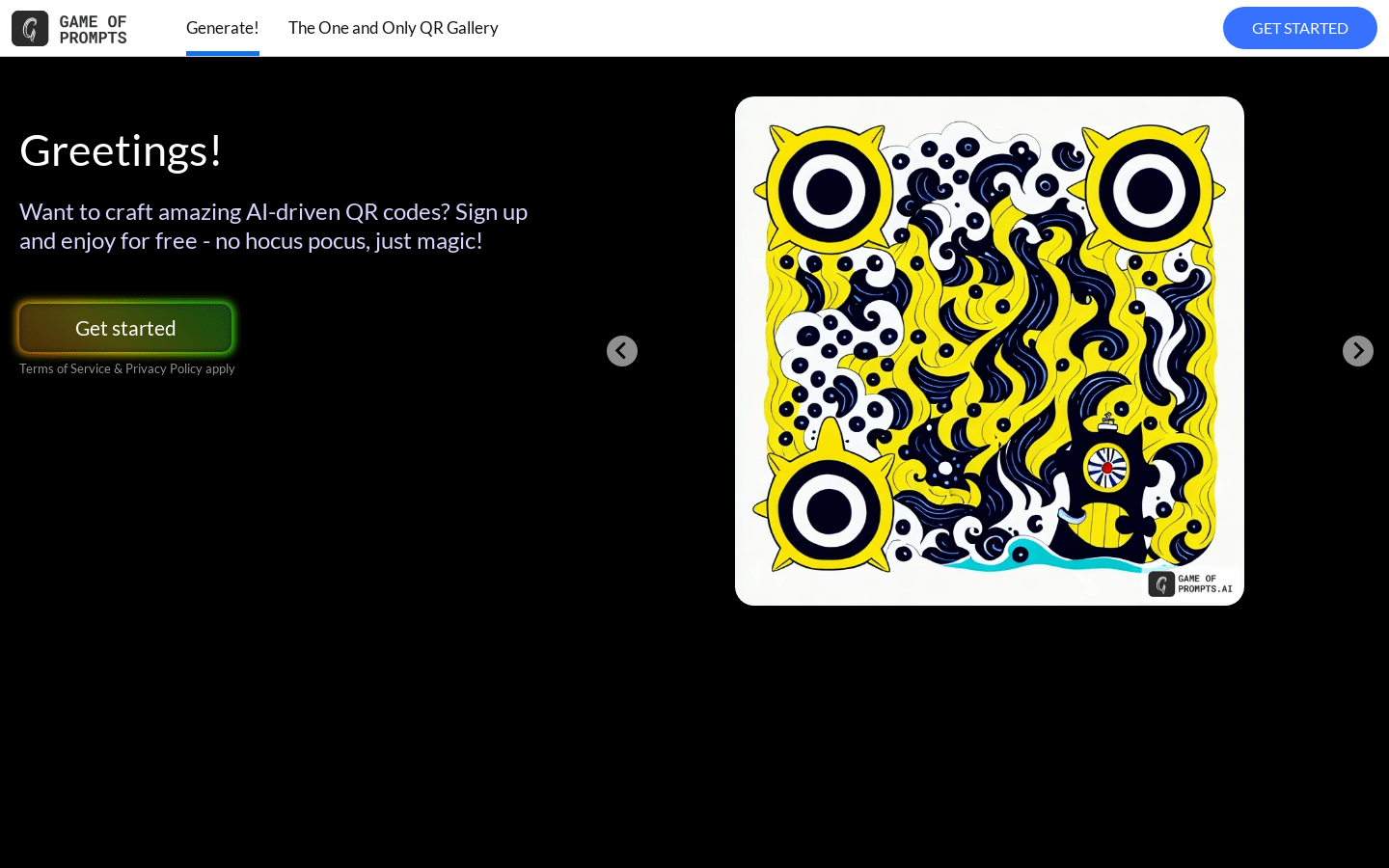
Screenshot archived from the listing page, for preview only.











