
Highlights
What you can do with it
- Prototype a product idea without writing all the plumbing yourself
- Build a personal project or experiment on the free plan
- Give a small team a base with auth, database, and storage included
How to use it
- 1 Go to Imagine and start with the free plan for personal work
- 2 Describe the product you want to build
- 3 Use the built-in authentication, database, and storage pieces
- 4 Test the product, then move to a paid plan if you need more
Who it is for
Pros
- Removes setup work with built-in auth, database, and storage
- Free plan makes personal experimentation low risk
- Aims at both individuals and enterprises with clear tiers
Limitations
- Professional use requires the $25 per month plan
- Enterprise pricing is not published and must be discussed
- Free plan is scoped to personal projects and experimentation
What Imagine is
Imagine is an AI builder whose pitch is that an idea can become a practical product without complex setup or professional programming knowledge. Rather than starting from an empty folder, you get practical building blocks already included, such as cloud authentication, databases, and storage, and the product emphasizes security and compliance for what you build. There is a free plan for personal projects and experimentation, a professional version at $25 per month, and an enterprise version that is customized. It is aimed at developers and enterprises of different kinds who want to ship faster.
What you can do with it
- Turn a product idea into something practical without wiring everything from scratch.
- Use built-in authentication, database, and storage instead of assembling services.
- Prototype and experiment on the free plan before spending money.
- Scale into paid tiers when the project outgrows personal use.
Who it is for
- People with ideas but limited programming background.
- Developers who want a faster starting point with plumbing included.
- Teams and enterprises that need a base with security and compliance in mind.
What to watch out for
The free plan is scoped to personal projects and experimentation, so anything commercial or team based points you toward the professional plan at $25 per month, and enterprise terms are not public. Because the builder handles core pieces for you, expect a learning curve around its own conventions and limits, and check what you can export or control before committing a real product to it. Review how data and compliance requirements are handled if you plan to store user information. For best results, start with a small test file and review the output carefully before working on anything important.
FAQ
Is Imagine free?
There is a free plan for personal projects and experimentation. The professional version costs $25 per month, and enterprise pricing is customized.
Do I need to code?
It is designed so that ideas can become practical products without complex setup or professional programming knowledge.
What is included?
Built-in cloud authentication, databases, and storage, with attention to security and compliance.
Why it is free
What the official page says: 免费计划免费
Free limits, trial length and features are decided by the official site and can change at any time.
Product preview
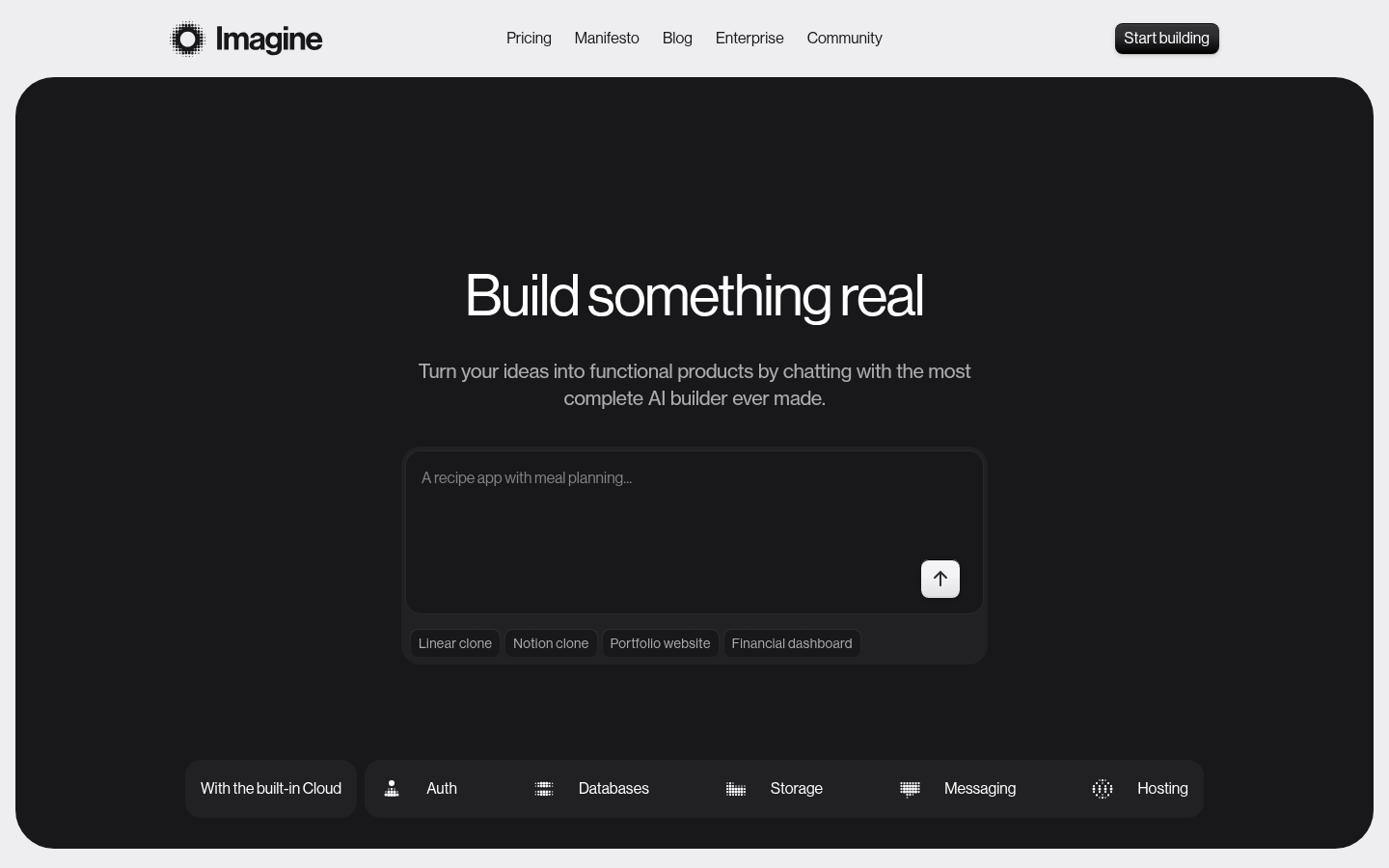
Screenshot archived from the listing page, for preview only.