
Imagika
Turn one photo into styled AI portraits and art100 styles from a single reference photo
Highlights
What you can do with it
- Turn a life photo into an artistic style image for social media
- Generate professional product display images for an online store
- Create creative visual content to grow a social following
How to use it
- 1 Visit the Imagika platform website
- 2 Select a style from the roughly 100 options
- 3 Upload your photo by dragging and dropping it
- 4 Click generate and wait for the AI image
- 5 Adjust the result, or use the try on extension if available
Who it is for
Pros
- Simple upload and style pick workflow
- Wide style selection, around 100 options
- Virtual try on adds value for supported stores
Limitations
- Pricing is not clearly stated and a free trial is only suggested
- Results depend on your reference photo quality and chosen style
- Try on extension only works on supported online stores
What Imagika is
Imagika is an AI image generation platform that turns a single reference photo into professional portraits, artistic styles, and creative visual effects. You upload an image, pick a style, and the platform generates a new look quickly, with around 100 styles to choose from. It also offers a virtual try on extension for supported online stores, and it can produce social content visuals and product display images. Pricing is not clearly stated in the listing, which suggests a free trial or paid model, so confirm current terms on the site. It is aimed at ordinary users, creators, and e commerce sellers who want polished images without design skills.
What you can do with it
- Turn one reference photo into a styled AI image
- Choose from roughly 100 different visual styles
- Create social content and product display images
- Use the virtual try on extension on supported stores
Who it is for
- Ordinary users who want styled images without design skills
- Social media creators making eye catching content
- E commerce sellers who need product display images
What to watch out for
Pricing is not clearly stated, and a free trial is only suggested rather than confirmed, so check the site before you plan around a free tier. Results depend heavily on your reference photo and the style you pick, so a low quality photo will limit the output. The virtual try on extension only works on supported online stores, so it is not a universal feature, and secure payment options are mentioned for any paid functions, which means some capabilities will cost money. Behavior may vary across browsers and devices, so test before production use and consult the help docs if errors appear.
FAQ
How does Imagika work?
You upload a reference photo, choose from about 100 styles, and the platform generates a styled AI image in a short time.
Is Imagika free?
The listing does not state pricing clearly and suggests there may be a free trial or paid model, so check the site for current terms.
What is the virtual try on feature?
It is an extension that brings a virtual try on experience to supported online stores, so shoppers can see how products look on them.
Why it is free
What the official page says: free trial
Free limits, trial length and features are decided by the official site and can change at any time.
Product preview
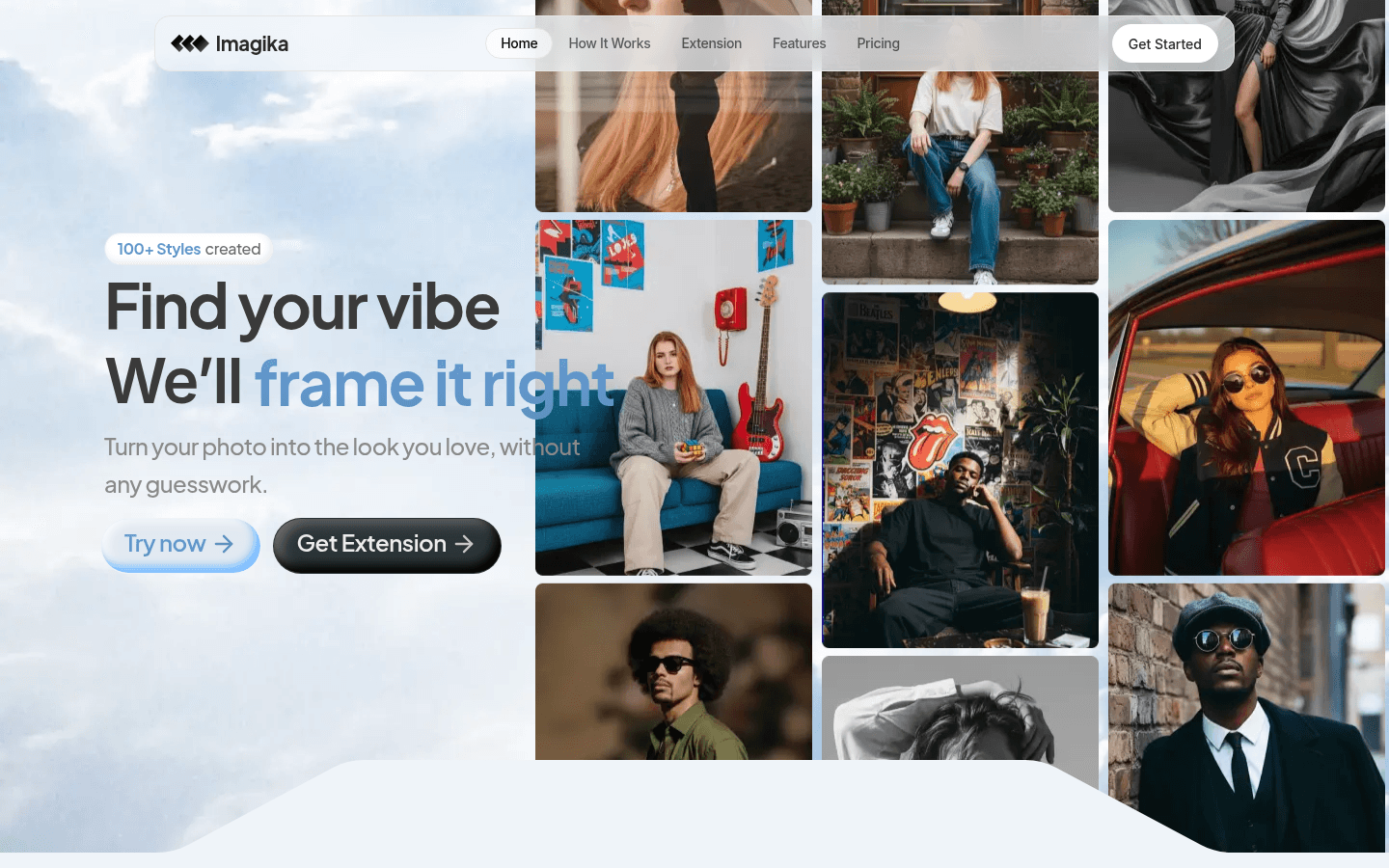
Screenshot archived from the listing page, for preview only.











