
ImageVids AI
AI image to video makerUpload, prompt, and get a video
Highlights
What you can do with it
- Product ads that add camera movement, studio lighting, and background motion
- Portrait clips with subtle head movement, natural expression, and soft lighting
- Anime scenes with blinking, hair movement, glowing backgrounds, and camera panning
How to use it
- 1 Upload a clear photo, product shot, portrait, artwork, or landscape.
- 2 Describe the camera movement, subject action, lighting, or atmosphere you want.
- 3 Choose an AI video model from the ones offered.
- 4 Generate a first result and check how the movement looks.
- 5 Adjust the prompt or settings and generate again until you are happy.
Who it is for
Pros
- Works with many image types, from product shots to anime art
- You can test different models with free trial credits
- Exports are high-definition and watermark-free
- Commercial use is permitted once you are on a paid plan
Limitations
- Free credits are limited, so real work usually needs a paid plan
- Motion prompts need trial and error before the movement looks natural
- Output quality depends on the source image and the model you pick
- Platform availability and plan terms can change over time
What ImageVids AI is
ImageVids AI is an online AI image-to-video generator. You upload a picture, describe the movement you want in a prompt, and select one of the AI video models on offer. The tool then converts a static image into a moving clip. It accepts product photos, portraits, anime artwork, landscapes, and concept images, and it can output videos in several aspect ratios so the same idea fits a vertical feed or a wide ad slot. New users receive free trial credits so they can test the generation quality and compare different models before paying anything. Paid plans provide high-definition, watermark-free exports that can be used commercially, which matters for advertising and client work.
What you can do with it
- Convert any still image into a dynamic AI video using motion prompts you write yourself.
- Add camera movement, subject action, studio lighting, and background motion to a single photo.
- Compare several AI video models in one workspace to find the motion style that suits the image.
- Export in high definition without watermarks, for creative projects or commercial campaigns.
Who it is for
- Social media creators who need short vertical video content built from still images.
- Product advertisers who want catalogue photos turned into short video ads with a commercial look.
- Anime artists who want characters, illustrations, and backgrounds to move on screen.
What to watch out for
The free trial credits run out quickly, so real projects usually need a paid plan, and plan terms can change without notice. Motion prompts often need several attempts before the movement looks natural, which costs both time and credits. The final result depends heavily on the source image and the model you choose, so a low-quality photo will not improve just because it has been animated. Watermark-free, high-definition export and commercial rights sit behind the paid tiers rather than the trial, so check what the plan includes before you commit to a workflow.
FAQ
What kinds of images can I upload?
Product photos, portraits, anime artwork, landscapes, and concept images all work, as long as the subject is clear.
Do I get free credits?
Yes, new users receive free trial credits so they can compare models and prompts before paying.
Are exports watermark-free?
High-definition exports without watermarks are part of the paid offering, and commercial use is allowed.
Can I try different AI video models?
Yes, the platform supports multiple AI video models and you can test them in one workspace.
Why it is free
What the official page says: free trial
Free limits, trial length and features are decided by the official site and can change at any time.
Product preview
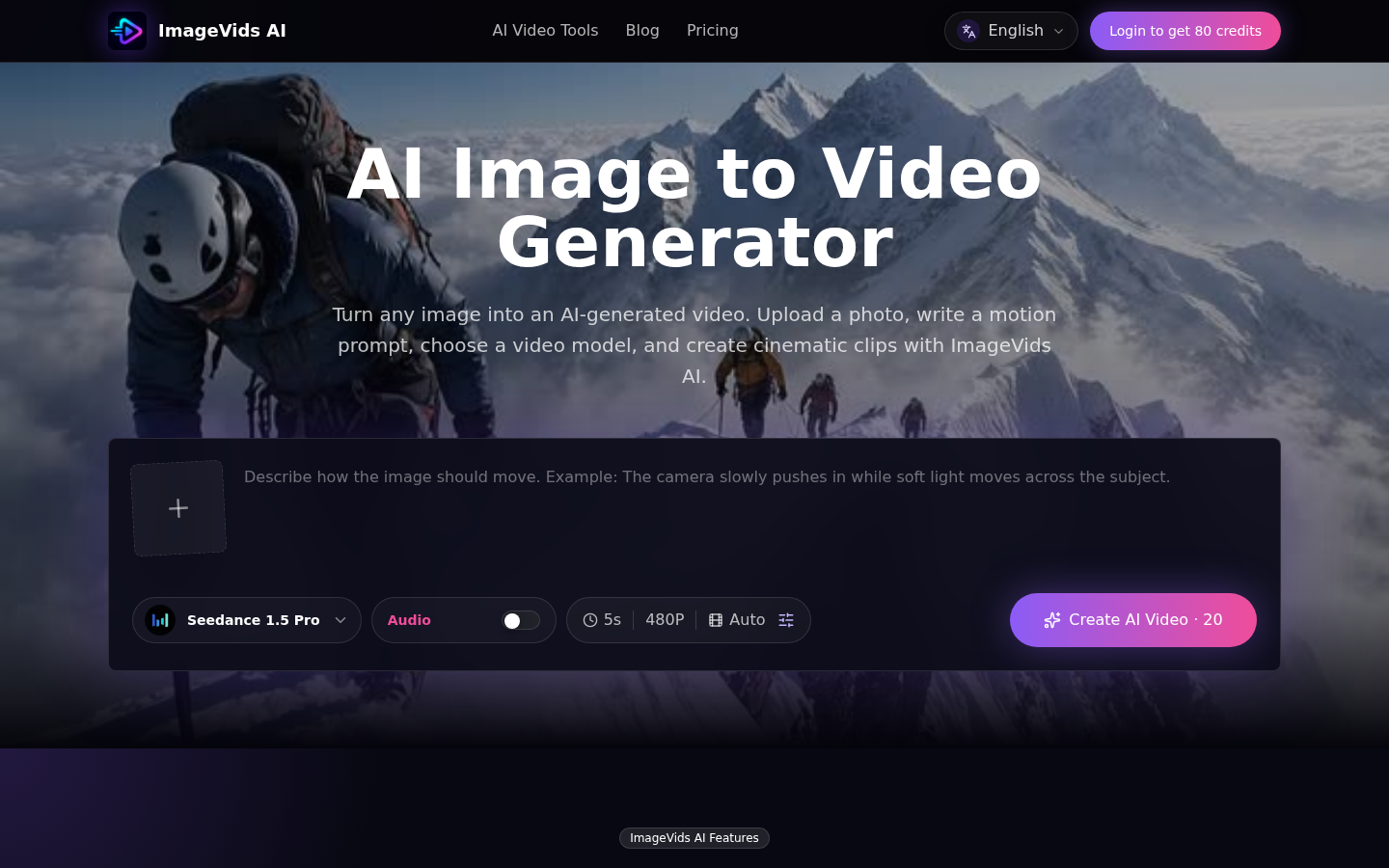
Screenshot archived from the listing page, for preview only.











