
ImageToVideoAI
Free to start image to video generator14 AI models turn photos into video
Highlights
What you can do with it
- Animate a photo into a short cinematic clip
- Try different models for different looks
- Create marketing video from product images
How to use it
- 1 Open the ImageToVideoAI site
- 2 Upload the photo you want to animate
- 3 Pick one of the 14 AI models
- 4 Generate the video and download it
Who it is for
Pros
- Free to start with no upfront cost
- 14 models give real creative choice
- Simple upload and generate workflow
Limitations
- Free to start means limits apply after the trial
- Model quality and speed vary widely
- Cinematic claims still need review per clip
What ImageToVideoAI is
ImageToVideoAI is an AI based image to video generator. Its significance, as the page frames it, is providing a convenient solution for converting images to video, and the main advantages are a free start and 14 AI models that can meet different creative needs. That model count matters because each engine handles motion, lighting, and style differently, so having options lets you match the look to the project instead of accepting one house style. The workflow is deliberately simple: upload an image, choose a model, and get a video without touching a traditional editing timeline. The product is positioned for a wide range of users, suitable for both individuals and businesses, from personal clips to marketing material. For someone with a folder of photos and no video skills, that is the whole pitch: the model handles motion, you handle the choice.
What you can do with it
- Turn a photo into a cinematic style video clip
- Choose between 14 AI models for different looks
- Create marketing video from product images
- Skip the editing timeline entirely
- Save preferred models and settings for consistent looks
Who it is for
- Individuals making personal clips and social content
- Businesses producing marketing video from stills
- Creators who want several models in one place
- Hobbyists animating vacation and family photos
What to watch out for
Free to start is not free forever; expect limits once the trial capacity runs out, and the exact paid terms are not detailed on the page, so check the site before a real project. With 14 models, quality and speed vary widely, so budget time to test a few before you commit to a look. Cinematic is a description, not a guarantee: motion can look artificial on some subjects, especially faces and fine detail, so review each clip before publishing. Save your settings for models you like so results are repeatable. With fourteen models on offer, resist the urge to try them all on one image; pick two or three that match the mood and compare those, because testing everything burns time and, on paid tiers, credits.
FAQ
Is ImageToVideoAI free?
It can be used for free to start.
How many models are available?
14 AI models for different creative needs.
What does it make?
Cinematic quality videos from photos.
Who is it for?
A wide range of users, from individuals to businesses.
Why it is free
What the official page says: 免费
Free limits, trial length and features are decided by the official site and can change at any time.
Product preview
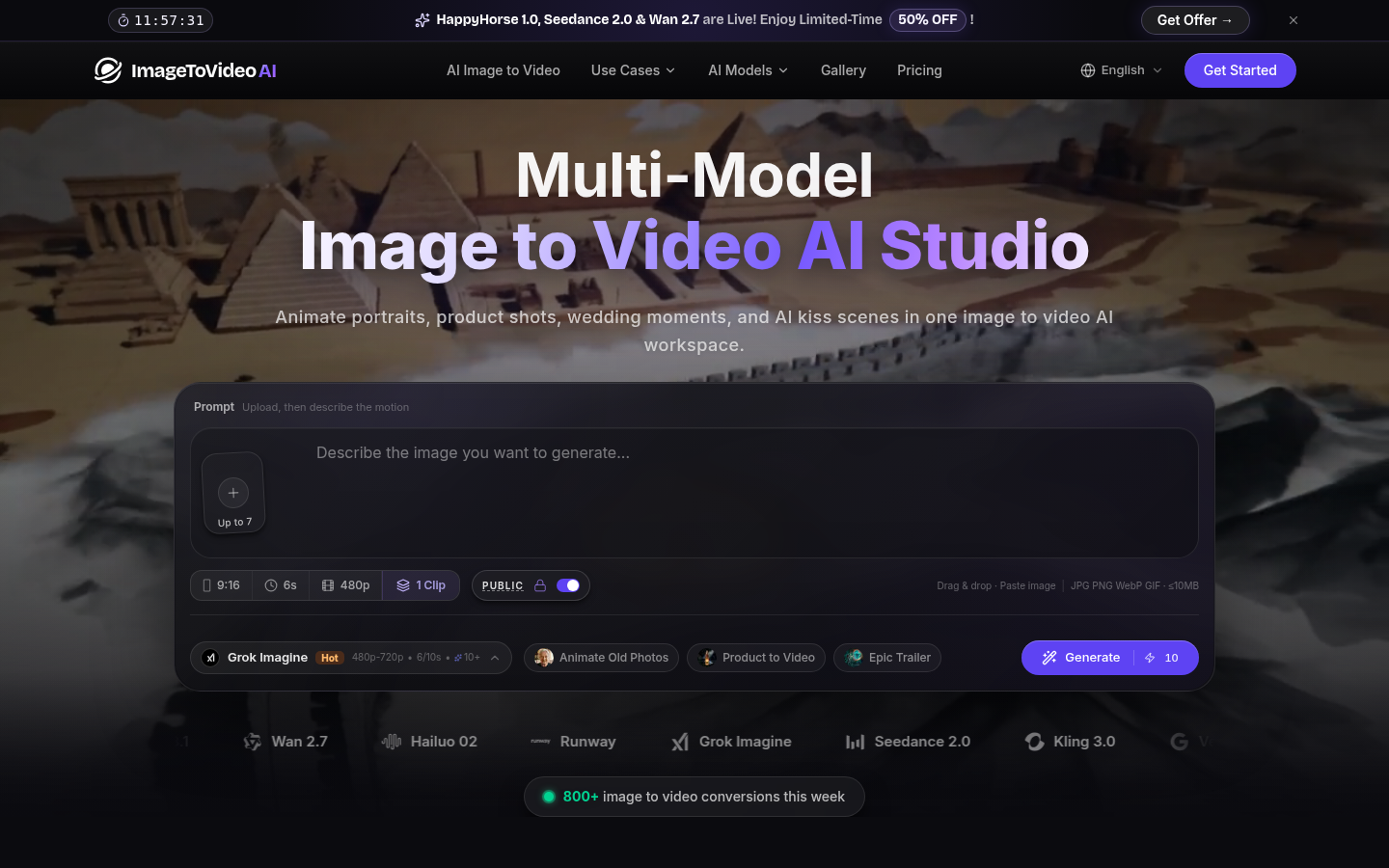
Screenshot archived from the listing page, for preview only.