
ImagetoSketch
Photo to sketch converterPhotos into sketches in seconds
Highlights
What you can do with it
- Turn a portrait into a pencil sketch gift
- Convert a product photo into a line drawing for promo material
- Make a cartoon sketch of a pet for cards and decor
How to use it
- 1 Upload a JPG or other supported image by drag, click, or paste
- 2 Pick a style preset such as pencil or cartoon sketch
- 3 Optionally adjust line strength, contrast, or shadow intensity
- 4 Click Generate Sketch and wait for processing
- 5 Preview and download the high-resolution JPG
Who it is for
Pros
- Free to use with no registration
- Many style presets to choose from
- High-resolution output and automatic image deletion
Limitations
- Output format is JPG, not layered or vector files
- No account means no saved history between visits
- Results vary with the source photo's clarity
What ImagetoSketch is
ImagetoSketch is an online image conversion tool that turns uploaded photos into pencil sketches, clean line drawings, or ink-style artwork. It offers a wide set of style presets, including abstract line art, anime line art, blueprint sketches, and cartoon sketches, so the same photo can produce very different results depending on the preset you choose. In most cases you can customize the effect by adjusting line strength, contrast, or shadow intensity to match the look you want. It handles portraits, pet photos, product images, and creative project photos, and it generates high-resolution output suitable for web display or printing. The page says the tool is free, uploaded images are deleted automatically within 15 minutes, and no registration or login is required.
What you can do with it
- Convert photos into pencil sketches, line drawings, or ink styles
- Choose from presets such as anime, blueprint, and cartoon sketches
- Adjust line strength, contrast, and shadow intensity
- Handle portraits, pets, products, and creative images
- Output high-resolution JPG files for web or print
- Use the tool without registering an account
Who it is for
- Creative workers who need photos in artistic styles
- Businesses using stylized images in promotion and branding
- Individuals making personalized art from their own photos
It suits anyone who wants a hand-drawn look without drawing skills.
What to watch out for
The tool is free today, but free terms can change, and because there is no account system, you have no saved history, so download results immediately or lose them. Output is a JPG image rather than a layered or vector file, which limits how much you can edit afterward in design software. Conversion quality depends on the source photo: clear, well-lit images with good contrast produce cleaner sketches than dark or busy ones. Because the site processes uploaded photos, only use images you have the right to use, and deletion within 15 minutes means you should not treat the service as storage.
FAQ
Is ImagetoSketch free?
Yes. The page says the tool is free to use.
Do I need to register?
No. Registration and login are not required, and uploaded images are deleted within 15 minutes.
What styles can it produce?
Pencil sketches, line drawings, ink styles, abstract and anime line art, blueprint sketches, and cartoon sketches.
Why it is free
What the official page says: 免费
Free limits, trial length and features are decided by the official site and can change at any time.
Product preview
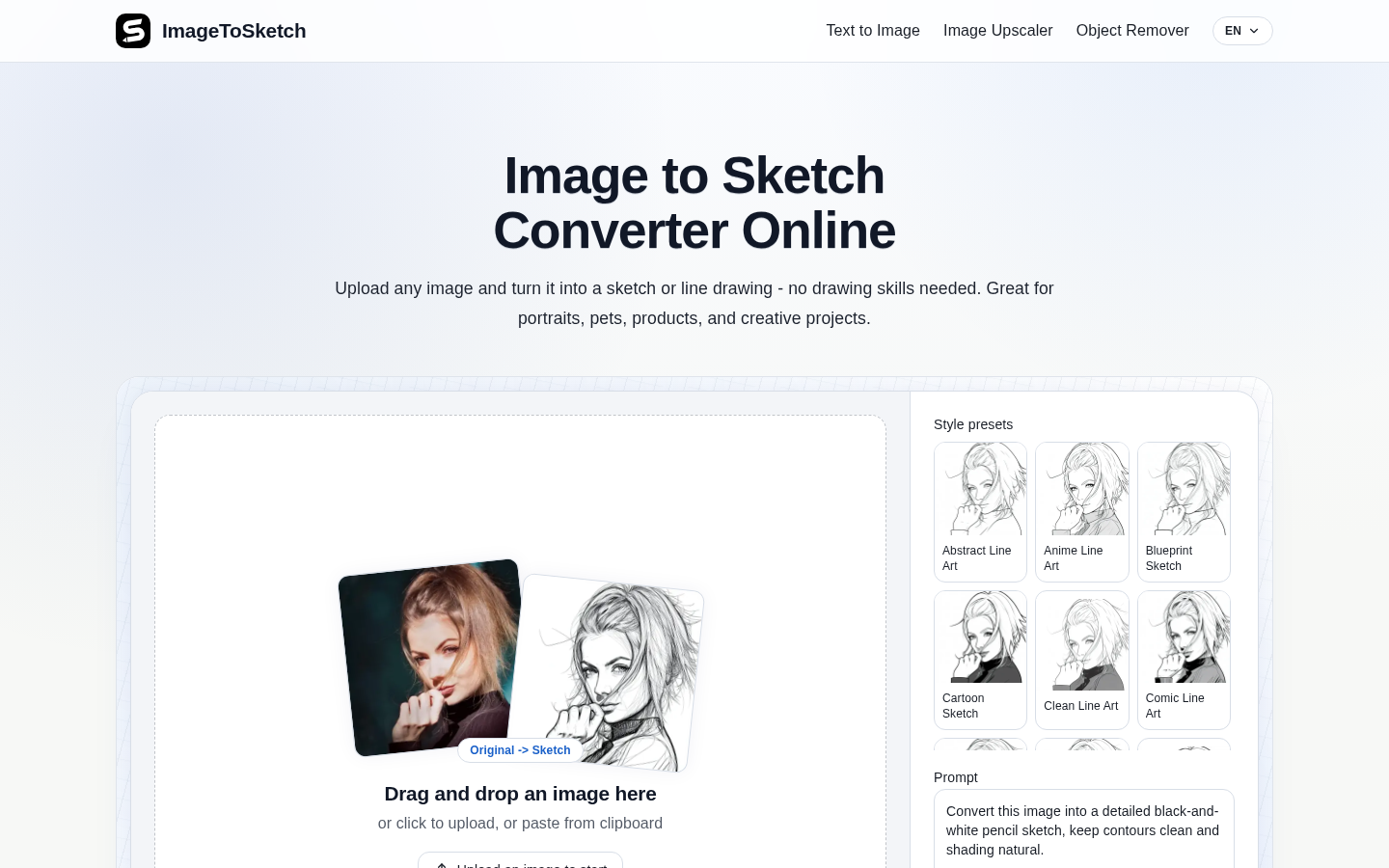
Screenshot archived from the listing page, for preview only.











