
ImagesArt AI Image Editor
Free AI photo editorEdit photos by describing what you want
Highlights
What you can do with it
- E-commerce sellers change a bag's color to red while keeping texture and lighting.
- Creators replace clothing in a portrait to preview a new style and color.
- Brands add custom text and a logo on a product photo for preview.
How to use it
- 1 Open the ImagesArt editor page and register a free account to get credits.
- 2 Upload a JPEG, PNG, or WebP photo by drag and drop or from your device.
- 3 Describe the change you want in natural language, such as changing the background.
- 4 Pick the output resolution and click Create, then wait a few seconds.
- 5 Preview the result, adjust the prompt if needed, and download the final image.
Who it is for
Pros
- Natural language editing removes the need for software expertise.
- The free account includes 12 credits to try every core feature.
- It handles compound instructions and blends lighting and details automatically.
Limitations
- Free credit amounts and paid plan rules may change over time.
- Editing photos of people raises consent and platform-policy questions, and the user bears responsibility for misuse.
- Complex edits can still need prompt retries, so results are not always immediate.
What ImagesArt AI Image Editor is
ImagesArt AI Image Editor is a free online AI photo editing tool built on machine learning models. It reads both your uploaded photo and the change you describe in natural language, then works out which pixels to adjust. You can swap backgrounds, remove or add objects, convert art styles, fix colors and lighting, try virtual clothing, and retouch faces. Unlike traditional software, you do not need a technical background. Registering a free account gives 12 free credits so you can test the core features before deciding whether a paid plan is worth it.
What you can do with it
- Replace or remove a background and cut out the subject automatically.
- Remove unwanted people, clutter, or watermarks, and add objects that were not there.
- Convert a photo into styles like Pixar, anime, cartoon, oil painting, or cinematic.
- Adjust the color of a specific object, or try virtual clothing and light retouching.
Who it is for
- E-commerce sellers who need clean, consistent product images at volume.
- Photographers and designers who want to skip tedious cutout and cleanup work.
- Social media creators and general users without professional software skills.
- Teachers and students who want to demonstrate image processing ideas quickly.
What to watch out for
The free credits run out, and both the free allowance and paid plan terms can change over time, so treat the free tier as a trial rather than a permanent promise. Editing photos that show real people raises consent and platform-policy questions; only upload images you have the right to edit, and remember that misuse and any rule violations are the user's responsibility. Results depend on how clearly you describe the change, so expect to retry prompts for complex edits, and check the output before you publish.
FAQ
Is there a free option?
Yes. Registering a free account gives 12 credits to try the core features.
What can I edit with text?
You can change backgrounds, remove or add objects, convert styles, adjust colors and lighting, and try virtual clothing.
Do I need design skills?
No. You describe the change in natural language and the AI produces a professional result.
Why it is free
What the official page says: free creditsfree account
Free limits, trial length and features are decided by the official site and can change at any time.
Product preview
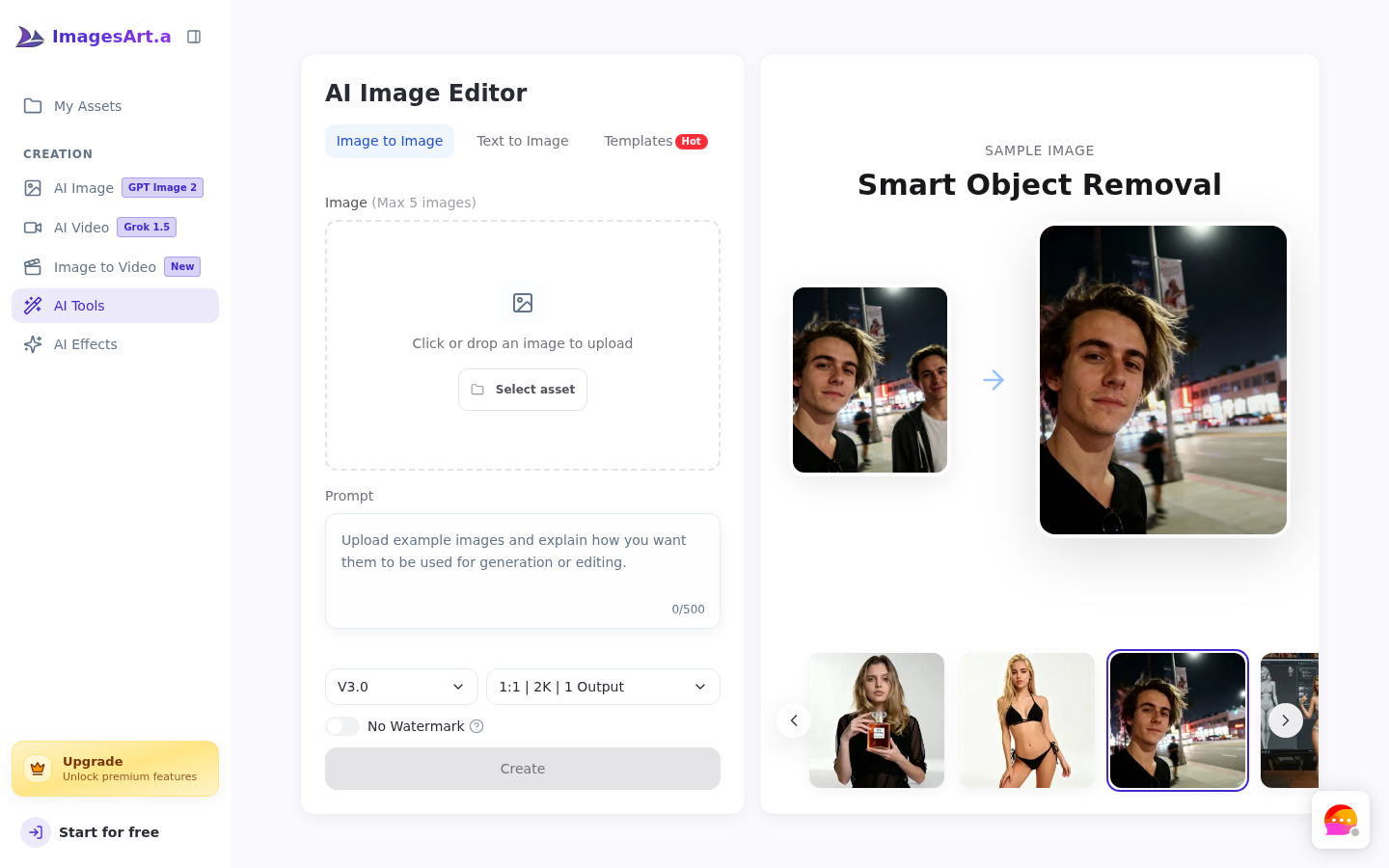
Screenshot archived from the listing page, for preview only.











