
ImageInverter
Free online tool that inverts image colors in your browser, privately.Invert image colors online, no upload to a server.
Highlights
What you can do with it
- A designer inverts a poster image for a striking visual effect
- A developer checks text and image readability under inverted colors
- An everyday user inverts a photo for a novel look
How to use it
- 1 Select an image from your device, paste from clipboard, or enter a URL
- 2 Click the invert button to run the color inversion
- 3 Preview at any zoom, then copy it or download as PNG, JPG, BMP, or WebP
Who it is for
Pros
- Free with no install, signup, or server upload
- Processing stays local, which helps privacy
- Multiple export formats and transparency are preserved
Limitations
- It does one main job, color inversion, and little else
- Output formats depend on what your browser supports
- As a free tool, availability and features can change
What ImageInverter is
ImageInverter is a free online tool whose core job is to invert image colors. Rather than installing desktop software, you open the site, load an image, and press a button. The inversion runs as an accurate per-channel RGB calculation in your local browser, so your original image is not sent to a remote server, which helps privacy. You can import a picture from your device, paste it from the clipboard, or load it by URL, and you can export the result as PNG, JPG, BMP, or WebP when your browser supports those formats. Transparency is preserved, and you can preview at any zoom or copy the result to your clipboard.
What you can do with it
- Invert colors with an accurate per-channel RGB calculation
- Import images from device, clipboard, or URL
- Export as PNG, JPG, BMP, or WebP while keeping transparency
- Preview at any zoom and copy the result to the clipboard
Who it is for
- Artistic creators who want a fast inverted look
- Accessibility testers checking readability under inverted colors
- Everyday users who need a simple, private inversion
What to watch out for
This tool does one thing well, color inversion, and does not offer broader editing. Available export formats depend on what your browser supports, so some options may be missing. As a free browser tool, it can change or go offline, so do not rely on it for a critical workflow without a backup. Features and interface details may change between versions, so review the latest notes on the page before you start. For team use, agree on naming and editing conventions in advance to avoid version conflicts or duplicated work.
FAQ
Is ImageInverter free?
Yes, it is free and runs in your browser with no install or signup.
Are my images uploaded anywhere?
No, the inversion is processed locally in your browser.
What formats can I save?
You can export as PNG, JPG, BMP, or WebP when your browser supports them.
Why it is free
What the official page says: for free
Free limits, trial length and features are decided by the official site and can change at any time.
Product preview
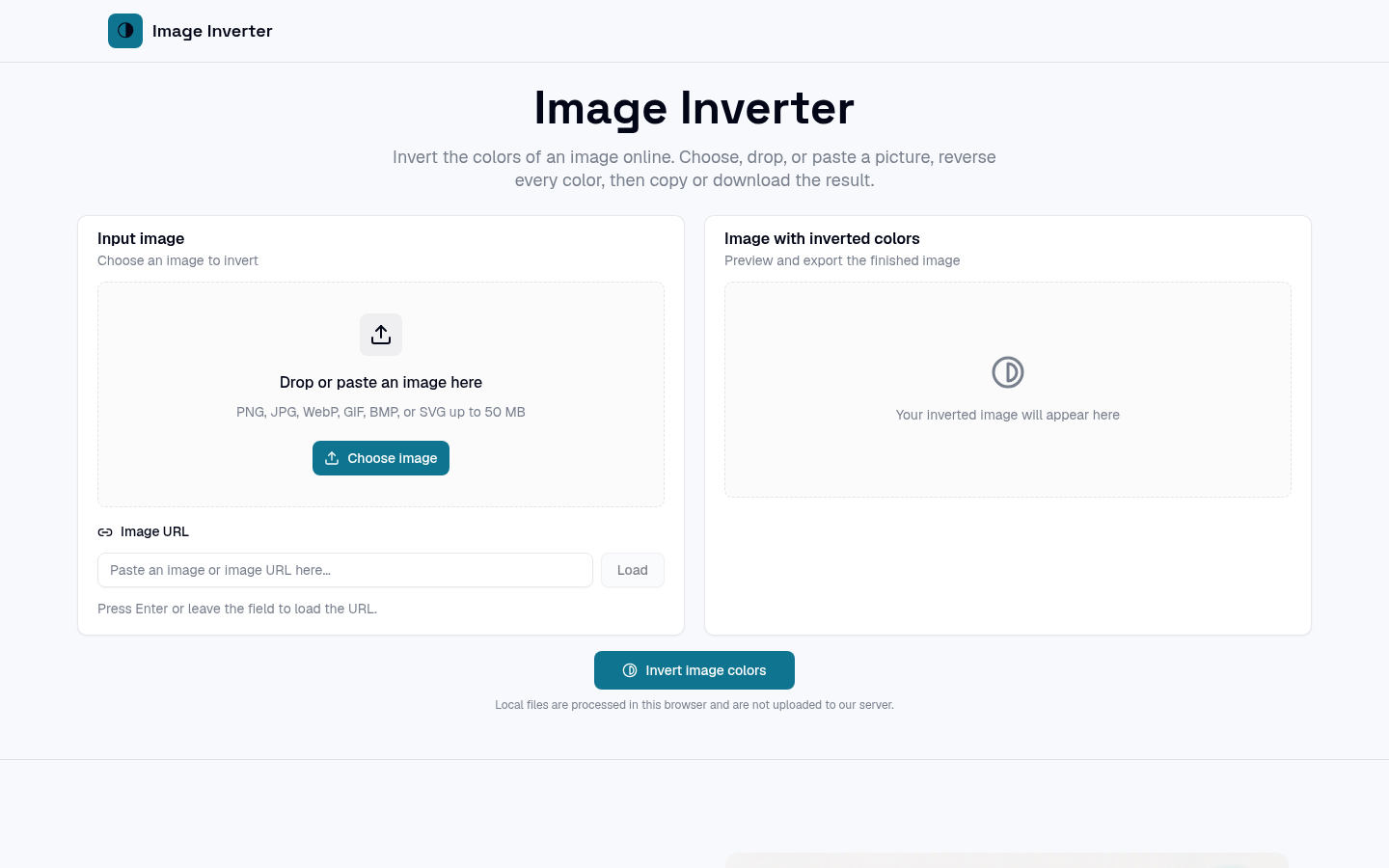
Screenshot archived from the listing page, for preview only.











