
ImageFX
Free AI photo editor and image generatorCreate images in one click, no login
Highlights
What you can do with it
- Generate images in one click from a prompt
- Edit photos with professional grade controls
- Create visuals for personal or commercial projects
How to use it
- 1 Open the Image FX site without logging in
- 2 Choose the model and style you want
- 3 Enter a prompt or upload a photo to edit
- 4 Adjust composition and technical parameters
- 5 Generate and download the high resolution result
Who it is for
Pros
- No login required to start
- Several models behind one interface
- Free basic version plus paid upgrades
Limitations
- Free basic version has limits versus paid packages
- Paid packages and upgrade prices can change
- One time purchase terms need checking for commercial use
What ImageFX is
Image FX is a one stop AI creation platform that integrates the latest AI models into an intuitive interface. It combines deep learning with professional grade image processing, which means you get precise control over artistic style, composition, and technical parameters rather than a single take it or leave it output. The focus is high resolution output and strong image quality, so results are meant to be usable rather than throwaway drafts. The listed advantages include fast generation, support for multiple AI models, professional grade features, high quality output, free access, and no login required. The product says it suits personal and commercial use, and pricing includes a free basic version plus one time purchase packages and the option to upgrade to a professional version. For a creator who bounces between models looking for the right look, having several behind one interface removes the account sprawl.
What you can do with it
- Generate images from prompts in one click
- Edit photos with professional grade controls
- Steer style, composition, and technical parameters
- Produce images and video from one platform
- Test several models without separate accounts
Who it is for
- Creators of any skill level who want professional output
- Users who need image and video creation together
- Anyone who wants free access without creating an account
- Hobbyists editing photos without software
What to watch out for
The free basic version is the entry point; advanced capability sits behind one time purchase packages and the professional upgrade, and those prices can change, so check the current page before budgeting. No login is convenient, but it also means your history and settings may not persist, so save prompts and results locally. High resolution output produces large files, so confirm your storage and export workflow. Because there is no login, nothing is tied to an account, which is freeing but also means there is no library of past work waiting for you when you return. Even with strong controls, review outputs before commercial release, especially where brand accuracy matters.
FAQ
Do I need to log in?
No, the site lists no login required.
Is it free?
There is a free basic version, plus one time purchase packages and a professional upgrade.
Can I use results commercially?
The page says the product is suitable for personal and commercial use.
What can it create?
Professional grade images and videos from creators of all skill levels.
Why it is free
What the official page says: 免费
Free limits, trial length and features are decided by the official site and can change at any time.
Product preview
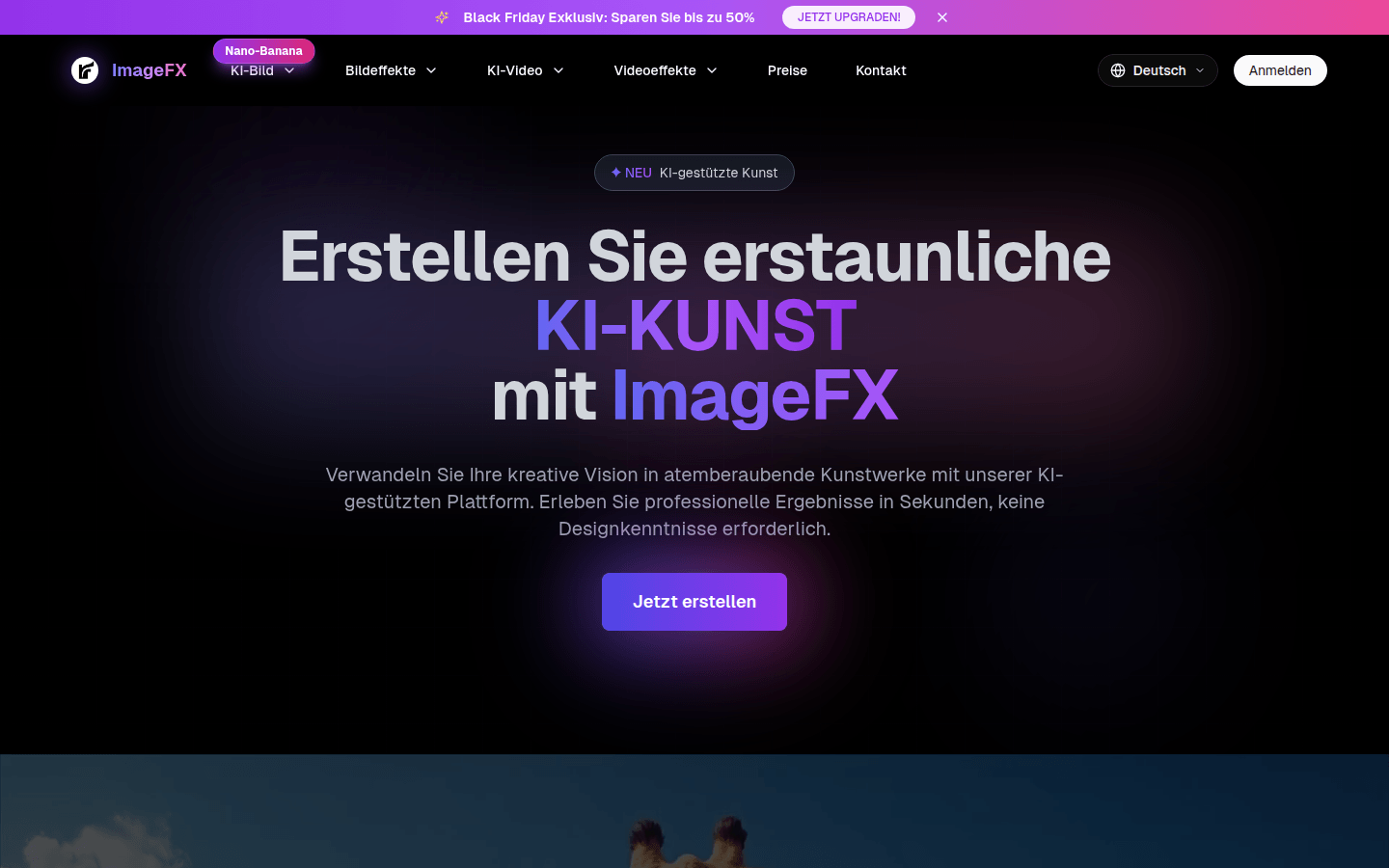
Screenshot archived from the listing page, for preview only.