
ImageCombiner AI
Online AI photo synthesis and fusion toolBlend up to nine photos into one image
Highlights
What you can do with it
- Blend couple or family photos into one portrait
- Place a product into a real-life scene for marketing
- Mix visual references for a design concept
How to use it
- 1 Add one to nine pictures.
- 2 Pick a mode such as collage or try-on, or type a prompt.
- 3 Click combine and preview the result.
- 4 Unlock the watermark-free image and download it.
Who it is for
Pros
- No manual masking or layer work
- Style transfer plus prompt control
- Handles up to nine inputs at once
- Free trial before paying
Limitations
- Only blend faces you have permission to use; mixing images of real people without consent raises serious ethical and legal issues, and any consequences are yours
- Watermark-free downloads sit behind a paid plan
- Blended faces and lighting can look uncanny; check before publishing
- Free trial limits are not detailed
What ImageCombiner AI is
ImageCombiner AI is an online photo synthesis tool. You upload up to nine photos, and the AI analyzes their semantic content and blends them into one image while trying to keep lighting and texture consistent, which is the part that usually gives away a manual composite. Beyond straight fusion it offers style transfer from a reference photo, prompt-driven generation for looks that do not exist in any of the originals, facial mixing for creative work, and commercial synthesis for e-commerce material such as product scenes. A free trial is offered, and monthly paid plans are listed at $12.99 and $19.99.
What you can do with it
- Fuse up to nine photos into a single image.
- Transfer the style of a reference photo onto the result.
- Use a text prompt to push the look beyond the source material.
- Generate product scenes and marketing visuals.
Who it is for
- Individuals making creative blends of personal photos.
- E-commerce sellers who need product scenes without a shoot.
- Designers exploring composite concepts quickly.
What to watch out for
Facial mixing is the feature that needs the most care. Only blend faces you have permission to use, because combining images of real people without their consent raises serious ethical and legal problems, and any consequences fall on you. Watermark-free downloads sit behind a paid plan, so the free trial output is not production-ready. Blended faces and lighting can also look uncanny, and viewers notice, so check results before publishing anything. Free trial limits are not detailed, and the address redirects, so confirm current terms before you subscribe. Name and archive exported files consistently so you can find and reuse them, and keep a backup copy of key data.
FAQ
How many photos can I combine?
Up to nine photos can be uploaded and fused in one pass.
Can it change the style?
Yes. You can upload a reference photo for style transfer, or use a custom prompt.
What does it cost?
A free trial is offered, with monthly plans listed at $12.99 and $19.99.
Why it is free
What the official page says: free trial
Free limits, trial length and features are decided by the official site and can change at any time.
Product preview
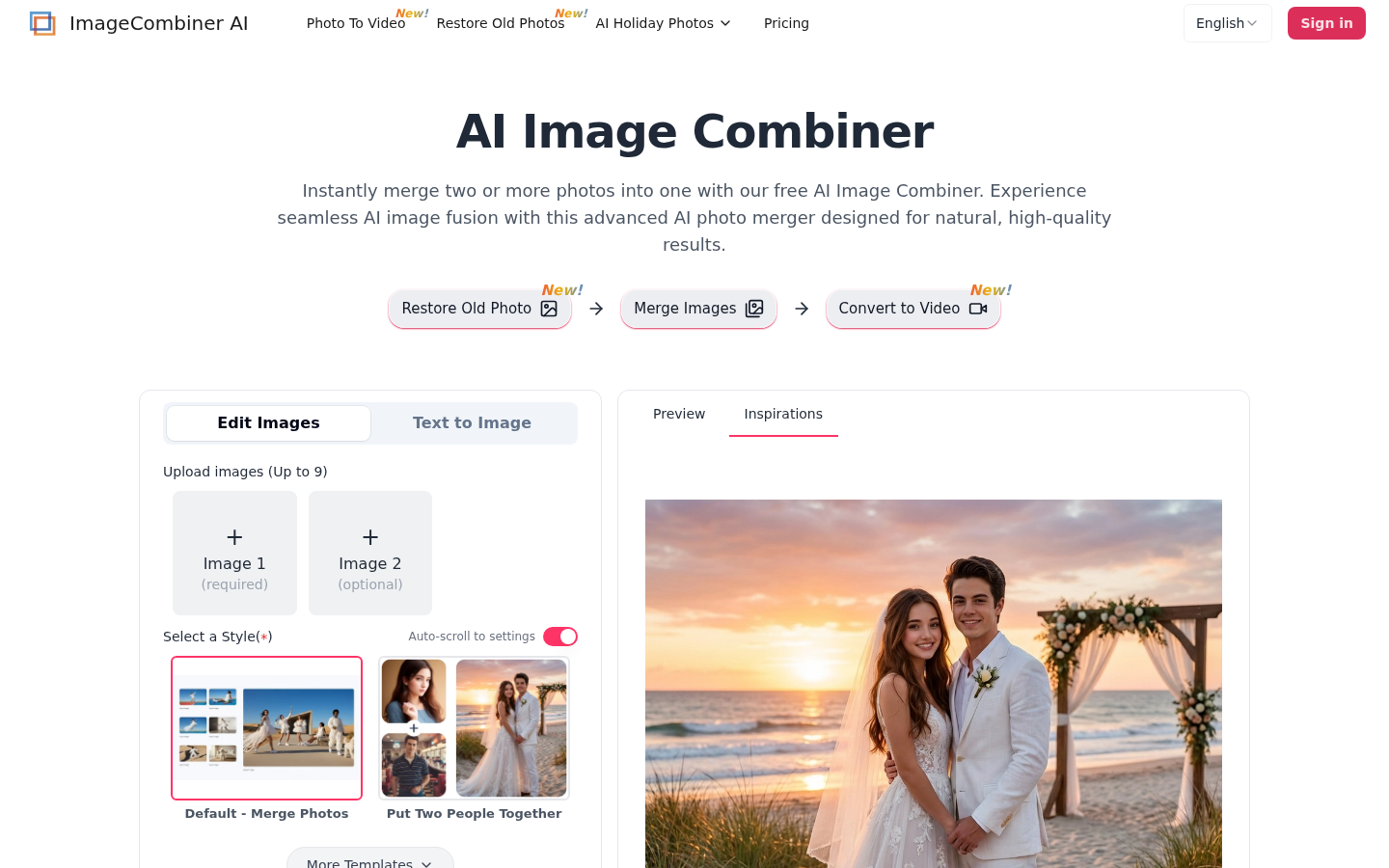
Screenshot archived from the listing page, for preview only.











