
Image3D
Image or text to 3D model in the browserGenerate a 3D mesh without modeling software
Highlights
What you can do with it
- Turning a robot image into a game character model
- Generating a castle model from a text description
- Converting a weapon image into a printable 3D model
How to use it
- 1 Open Image3D and start the free trial
- 2 Upload a reference image or enter a text prompt
- 3 Select the quality level you want
- 4 Preview the model in the browser by rotating it
- 5 Export as GLB, OBJ, STL, PLY or another supported format
Who it is for
Pros
- No modeling software or local install required
- Many export formats cover games, print and AR
- PBR textures make output usable in real pipelines
- Annual billing saves 40% for regular users
Limitations
- The free trial is limited and credits are consumed per generation
- Generated meshes often need cleanup before production use
- Commercial use requires the professional or enterprise plan
- Complex shapes and fine detail are the usual weak points
What Image3D is
Image3D is a browser-based 3D generation platform. You give it a reference image or a short text description, pick a quality level, and it produces a 3D mesh you can rotate and inspect without installing modeling software. Quality levels let you trade detail against generation cost, which matters when you are producing many assets. Exports cover GLB, OBJ, STL, PLY, USDZ and FBX, so output can go into a game engine, a 3D printer or an augmented reality pipeline. PBR textures including diffuse, normal and roughness maps are included so the model reacts believably to light. Commercial licences come with the professional and enterprise plans. A free trial is offered, with monthly and annual plans where annual billing saves 40%, and additional credit packs can be bought on top.
What you can do with it
- Convert a reference image into a 3D mesh
- Generate a model from a short text description
- Choose a quality level before generating
- Preview and rotate the model in the browser
- Export to GLB, OBJ, STL, PLY, USDZ or FBX
Who it is for
- Hobbyists who want to try 3D modeling without software
- Professional creators who need assets fast
- Studios and enterprises producing at volume
What to watch out for
The free trial is limited and each generation consumes credits, so heavy use becomes a real cost. Generated meshes usually need cleanup for production: topology, scale and pivot points are rarely correct out of the box, and fine detail is the usual weak point. Commercial use requires the professional or enterprise plan, so read the licence before shipping a product. Finally, verify the scale of any model intended for 3D printing, since a mesh that looks right on screen can be the wrong physical size.
FAQ
Is Image3D free?
A free trial is offered. Continued use runs on monthly or annual plans, with annual billing saving 40%, and extra credit packs available.
Which export formats are supported?
GLB, OBJ, STL, PLY, USDZ and FBX, which covers game engines, 3D printing and augmented reality pipelines.
Can I use the models commercially?
Commercial licences are included on the professional and enterprise plans. Check the current terms for your intended use.
Why it is free
What the official page says: free trial
Free limits, trial length and features are decided by the official site and can change at any time.
Product preview
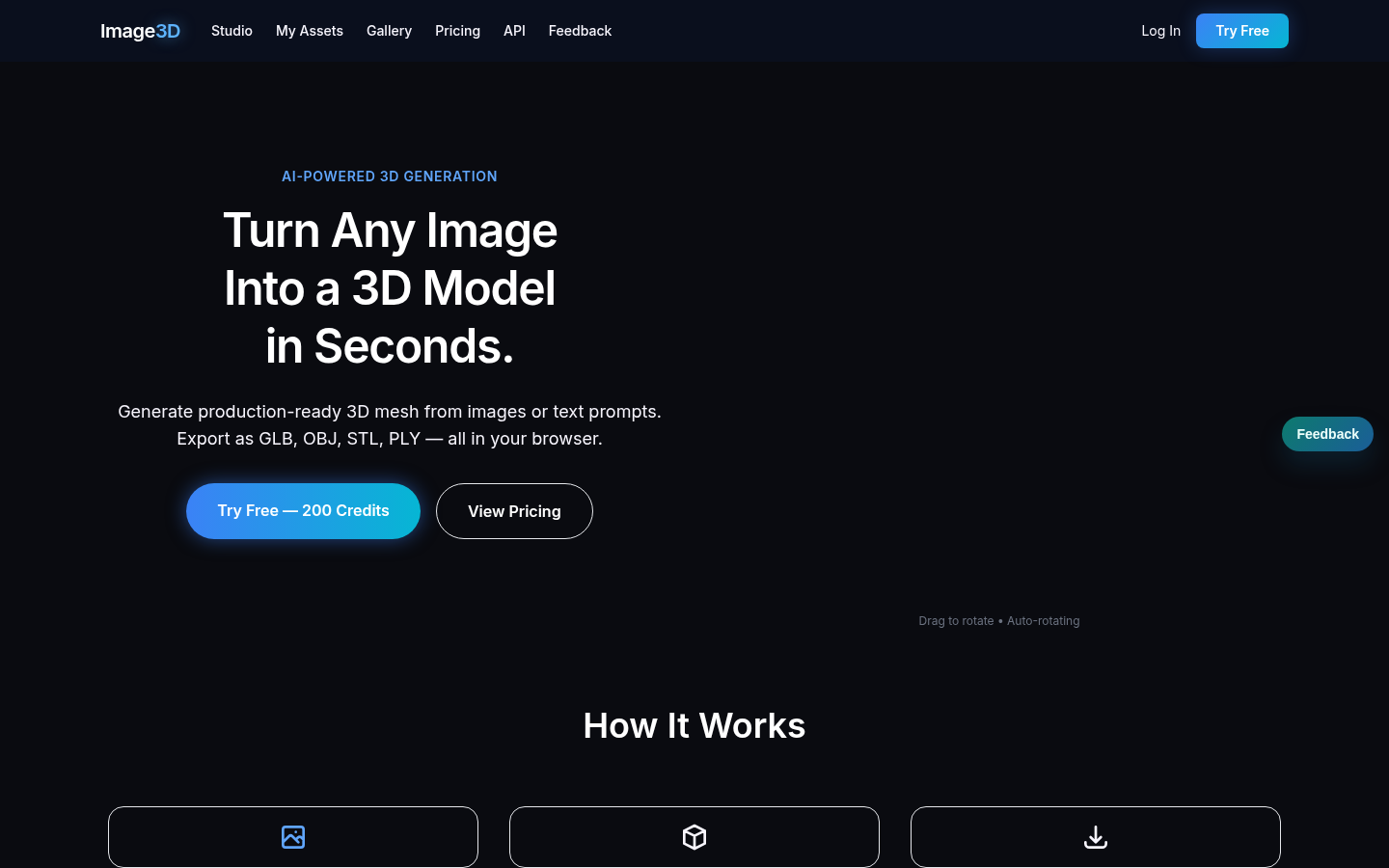
Screenshot archived from the listing page, for preview only.











