
Image to Video AI
Free image to video converter, no watermarkTurn still images into short videos
Highlights
What you can do with it
- Turn a photo into a short social clip
- Animate product images for listings
- Create simple motion graphics from stills
How to use it
- 1 Open the Image to Video AI site
- 2 Upload the still image you want to animate
- 3 Choose the model and motion settings
- 4 Generate the clip and download it
Who it is for
Pros
- No watermark on generated videos
- Free daily generations without a card
- Simple workflow with no timeline
Limitations
- Only three free generations per day
- More capacity means buying credit packs
- Motion control is limited compared to real editing
What Image to Video AI is
Image to Video AI is an online AI tool for converting images to videos. Its background is the growing demand for video content creation: people have photos but not the time or skills to cut them into clips, so AI handles the conversion. The main advantages are that it is free and the generated videos have no watermark, which matters because many free tools brand your output. You can operate it without learning traditional editing timelines, since the motion is generated rather than keyframed by hand. On pricing, users can get three free Video Fast 1.0 video generation opportunities per day without a credit card, and if more generation capacity is needed, the site lets you compare models and credit packs. It is positioned as an easy image to video solution for ordinary users and creators. For a seller or a social creator, that removes the two usual blockers: cost and watermark branding, so you can test whether a moving version of your image actually performs before spending anything.
What you can do with it
- Turn a still image into a short video clip
- Animate photos for social posts and listings
- Skip the editing timeline entirely
- Download watermark free results
- Test motion ideas before committing to paid credits
Who it is for
- Social creators who need quick moving clips
- Sellers who want animated product images
- Anyone who wants motion from a photo without an editor
- Marketers testing motion ads cheaply
What to watch out for
Three free generations per day is a tight budget for anything beyond experiments, and more capacity means buying credit packs, so plan spend if you have a batch. Free allowances and credit prices can change, so confirm current terms before a project. The motion is generated, which means control is limited compared with real editing: you choose settings, you do not keyframe. Clip length and resolution depend on the model you pick, so check what the free tier actually outputs before promising a client a finished video. Three free generations a day means the tool suits experiments, not volume, so if you have a batch of fifty images, expect to either spread them across days or buy a credit pack.
FAQ
Is it free?
You get three free Video Fast 1.0 generations per day with no credit card.
Is there a watermark?
No, the generated videos have no watermark.
Do I need editing skills?
No, you can operate without learning traditional editing timelines.
What if I need more?
You can compare models and credit packs for more generation capacity.
Why it is free
What the official page says: 免费
Free limits, trial length and features are decided by the official site and can change at any time.
Product preview
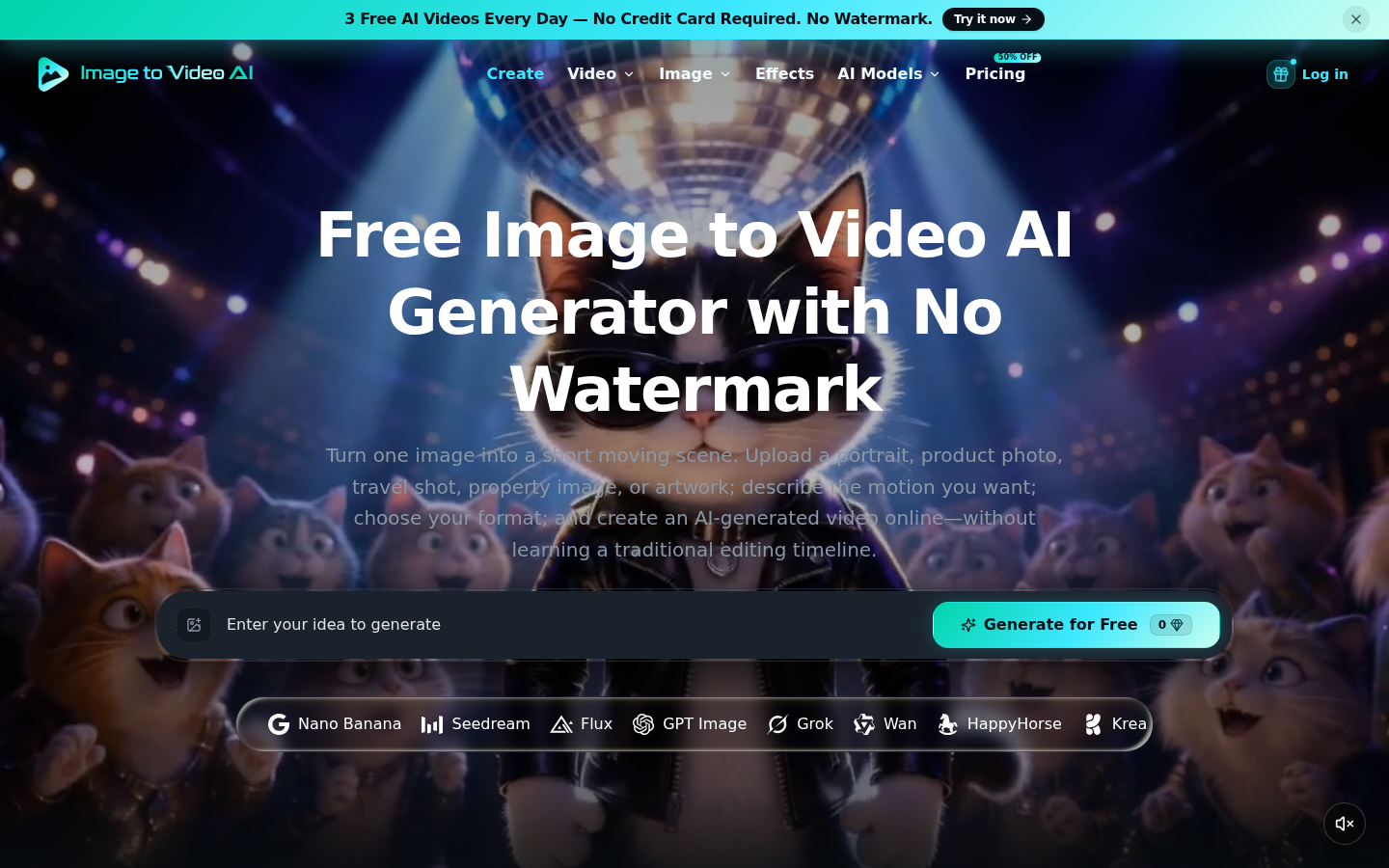
Screenshot archived from the listing page, for preview only.