
Image to STL
AI image to STL converterTurn pictures into 3D print files
Highlights
What you can do with it
- Turn a photo into a printable 3D model
- Convert design drawings for engineering checks
- Prepare model files for a 3D printer
How to use it
- 1 Upload a JPG or PNG image
- 2 Let the AI analyze depth and contour
- 3 Adjust height, base thickness, and detail
- 4 Preview the 3D model
- 5 Download the STL file
Who it is for
Pros
- Simple photo to printable file flow
- Preview helps catch problems early
- Batch conversion for larger jobs
Limitations
- Full use requires paid credit packages
- The site was returning a redirect at review time, so access may be unreliable
- Complex images need manual cleanup before printing
- Free terms and prices can change
What Image to STL is
Image to STL is an online tool at imagetostl.org that converts images into STL files for 3D printing. The site says its AI analyzes the depth, contour, and detail of a picture to build a model, so users can turn a flat image into a printable object without complex 3D modeling skills. Listed features include high-resolution STL output, batch processing of multiple images, a built-in 3D preview, customizable settings for height, base thickness, and detail level, and fast cloud processing. The site describes the AI as free to use, but it also lists paid monthly and annual packages with credit allowances, where annual billing costs less.
What you can do with it
- Convert a JPG or PNG image into an STL file
- Adjust height, base, and detail before export
- Preview the model in a built-in viewer
- Convert several images in one batch
Who it is for
- 3D printing enthusiasts making models
- Designers turning drawings into printables
- Engineers preparing quick visual prototypes
What to watch out for
The site was returning a redirect rather than a normal page at review time, so access may be unreliable and you should confirm it loads before planning a print job. Full use runs on paid credit packages, and prices and allowances can change, so check the current offer on the official page. Automatic conversion works best on clear, high-contrast subjects, and complex or ambiguous images usually need manual cleanup in a 3D tool before they will print well. Because processing happens in the cloud, uptime and file handling are outside your control, and large files up to the stated limit may take longer. Test with one simple image first, inspect the preview closely, and confirm the model is manifold and printable before committing time and material.
FAQ
Is Image to STL free?
The site describes the AI as free to use, but it also lists paid monthly and annual packages with credits.
What does it produce?
STL files suitable for 3D printing, generated from JPG or PNG images.
Can I preview before downloading?
Yes, a built-in 3D viewer lets you check the model before you save it.
What should I keep in mind?
The site was returning a redirect at review time, and full use needs credits, so confirm access and pricing first.
Why it is free
What the official page says: 免费
Free limits, trial length and features are decided by the official site and can change at any time.
Product preview
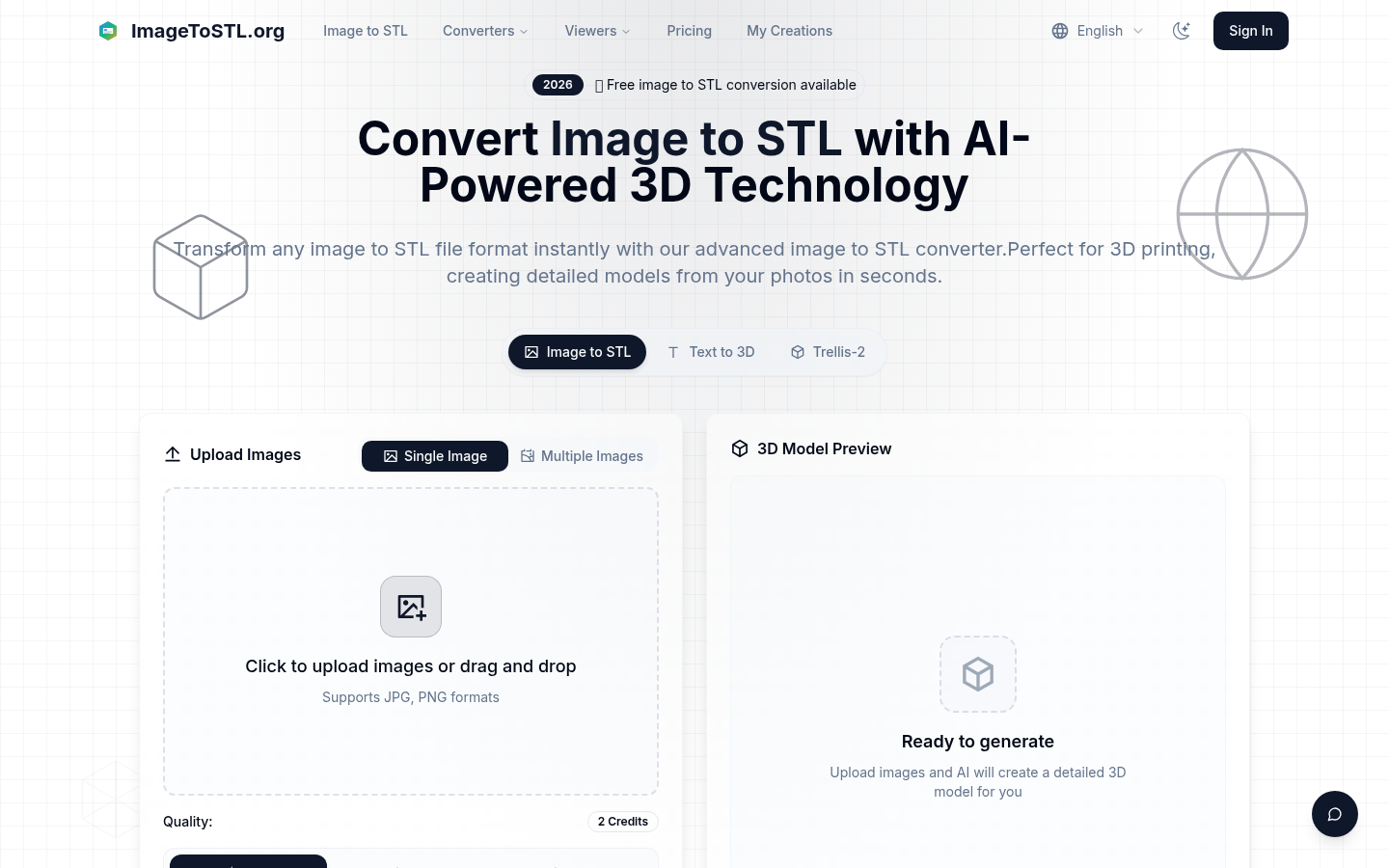
Screenshot archived from the listing page, for preview only.











