
Image to Image AI – Free AI Image
Free AI image to image conversion toolKeep the composition, change the style in seconds
Highlights
What you can do with it
- Virtual fitting to preview fabrics, cuts, and colours
- Product background replacement for campaign images
- Concept art iteration for game assets
How to use it
- 1 Upload a clear, well lit reference image
- 2 Write a prompt describing the style or edit you want
- 3 Generate, then refine with the sliders
- 4 Preview and download the high resolution result
Who it is for
Pros
- Free to use with no design background needed
- Seconds per generation, good for rapid iteration
- Cloud based, so it works on many devices
Limitations
- Results vary with the prompt and the source photo
- Heavy use on mobile networks can feel slow
- No pricing detail is published, so future changes are unclear
What Image to Image AI is
Image to Image AI is a free conversion tool for turning an existing picture into a new variant. You upload a reference image, describe the style or change you want, and the model rebuilds the picture while holding the core composition. The pitch is that no design skill is required: sliders cover warmth, brightness, and focus with live preview, presets balance exposure automatically, and pose aware depth estimation keeps subjects from looking pasted in. Processing runs in the cloud, so there is nothing to install and it works across devices.
What you can do with it
- Swap the style or mood of a photo in seconds
- Place a product into a themed scene for a campaign
- Preview clothing, fabric, and colour on your own photo
- Iterate on concept art before handing it to a team
- Fine tune the result with brightness, warmth, and focus sliders
Who it is for
- Artists exploring several looks for one idea
- Marketers who need campaign visuals fast
- Game developers iterating on assets
- Photographers restyling their own work
- Anyone who wants a quick edit without learning an editor
What to watch out for
Output quality leans heavily on the source photo and the prompt. A dark or cluttered reference tends to produce a weaker result than a clean, well lit one, and fine details like hands and text can still come out wrong. Because everything runs remotely, a slow connection slows the whole loop, and you should be careful about uploading images you do not have the right to share. The page does not publish pricing details, so treat the free access as something that can change.
FAQ
Is Image to Image AI free?
The page presents the tool as free to use.
Does it keep my original layout?
It aims to retain the key subject and structure while changing the rest.
Do I need to install anything?
No. Processing happens in the cloud.
Why it is free
What the official page says: free to use
Free limits, trial length and features are decided by the official site and can change at any time.
Product preview
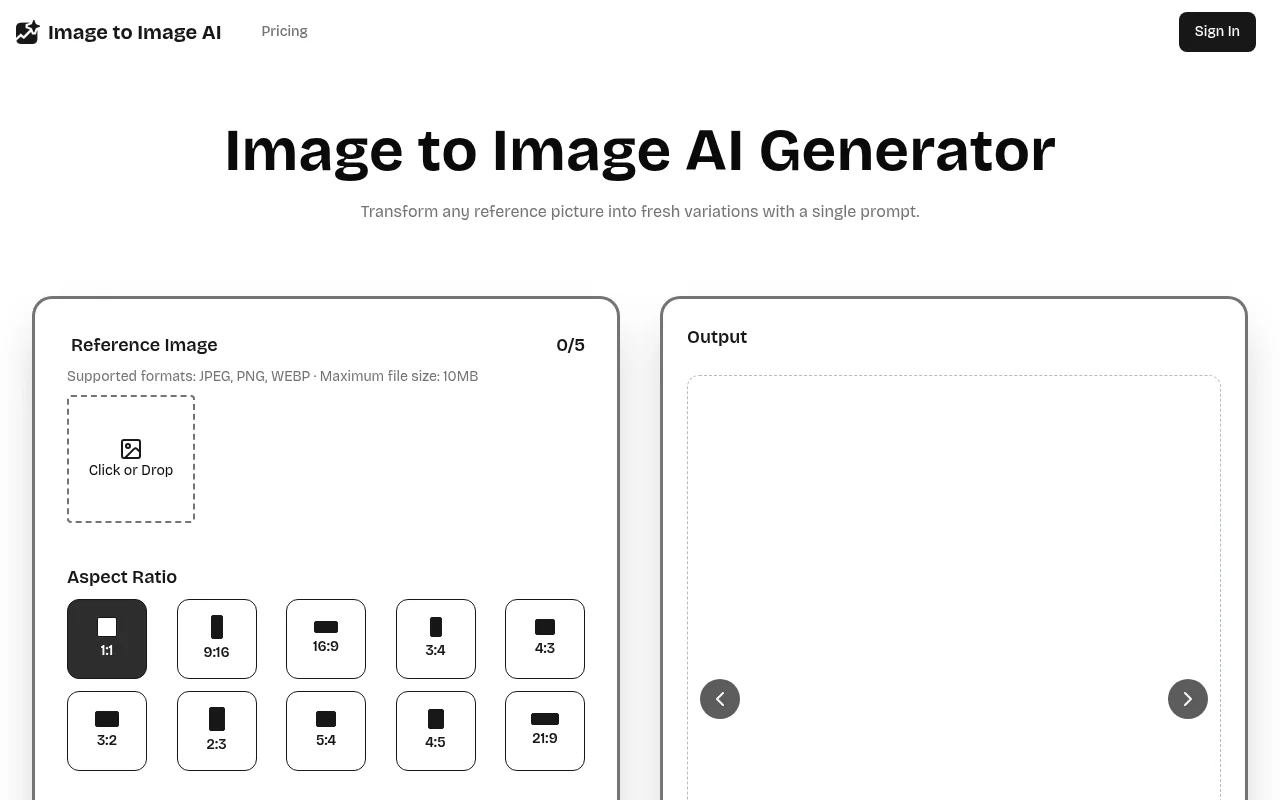
Screenshot archived from the listing page, for preview only.











