
Image to Image AI by Imagetoimageai.ai
Free online AI image editor with many toolsEnhance, restyle, restore, and edit images in your browser
Highlights
What you can do with it
- Social bloggers create fun face-swap and cartoon images to grow engagement
- E-commerce sellers clean up product photos and remove backgrounds
- Families restore and colorize old photos for keepsakes
How to use it
- 1 Open imagetoimageai.ai in your browser
- 2 Upload the photo you want to edit
- 3 Choose a function such as enhancement, style conversion, or restoration
- 4 Adjust parameters if the tool allows it
- 5 Process the image and download the result
Who it is for
Pros
- Many tools in one browser page
- Simple steps without deep technical skill
- All functions can be tried for free
Limitations
- Face swapping needs consent and can break platform rules, and any consequences are yours to carry
- Free access and feature limits can change over time
- Output quality depends on the source photo
- Complex edits may need several tries
What Image to Image AI is
Image to Image AI is an online AI image editing platform that brings several advanced models into one page. It offers tools for AI image enhancement, style conversion, face swapping, old photo restoration, image enlargement, background removal, and watermark removal, so you can handle many jobs without switching sites. You upload a photo, choose one of the available functions, adjust settings if needed, and download the result. It is built for both casual users making social content and professionals handling commercial projects, and it says all functions can be tried for free. Because it includes face swapping, only edit photos you have the right to use, and remember that swapping faces can break consent and platform rules, with any consequences falling on you.
What you can do with it
- Enhance brightness, contrast, clarity, and color automatically
- Reshape a photo into oil painting, watercolor, sketch, or cyberpunk styles
- Restore scratches, fading, and blur in old photos
- Remove backgrounds or watermarks and enlarge low-resolution images
Who it is for
- Social media users who share images often
- Professional designers who handle many image assets
- Photographers who need to restore or improve photo quality
- Home users who want to keep family photos looking good
What to watch out for
Face swapping needs the consent of everyone in the photo, and using it to mislead or impersonate can break platform rules and cause problems that are yours to carry, so keep use honest and permitted. Output quality depends heavily on the source image, so weak inputs give weak results, and complex edits may need several tries to look right. The promise that all functions are free can change, and feature limits may shift, so confirm current terms before you depend on them. For commercial projects, double-check that the output rights fit how you plan to use the images.
FAQ
What can I do on Image to Image AI?
You can enhance, restyle, restore, enlarge images, swap faces, and remove backgrounds or watermarks.
Is it free to use?
The platform says users can try all of its functions for free.
Is face swapping safe to use anywhere?
No, it needs consent and can break platform rules, and any consequences are the user's responsibility.
Why it is free
What the official page says: for free
Free limits, trial length and features are decided by the official site and can change at any time.
Product preview
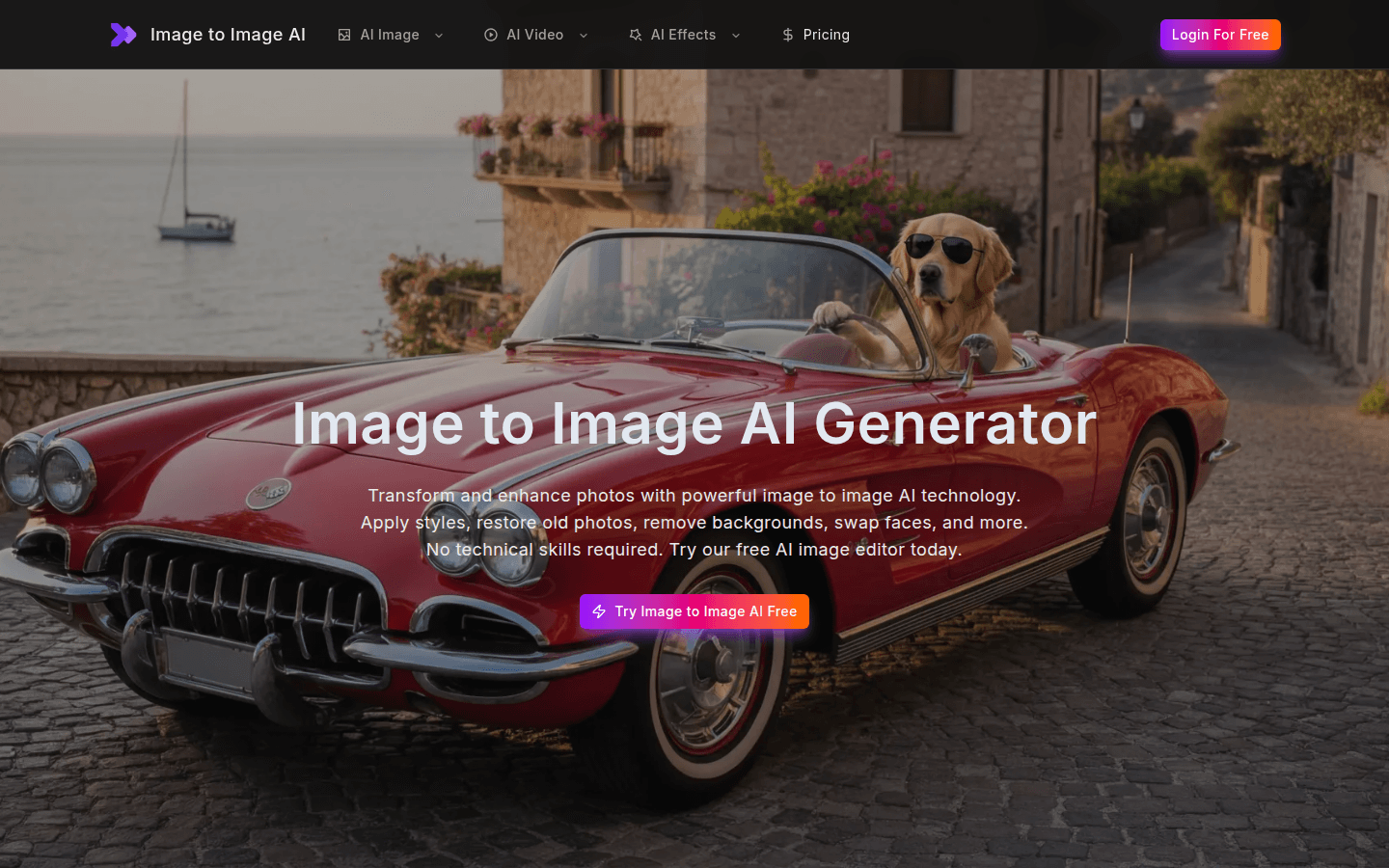
Screenshot archived from the listing page, for preview only.











