
Image to 3D AI
Free image to 3D model converterTurn a single image into a textured 3D model, free
Highlights
What you can do with it
- Turn a product photo into a printable model
- Build game assets from concept sketches
- Create quick 3D previews for clients
How to use it
- 1 Open imageto3dai.io in your browser
- 2 Upload one image or multiple views
- 3 Generate the mesh and texture
- 4 Edit, split, or export as GLB or STL
Who it is for
Pros
- No registration or installation
- Batch processing saves time
- Post-generation editing tools included
Limitations
- Single-view models may miss hidden parts
- Daily check-in points and free rules can change
- Editing features have a learning curve
- Model quality depends on the input image
What Image to 3D AI is
Image to 3D AI is a free online tool that runs in the browser and uses AI to reconstruct realistic textured 3D mesh models from a single 2D image. You can turn product photos or concept sketches into rotatable, editable, printable GLB or STL files without registration or installation. Generation supports up to 1536 resolution, and you can process up to 10 images in batches. If a single view hides some geometry, you can upload front, back, left, and right views to repair it. After generation, you can split model components, rebuild quad topology, repaint textures, and auto-bind skeletons, which suits 3D printing, game development, product visualization, and concept previews.
What you can do with it
The tool covers the full path from a flat image to an editable asset. Post-processing tools let you clean up the model before export.
- Convert one image into a textured 3D mesh
- Batch process up to 10 images at once
- Repair hidden geometry with multi-view uploads
- Split, repaint, rig, then export as GLB or STL
Who it is for
It lowers the barrier to 3D modeling, so people without professional skills can still get usable assets fast. Makers, game developers, and product designers are the main groups.
- 3D printing hobbyists and makers
- Game developers needing fast assets
- Product designers making visualizations
What to watch out for
A single-view reconstruction cannot capture geometry the camera did not see, so upload multiple views when the back or sides matter. The free model relies on a daily check-in point system, and free rules or point amounts can change over time, so heavy batch work may hit limits. Post-generation editing such as topology rebuilds and rigging has a learning curve and is not instant. Model quality depends on the input image, so clean, well-lit photos give better results. Confirm current point rules and any resolution caps on the site before you start a large project.
FAQ
Is Image to 3D AI free?
Yes. It is free to use with no registration, and it uses a daily check-in point system.
What files can I export?
You can export rotatable, editable, printable GLB or STL files.
What if one photo is not enough?
Upload front, back, left, and right views to repair geometry that a single view cannot show.
Why it is free
What the official page says: 免费无需注册
Free limits, trial length and features are decided by the official site and can change at any time.
Product preview
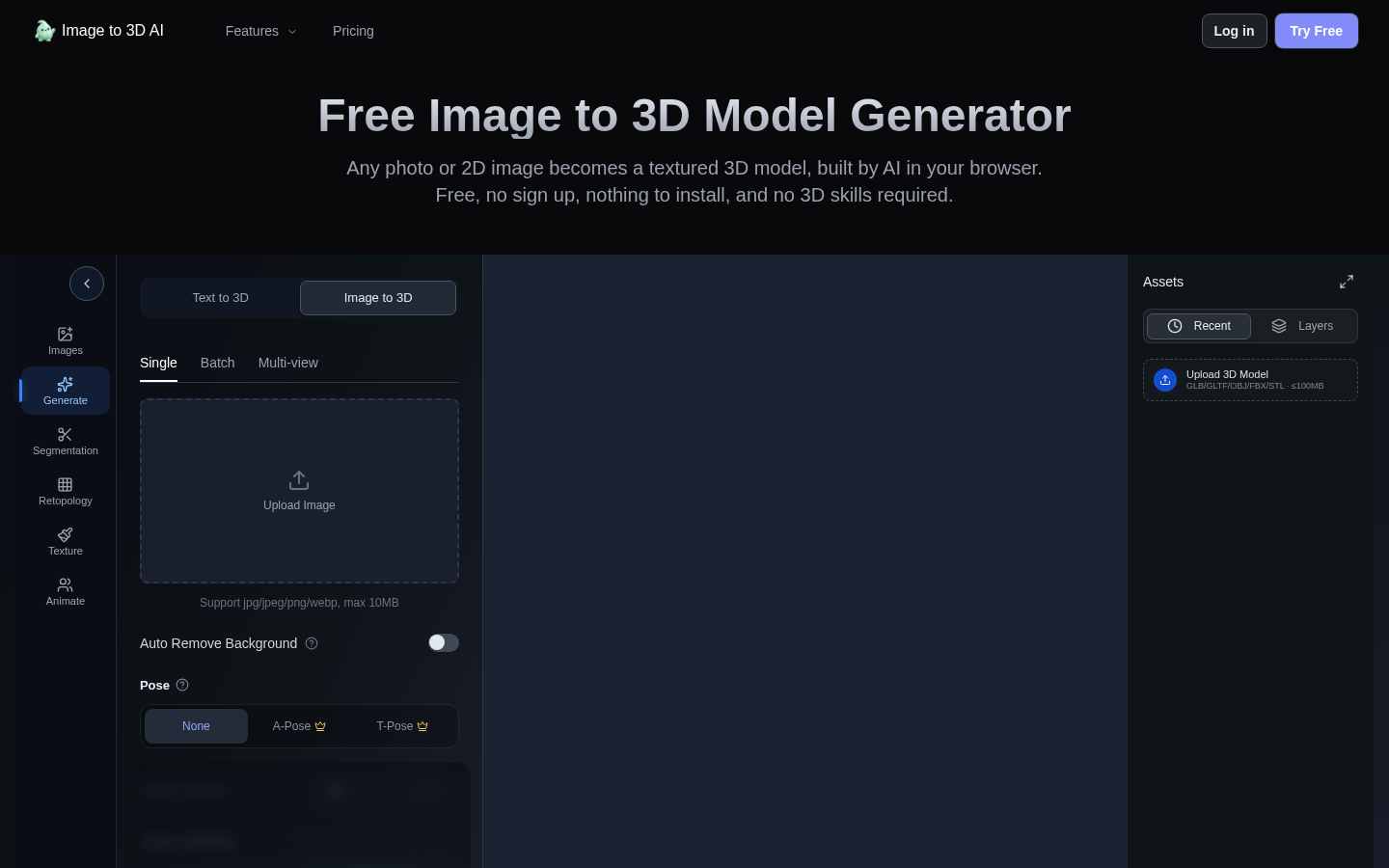
Screenshot archived from the listing page, for preview only.