Image to 3D AI
AI tool that converts images into 3D modelsTurn a single photo into a GLB 3D model
Highlights
What you can do with it
- Game developers quickly create 3D models of characters and props
- Interior designers convert inspiration images into 3D models for clients
- Educators create 3D models that improve classroom interaction
How to use it
- 1 Upload an image in a common format such as JPG or PNG
- 2 Click generate and wait for the AI to analyze the image
- 3 Choose the output type: textured model or geometric model
- 4 Preview the 3D model online and make adjustments
- 5 Export the model in GLB format for your 3D software
Who it is for
Pros
- No complex 3D modeling skills needed
- Two output types for different pipelines
- GLB export works with common 3D tools
- Free trial to test quality before paying
Limitations
- A single image limits what the AI can reconstruct
- Accuracy depends heavily on input image quality and angle
- Free trial is limited and full pricing is not detailed
- Free rules and pricing may change
What Image to 3D AI is
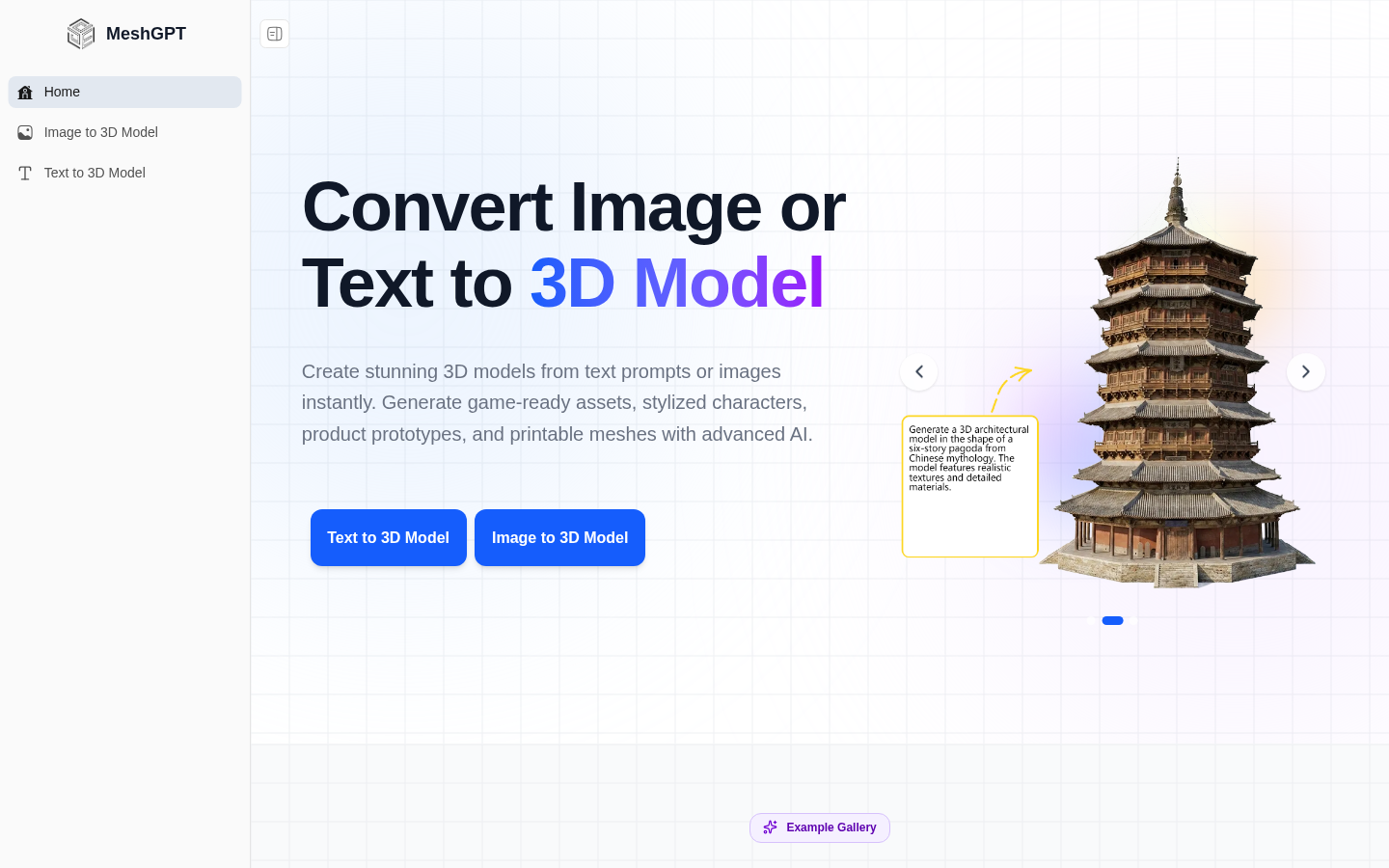
Image to 3D AI is a tool that converts 2D images into complete 3D models. You upload a single image, and the AI analyzes it and builds a model that keeps the key structure and proportions. You can choose between textured models and geometric models, preview the result online, adjust it, and export in GLB format, which works with tools like Blender and Unity. The product is aimed at game development, 3D printing, interior design, and education. It is designed for people without complex 3D modeling skills, and a free trial is available for both individuals and teams.
What you can do with it
- Turn a single photo into a 3D model in a short time.
- Choose textured or geometric output depending on your pipeline.
- Preview the model online and make adjustments before export.
- Export as GLB for use in common 3D software and engines.
Who it is for
- Game developers who need quick character and prop assets.
- Interior designers who want to show clients a 3D version of an inspiration image.
- Educators and students who use 3D models to explain ideas in class.
What to watch out for
A single image limits what the AI can reconstruct, so hidden sides and complex shapes may not come out right. Accuracy depends heavily on the quality and angle of the input image. The free trial is limited and full pricing is not detailed on the page. Free rules and pricing may change, so check the current terms before you build a project around it, and always review the geometry before you use a model for printing or production.
FAQ
What does Image to 3D AI do?
It converts a 2D image into a complete 3D model that you can preview online and export in GLB format.
Which output types are available?
You can choose between textured models and geometric models depending on your needs.
Is there a free trial?
Yes, the product offers a free trial for both individuals and teams. Full pricing details are not stated on the page.
Why it is free
What the official page says: free trial
Free limits, trial length and features are decided by the official site and can change at any time.
Product preview
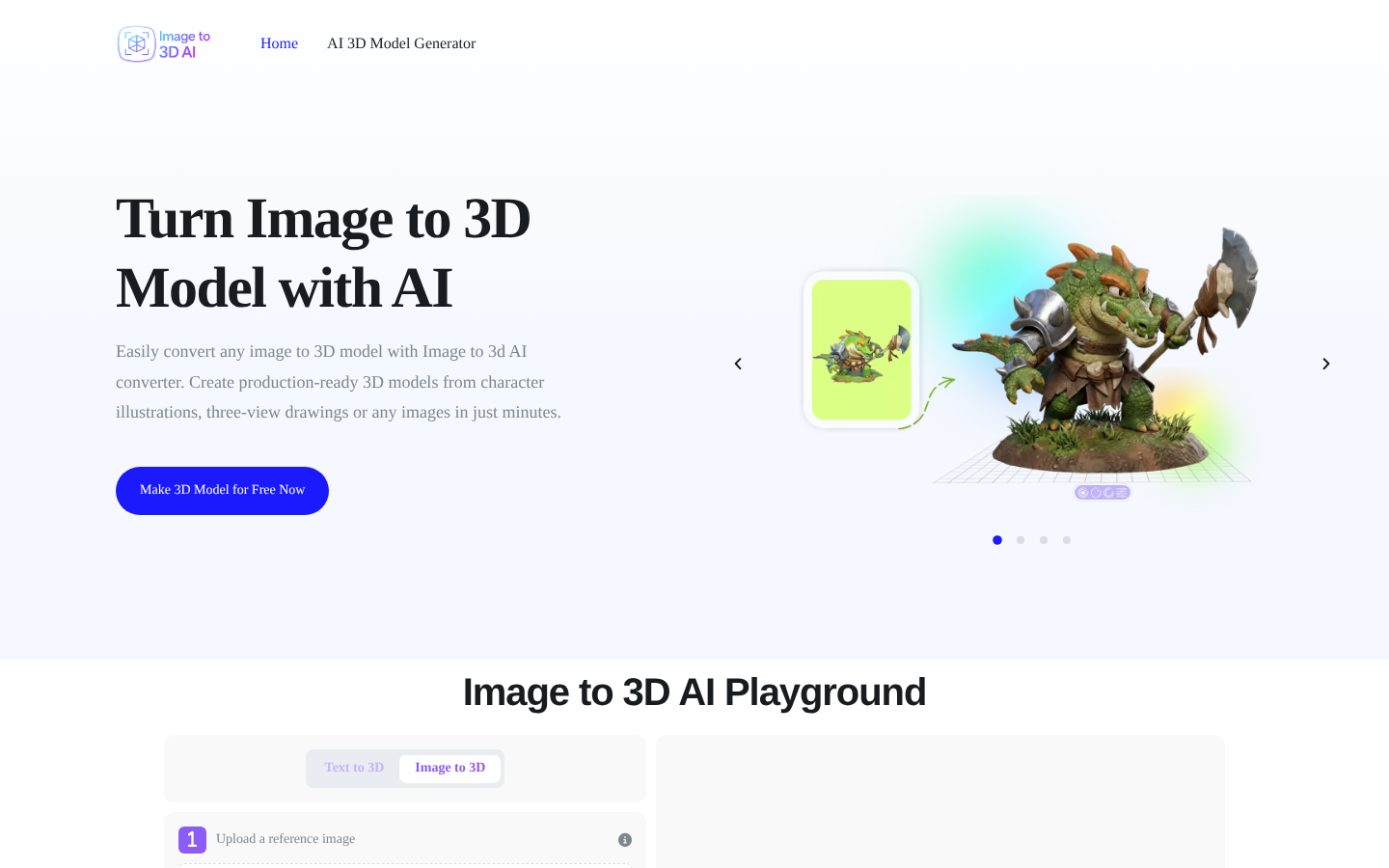
Screenshot archived from the listing page, for preview only.