
Image Inverter
Free online image color inversion toolInvert colors in your browser, no signup, no watermark
Highlights
What you can do with it
- Create a negative effect from a photo
- Check contrast or prepare assets for design
- Invert colors for a quick visual test
How to use it
- 1 Open imageinverter.app in your browser
- 2 Load the image you want to change
- 3 Apply color inversion or black and white conversion
- 4 Save the result with no watermark
Who it is for
Pros
- No registration and no upload required
- Instant processing in the browser
- Free with clean, watermark-free output
Limitations
- Single purpose, no advanced editing
- Output quality depends on the source image
- Free status and availability can change
What Image Inverter is
Image Inverter is a free online tool that inverts image colors and creates photo negative effects directly in the browser. Because processing happens locally, there is no need to register or upload files, which helps protect privacy. The tool works instantly, produces high quality output, supports multiple image formats, and adds no watermarks. There is no charge to use it. Black and white conversion is also supported, and the focus is a single job done well rather than a full editor. It suits users who want a fast result without installing software or creating an account.
What you can do with it
The tool does one thing and does it quickly. You load an image, apply the effect, and save a clean result.
- Invert colors to create a negative effect
- Convert an image to black and white
- Prepare assets or check contrast for design
- Save output with no watermark
Who it is for
It fits people who need a quick inversion and care about privacy because files are not uploaded. Designers and casual users both benefit from the no-signup flow.
- Designers needing a quick inversion
- Anyone processing images without uploads
- Users who want a no-signup web tool
What to watch out for
This is a single purpose tool, so there is no cropping, layering, or advanced editing, and you will need a full editor for complex work. Output quality depends on the source image, and very large files may be slower in the browser. The tool is free today, but free status and availability can change, so do not build a workflow that depends on it staying free forever. Because processing is local, keep a backup of your original file. Check the site if you need batch processing or extra formats, since those are out of scope here.
FAQ
Is Image Inverter free?
Yes. It is free to use and needs no registration.
Do my images get uploaded?
No. Processing happens in the browser, so files stay on your device.
Are there watermarks?
No. Output is saved without watermarks.
Why it is free
What the official page says: 免费无需注册
Free limits, trial length and features are decided by the official site and can change at any time.
Product preview
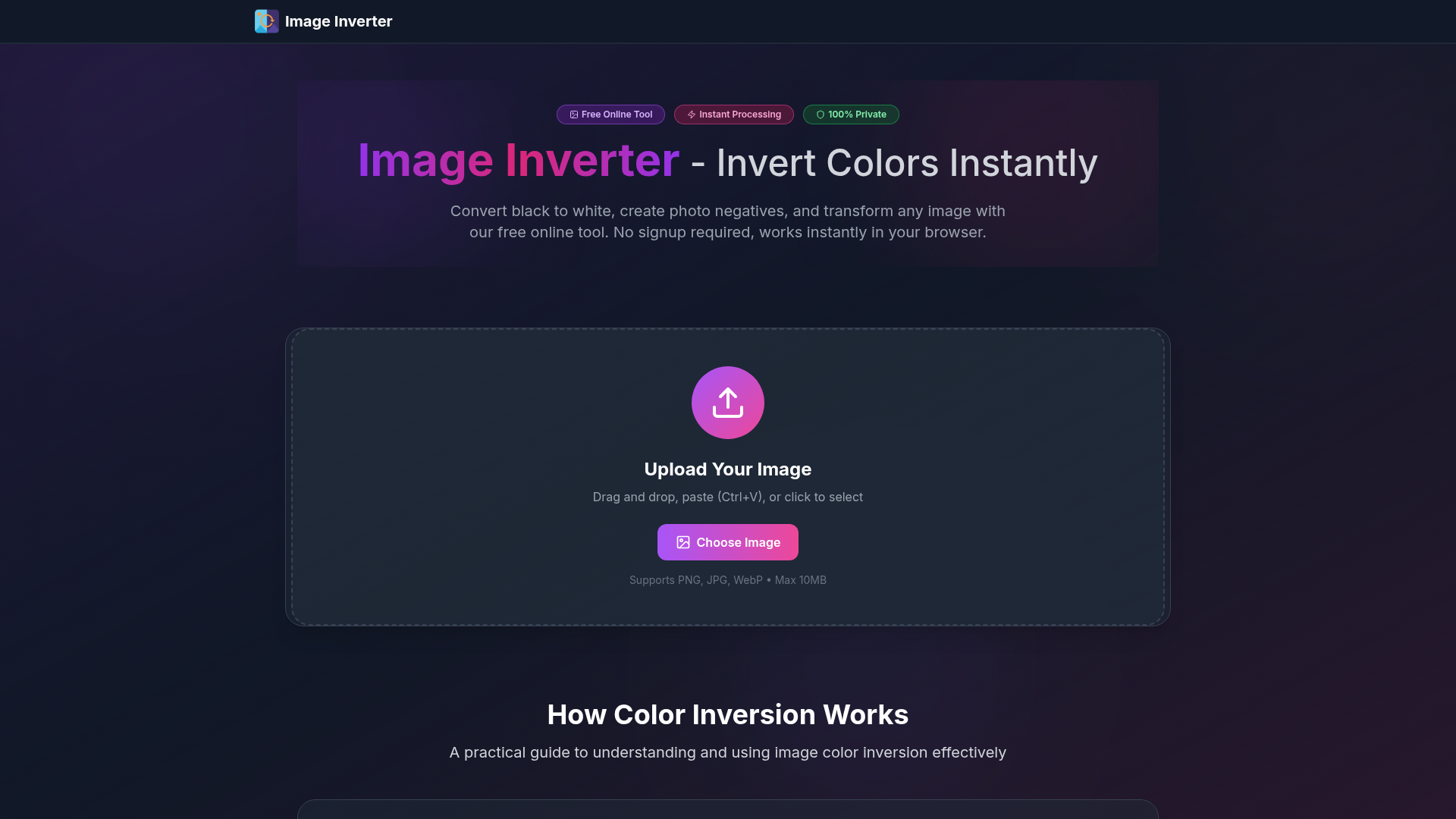
Screenshot archived from the listing page, for preview only.