
Image Generator Hub
Text to image generatorTurn text prompts into images fast
Highlights
What you can do with it
- Generating illustrations for a blog post or article
- Concept art and reference images for design work
- Marketing visuals for social posts and ads
- Quick mockups to test a visual idea
How to use it
- 1 Visit the Image Generator Hub website.
- 2 Enter your prompt in the input box.
- 3 Adjust the settings to match what you want.
- 4 Click generate and wait for the image to appear.
- 5 Download the finished image.
- 6 Upgrade to a paid account for more generations or commercial use.
Who it is for
Pros
- Simple flow: prompt, settings, generate, download
- Free daily quota with no paid commitment to start
- Commercial use is available on paid accounts
- Customer support is offered for technical problems
Limitations
- Free accounts are capped at three images per day
- Commercial use requires a paid account
- The free rules and daily quota can change at any time
- Output quality follows the Flux model and your prompt
What Image Generator Hub is
Image Generator Hub is an AI image generation website. You describe what you want in a text prompt and the tool returns an image. The listing says it runs on the Flux model and that more models are planned for the future. There are free and paid account options: free accounts can generate three images every day and download the results, while paid accounts lift that daily limit and include a commercial use license. The site describes a short workflow, type a prompt, adjust a few settings, press generate, then download. It also mentions optimized models and customer support for technical issues.
What you can do with it
- Turn a written prompt into an image.
- Download the images you generate.
- Create visuals from descriptions such as scenes, characters or concepts.
- Use a paid account for more daily generations and commercial rights.
Who it is for
- Designers and illustrators who need quick visuals.
- Marketers building social and ad creative.
- Content creators who want images to go with articles.
- Hobby users who just want to try prompt to image generation.
What to watch out for
Free use is limited to three images per day, which is enough to test the tool but not enough for a heavy workload. If you need the images for commercial work, the listing puts that behind a paid account, so read the plan terms before you rely on it. The free rules and daily quota can change at any time, and the site is still building out its model support. Output quality depends on the Flux model and on how clearly you write your prompt, so results will not always match what you had in mind, and the same prompt can return different images on different runs.
FAQ
How many images can I make for free?
Free accounts get three images per day, according to the listing.
Can I use the images commercially?
Commercial use is listed as a paid account feature.
Which model does it use?
It supports the Flux model, and the listing says more models are planned.
Why it is free
What the official page says: 免费免费用户
Free limits, trial length and features are decided by the official site and can change at any time.
Product preview
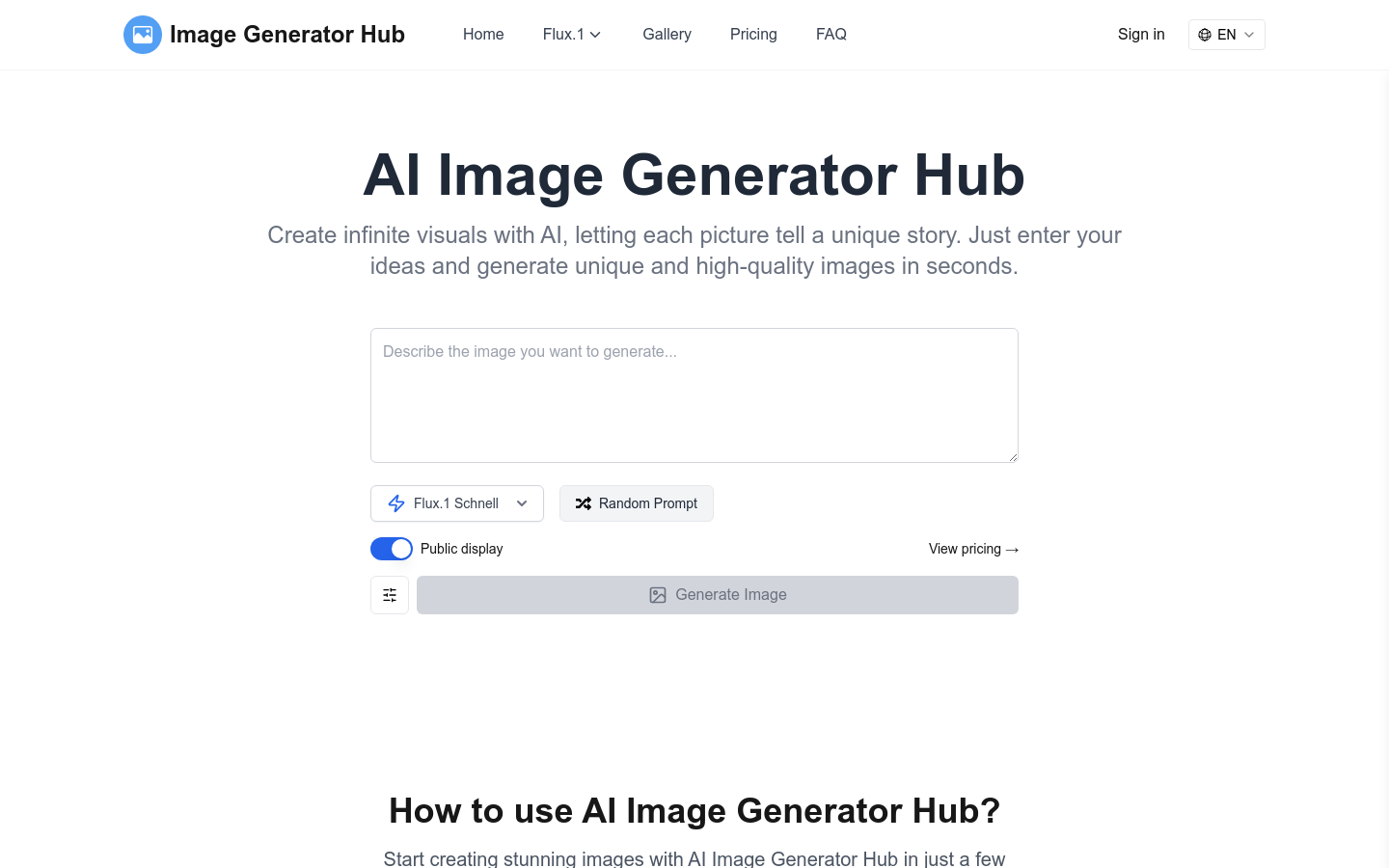
Screenshot archived from the listing page, for preview only.











