
Image Caption Generator
AI tool that writes captions for imagesUpload a photo, get a caption
Highlights
What you can do with it
- Write social media captions for photos
- Add image descriptions to blog articles
- Speed up alt text and asset labeling work
How to use it
- 1 Upload or drag an image into the tool
- 2 Let it analyze objects, scene, and mood
- 3 Set the caption style and length you want
- 4 Copy the generated caption
Who it is for
Pros
- Saves time on repetitive caption writing
- Adjustable style and length fit different platforms
- Free trial available
Limitations
- Captions often need editing to match brand voice
- The free trial limits how much you can test
- Scene and mood reading can be off on ambiguous photos
- Paid upgrade terms can change
What Image Caption Generator is
Image Caption Generator, also presented as Image to Caption AI Generator, is a tool that turns a picture into written text. You upload a file or drag and drop it in, and the system applies image recognition plus natural language processing to work out what is in the frame: the objects, the scene, and the general mood. From that it writes a description. The useful part is control: you can set the style and the length of the output, so the same photo can yield a short punchy line for social media or a longer, more descriptive passage for an article. A free trial is offered, with paid upgrades for heavier use.
What you can do with it
- Upload or drag in an image and get an instant description
- Detect objects, scene type, and mood automatically
- Adjust caption style and length for the platform you are posting to
- Generate alt text and asset labels in bulk
Who it is for
- Social media managers who write captions every day
- Bloggers and publishers adding image descriptions
- Accessibility work where alt text is needed quickly
- E-commerce sellers labeling product photos
What to watch out for
Generated captions are a starting point. They frequently need editing to match your brand voice, and they can misread mood or context on ambiguous photos, which is exactly where a human judgment matters. The free trial caps how much you can evaluate, so test with the kind of images you actually work with rather than easy samples. Paid upgrade terms can change, and the site has shown redirects in our checks, so confirm the current address before uploading anything sensitive. Avoid sending images containing personal or confidential information.
FAQ
How do I add an image?
You upload an image file or drag and drop it into the tool.
Can I control the output?
Yes, the style and length of the generated description are customizable.
Is it free?
There is a free trial, with paid upgrade options beyond it.
Why it is free
What the official page says: free trial
Free limits, trial length and features are decided by the official site and can change at any time.
Product preview
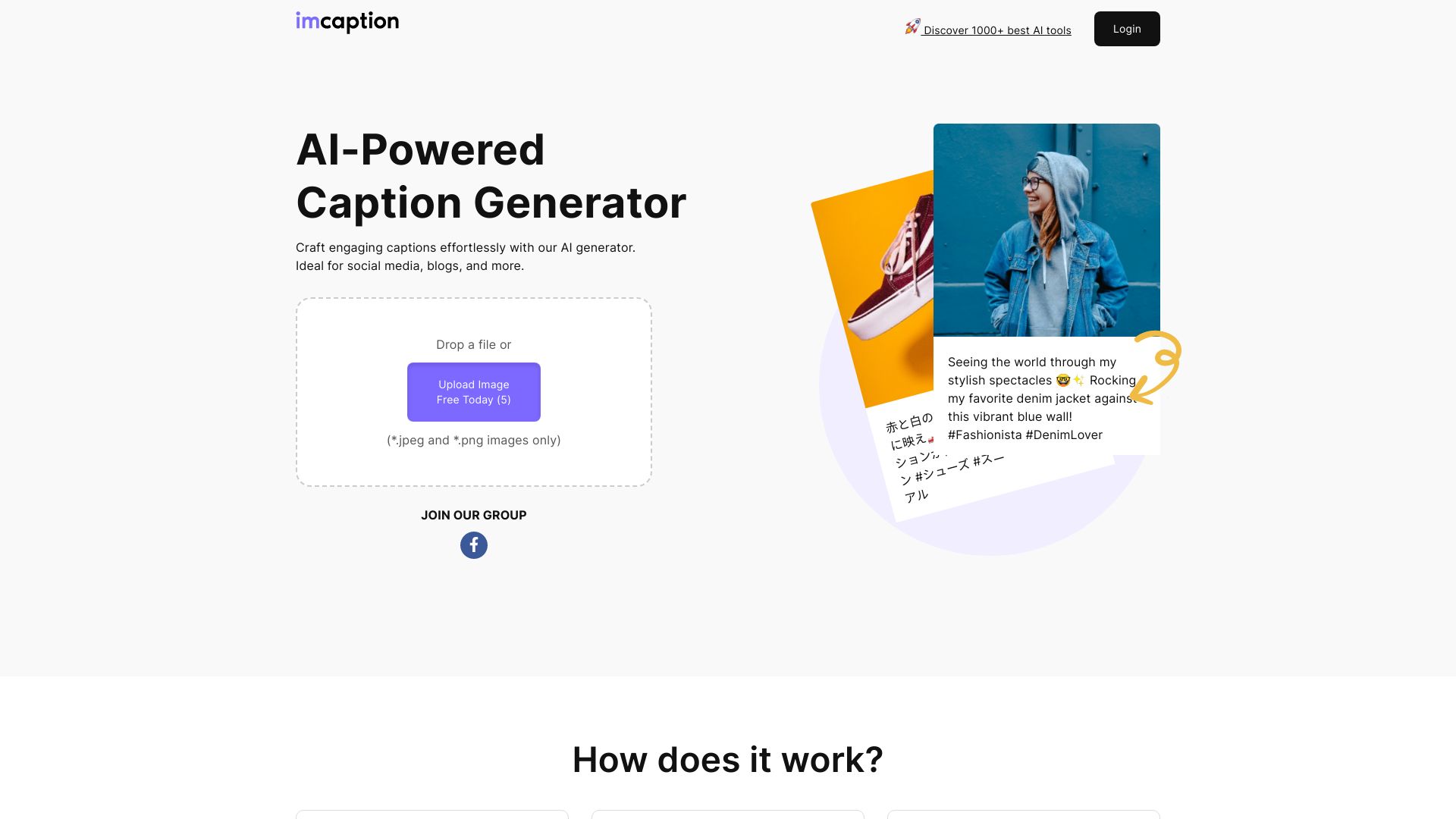
Screenshot archived from the listing page, for preview only.











