
Image 2.5
Image 2.5 generator with 4K custom sizesTwo variants: edit precision or speed
Highlights
What you can do with it
- Edit photos precisely while keeping detail consistent
- Generate 4K images at custom sizes
- Iterate quickly with the speed tuned variant
How to use it
- 1 Create an account and claim the 100 free credits
- 2 Choose Sunburst or Flare based on your priority
- 3 Upload an image or write a text prompt
- 4 Set a custom size up to 4K and generate
- 5 Export in the format you need
Who it is for
Pros
- Variant choice between precision and speed
- 4K custom sizes for production work
- Free credits to trial both variants
Limitations
- Free credits are limited and run out
- Paid plans and credit pack prices can change
- Precise edits still need review for consistency
What Image 2.5 is
Image 2.5 is an image generation and editing tool released on September 8, 2026, belonging to the GPT Image 2.5 series. It arrives in two variants with different jobs: Sunburst focuses on editing precision, while Flare emphasizes generation speed, so you pick the one that matches the task rather than compromising. The tool accepts both text and image inputs, which means you can start from a prompt or work on an existing picture, and it aims for precise editing while maintaining detail consistency. It supports custom sizes up to 4K and offers various output formats, which matters when assets need to fit a specific layout. On pricing, there are paid plans and credit packs supporting both personal and commercial projects, and new users can receive 100 free credits for trial use. For production work, the difference between the two variants is practical: you draft fast on one and finish precisely on the other.
What you can do with it
- Edit images precisely while keeping detail consistent
- Generate images at custom sizes up to 4K
- Switch between the precision and speed variants
- Export in several formats for different pipelines
- Iterate quickly on drafts before final output
Who it is for
- Editors who need precise, consistent image changes
- Teams producing high resolution visual assets
- Users who want fast iteration on early drafts
- Freelancers delivering assets in exact sizes
What to watch out for
The 100 free credits are a trial, and paid plans plus credit pack prices can change, so check current terms before planning production. Detail consistency is the goal, not a guarantee, so review edits closely, especially on faces, text, and edges. Custom 4K sizes produce large files, so confirm your storage and export settings can handle them. As with any model series, output can shift between versions, so pin the variant you tested if you need repeatable results. Test both variants on the same job before committing, because the speed advantage of one and the precision of the other only show up when you compare real outputs.
FAQ
When was Image 2.5 released?
The page lists September 8, 2026.
What are the two variants?
Sunburst focuses on editing precision, Flare emphasizes generation speed.
What sizes does it support?
Custom sizes up to 4K, with various output formats.
Is there a free trial?
New users receive 100 free credits.
Why it is free
What the official page says: 免费
Free limits, trial length and features are decided by the official site and can change at any time.
Product preview
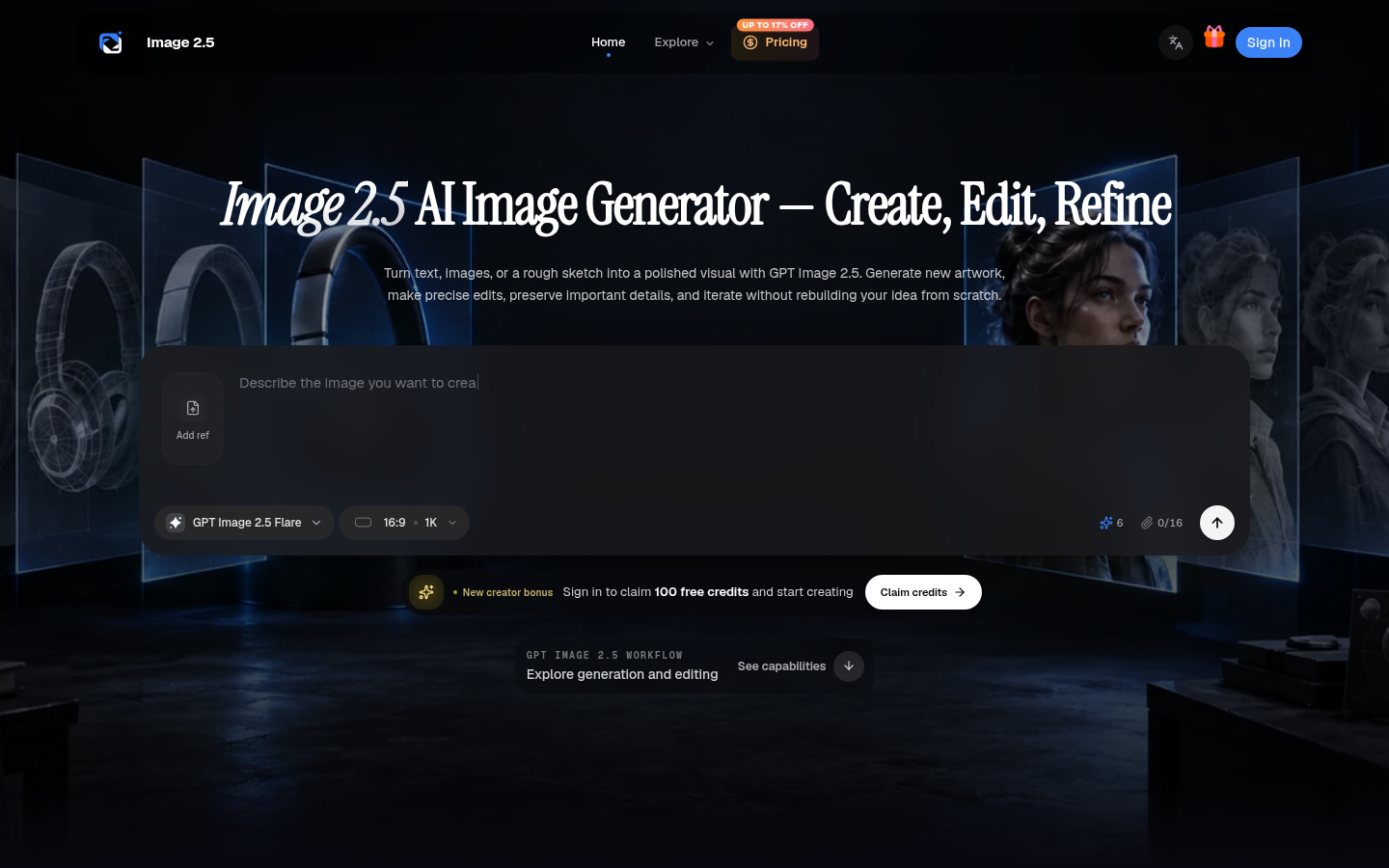
Screenshot archived from the listing page, for preview only.