
iHeadshot AI
AI headshot generatorSelfies turned into pro headshots
Highlights
What you can do with it
- Create a LinkedIn headshot for a personal brand
- Generate a professional photo for a resume
- Make a company profile picture without a photoshoot
How to use it
- 1 Register an account on iheadshot.ai
- 2 Upload eight to twelve clear front facing selfies
- 3 Choose a headshot style and scene
- 4 Wait for the AI to generate the images
- 5 Pick your favorite and download it
Who it is for
Pros
- Free trial to test the result first
- Multiple styles from one set of selfies
- Saves time and money versus a studio shoot
Limitations
- Free users can wait up to two days for results
- Needs several clear selfies to work well
- Privacy depends on how the service stores photos
What iHeadshot AI is
iHeadshot AI is an online tool that turns selfies into professional headshots. You upload a set of clear photos and the AI generates multiple high quality headshots in different styles and scenes. The results are meant for LinkedIn, resumes, company websites, and similar professional uses. The tool offers a free trial, generates images quickly, and states that it protects privacy with enterprise grade encryption. It is aimed at professionals who want a polished photo without the time or cost of a studio shoot.
What you can do with it
- Turn a set of selfies into professional headshots
- Choose from different styles and scene templates
- Use the images on LinkedIn, resumes, and company pages
- Regenerate if you are not happy with the first result
Who it is for
- Professionals who need a polished profile photo
- Job seekers updating resumes and LinkedIn
- Anyone avoiding the cost of a photo studio
- People who want a fast, at home option
What to watch out for
The free trial can be slow, with waits ranging from two hours up to two days, while faster results sit behind a paid plan. The tool needs eight to twelve clear, unobstructed selfies, so photo quality directly affects the output. Privacy claims rest on the provider handling of uploaded images, so review the privacy policy before sharing sensitive photos. Free trial terms and pricing can change, so confirm current details on the official site. For best results, start with a small test file and review the output carefully before working on anything important. Free tiers can change over time, so it is worth checking the current limits on the official page before you rely on the tool daily.
FAQ
What does iHeadshot AI do?
It uses AI to turn uploaded selfies into professional headshots for LinkedIn, resumes, and company profiles.
Is it free?
There is a free trial, and users can upgrade to a paid plan if they want faster results or more options.
How long does it take?
Free users may wait from two hours up to two days, while paid users are described as getting results in about twenty minutes.
Why it is free
What the official page says: 免费使用免费
Free limits, trial length and features are decided by the official site and can change at any time.
Product preview
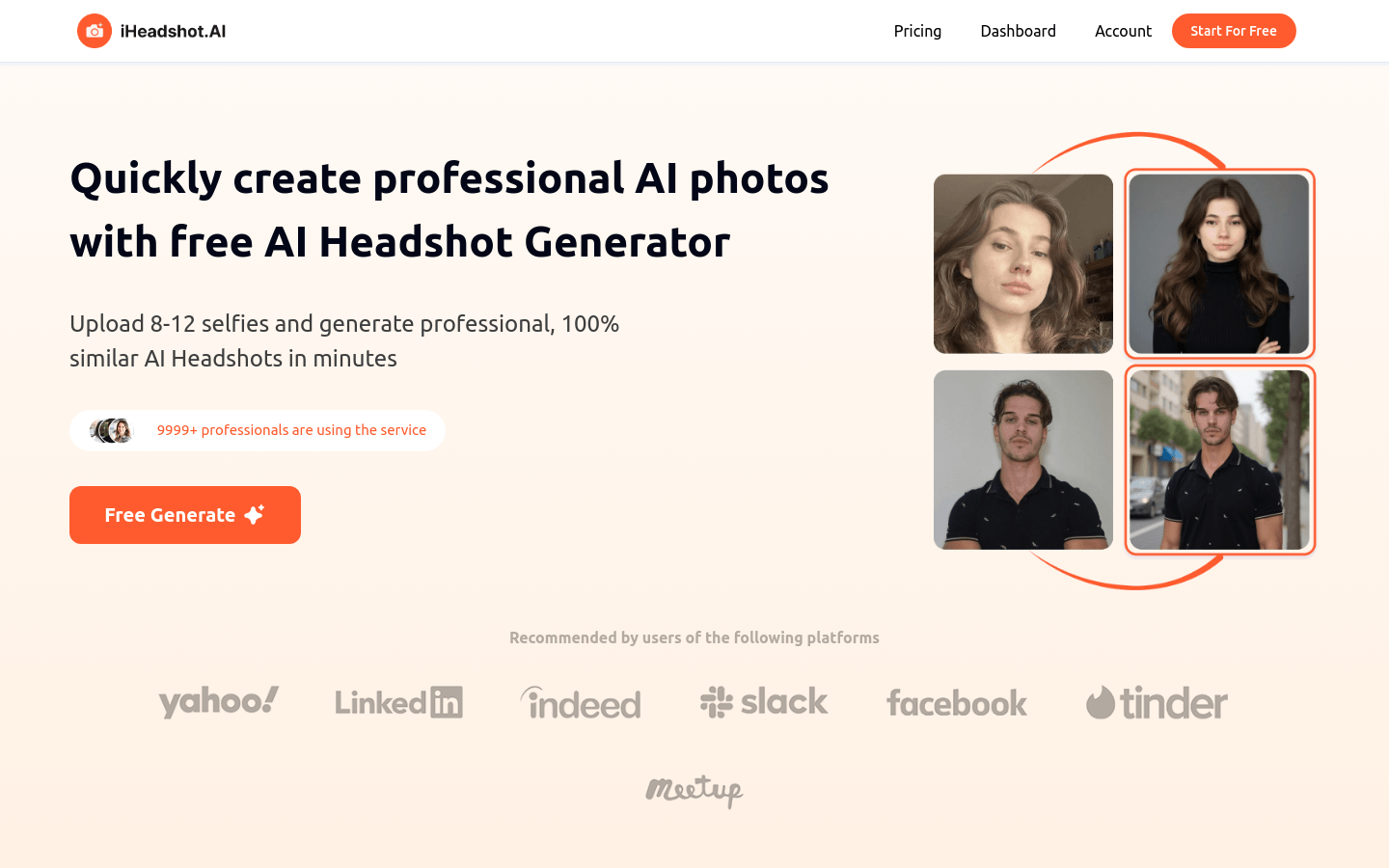
Screenshot archived from the listing page, for preview only.











