iDox.ai Guardrail
Guardrail against AI data leaksStop sensitive data reaching AI tools
Highlights
What you can do with it
- A financial institution prevents customer information from leaking to AI tools
- A technology company controls employee use of AI agents
- A government department keeps important files secure during AI interaction
How to use it
- 1 Register an account on the iDox.ai Guardrail website
- 2 Choose the personal version or the enterprise version
- 3 Run the install command on Windows to set up the software
- 4 Log in and configure policies such as allowed and denied prompts
- 5 Use your AI tools as normal while the guardrail monitors in real time
Who it is for
Pros
- Blocks sensitive data before it leaves the device
- Covers agent-to-agent traffic as well as direct prompts
- On-device processing keeps decisions local
- Free trial of 7 days to evaluate
Limitations
- The install command currently supports Windows only
- Policy setup takes effort before protection is useful
- Enterprise features require payment
- The free trial is short at seven days
What iDox.ai Guardrail is
iDox.ai Guardrail is software focused on AI agent security and data protection. It addresses a specific risk: staff and agents pasting confidential material into AI tools without realizing it has left the building. The guardrail monitors text and files before they reach ChatGPT or other AI tools and intercepts sensitive data so it does not leave. It also identifies risky prompts, unsafe instructions, and prompt injection attempts, controls which AI agents are allowed to run by setting allowed or denied prompts, and audits the data flow between agents so nothing leaks during communication. Data can be cleaned or allowed in real time on the device side, following preset rules. A personal version serves professionals and small teams with real-time protection and device-side interception, while the enterprise version adds centralized governance, a unified policy engine, and comprehensive auditing. A 7-day free trial is offered, with payment required for formal use.
What you can do with it
- Intercept text and files before they reach an AI tool
- Detect risky prompts, unsafe instructions, and injection attempts
- Control which AI agents are permitted to run
- Audit agent-to-agent data flow
- Apply on-device cleaning and allow policies
Who it is for
- Professionals and small teams who paste work into AI tools
- Enterprises that need centralized AI governance
- Government, finance, and legal organizations with strict data rules
- Security teams responsible for agent communication
What to watch out for
The installation command provided currently supports Windows only, so other platforms are not covered by that path. Protection is only as good as the policies you write, and a policy set that is too loose leaks data while one that is too strict blocks legitimate work, so expect a tuning period. Enterprise features such as the unified policy engine and full auditing require payment, and the free trial is only seven days, which is short for a full evaluation. Finally, the guardrail reduces risk but does not remove it: staff still need training on what may and may not be shared with an AI tool.
FAQ
What does the guardrail actually block?
It monitors and intercepts text or files before they reach ChatGPT or other AI tools, preventing sensitive data from leaving, and it flags risky prompts and unsafe instructions.
Does it control AI agents?
Yes. It controls access to AI agents, sets allowed or denied prompts, audits data flow between agents, and detects abnormal commands or prompt injection attempts.
Which platforms are supported?
The installation command provided currently supports Windows.
Is there a free trial?
Yes, a 7-day free trial is offered, with payment required for formal use.
Why it is free
What the official page says: free trial
Free limits, trial length and features are decided by the official site and can change at any time.
Product preview
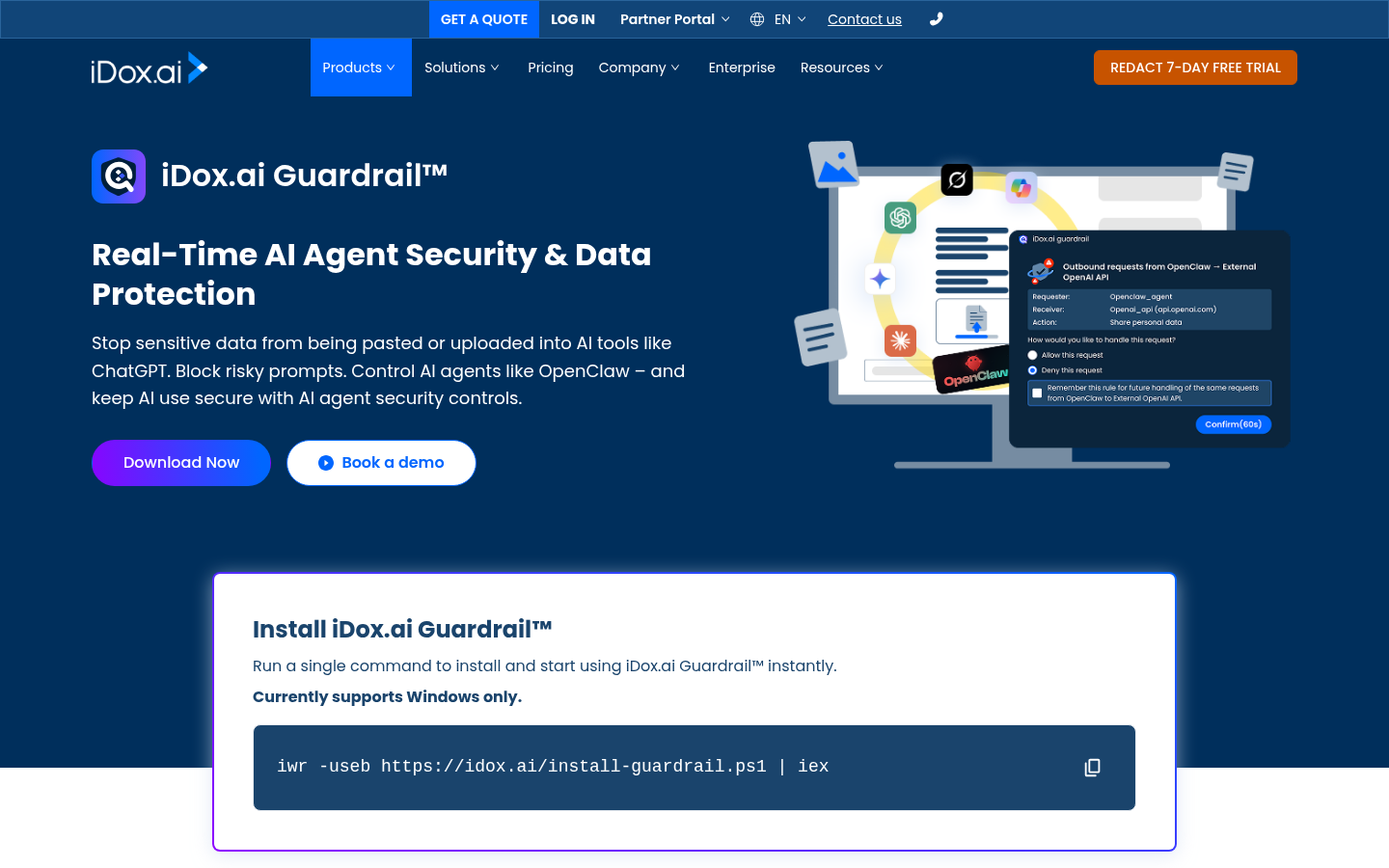
Screenshot archived from the listing page, for preview only.