
IceburgCRM
Build a custom CRM with AI from a database or templateDescribe your CRM, AI builds it
Highlights
What you can do with it
- Turn a collectibles or wine collection spreadsheet into a managed catalog
- Run a fitness studio with member records and workflows
- Migrate an existing MySQL database into a usable CRM without coding
How to use it
- 1 Choose how to start: describe your needs, pick a template, or upload a MySQL database
- 2 Customize fields, themes, and record types to match your workflow
- 3 Use AI-assisted filling and import your existing data
- 4 Set up workflows and use audit logs to track changes
Who it is for
Pros
- Three starting paths: AI description, templates, or database upload
- Niche templates cover unusual use cases
- Import, export, and audit logs support real data work
- A free version exists alongside paid plans
Limitations
- It is built around MySQL, so other databases need checking
- AI-generated structure still needs review before you trust it with data
- The free version likely has limits compared with paid tiers
- Free and paid feature splits can change, so confirm current terms
What IceburgCRM is
IceburgCRM is a platform for building CRM systems with AI. Instead of forcing your process into a generic tool, you describe what you need and the AI creates the structure, or you pick a predefined template, or you upload an existing MySQL database and let it convert that into a working CRM. Templates cover niches such as collectible catalogs, wine management, fitness studios, professional networks, handmade craft suppliers, coffee enthusiasts, and beekeeping. Around the core it adds AI-assisted filling, data import and export, multiple themes, field types, workflows, and audit logs. Both free and paid versions are available, so you can start without a large commitment.
What you can do with it
- Describe your requirements and let the AI generate the CRM structure.
- Start from a niche template instead of a blank screen.
- Convert an existing MySQL database into a working system.
- Import and export data and track changes through workflows and audit logs.
Who it is for
- Small businesses that want a CRM shaped around their own process.
- Collectors and niche operators like wine, coffee, or beekeeping businesses.
- Teams sitting on a MySQL database who need a usable interface.
- Anyone who finds off-the-shelf CRM tools too rigid for how they work.
What to watch out for
The platform is built around MySQL, so if your data lives elsewhere, check compatibility before you commit, because migration can become the hardest part of the project. AI-generated structures are a starting point, not a finished product, and you should review fields and relationships before trusting them with real records, since a bad model is painful to unwind later. The free version likely carries limits compared with paid tiers, and that split can change, so confirm current terms. Any CRM holds sensitive customer data, so plan permissions, backups, and access control from day one.
FAQ
How do I create a CRM?
You can describe your needs and let the AI build it, select a predefined template, or upload an existing MySQL database.
What templates exist?
Templates include collectible catalogs, wine management, fitness studios, professional networks, handmade craft suppliers, coffee enthusiasts, and beekeeping.
Does it support my data?
It works with MySQL databases and offers data import and export, plus AI-assisted filling.
Is there a free version?
Yes. IceburgCRM offers both free and paid versions.
Why it is free
What the official page says: 免费
Free limits, trial length and features are decided by the official site and can change at any time.
Product preview
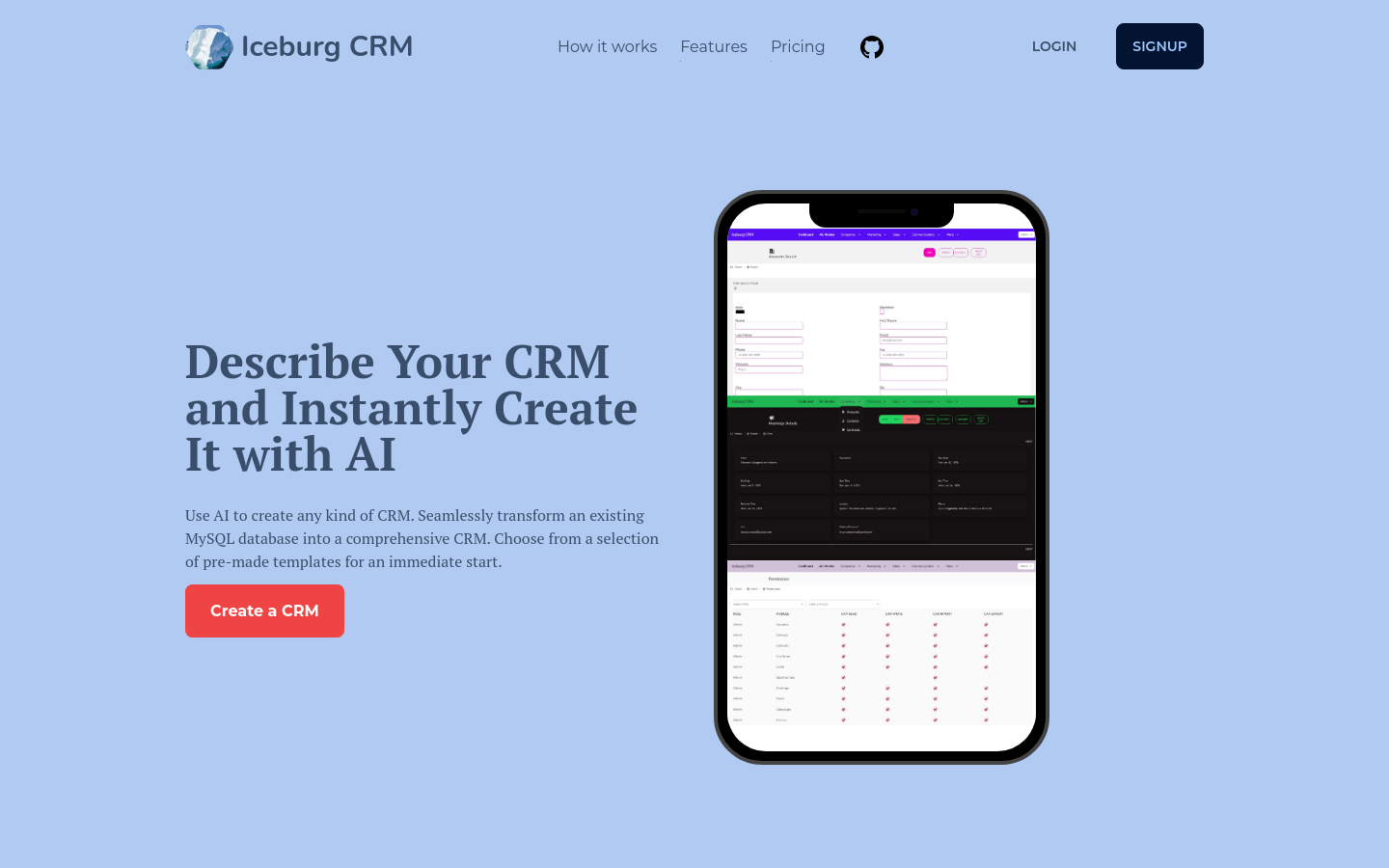
Screenshot archived from the listing page, for preview only.











