
Hyperlink by Nexa AI
Offline AI file searchAsk your local files, privately
Highlights
What you can do with it
- Pulling customer background and talking points from documents before a meeting
- Reviewing lecture notes and key content while studying for an exam
- Finding deadlines and handover terms in signed project agreements
- Locating a detail buried in a screenshot or visual note
How to use it
- 1 Download the installation package for your operating system from the official site
- 2 Run the installer and follow the setup prompts
- 3 Open Hyperlink and connect the local folders you want searched
- 4 Ask questions in plain language about the files
- 5 Read the answer and click a reference to open the original source
Who it is for
Pros
- All AI processing happens locally, which helps privacy
- Answers come with references you can check
- Works without an internet connection once installed
- Supports many common file types, including text in images
Limitations
- It is a beta release, so bugs and rough edges are possible
- Local AI models are slower and weaker than large cloud models
- Only folders you connect are searched, so setup matters
- Free status is current and could change if paid tiers launch
What Hyperlink by Nexa AI is
Hyperlink is an offline, privacy first file agent built by Nexa AI. The listing describes it as local first: the AI model runs on your machine, files are indexed on your device, and nothing has to be uploaded to a server for the search to work. That design choice is the whole point of the product, because it lets you ask questions about confidential documents without sending them anywhere. It reads PDF, Word, Markdown, plain text, presentation, and image files, and it can even pull text out of screenshots and photos so visual notes become searchable. Answers arrive in natural language and carry clickable references back to the original file, so you can verify a claim instead of trusting a summary. The listing states it is free for personal and workspace use right now, and that any future professional or enterprise features will be clearly marked as paid.
What you can do with it
- Search across several local folders at once for a specific detail.
- Ask plain language questions and get answers with source references.
- Have new and edited files indexed automatically as they change.
- Search text that is trapped inside screenshots, photos, and visual notes.
Who it is for
- Knowledge workers who spend hours digging through local folders.
- Students reviewing notes, slides, and reading material before an exam.
- Anyone handling confidential files that should not leave the machine.
- Project managers who need to pull terms and dates out of signed documents.
What to watch out for
Hyperlink is still in beta, so expect rough edges, occasional instability, and features that may shift between releases. Because everything runs locally, speed and answer quality depend on your hardware and on which local model you choose, and local models are generally smaller and less capable than hosted ones. Search only covers folders you explicitly connect, so if a document lives outside those folders it simply will not be found. Installation takes a real download and setup step rather than a quick browser sign up. The current free status is a snapshot, and the description notes that professional or enterprise features may arrive as paid options later.
FAQ
Does Hyperlink need an internet connection?
The material says it processes files on local devices without an internet connection.
What file types can it read?
PDF, Word, Markdown, plain text, presentations, and images, including text inside images.
Is it free?
The listing says it is currently free for personal and workspace use, with future paid features clearly marked.
Can I check where an answer came from?
Yes, answers include clickable references that open the original source and context.
Why it is free
What the official page says: 免费
Free limits, trial length and features are decided by the official site and can change at any time.
Product preview
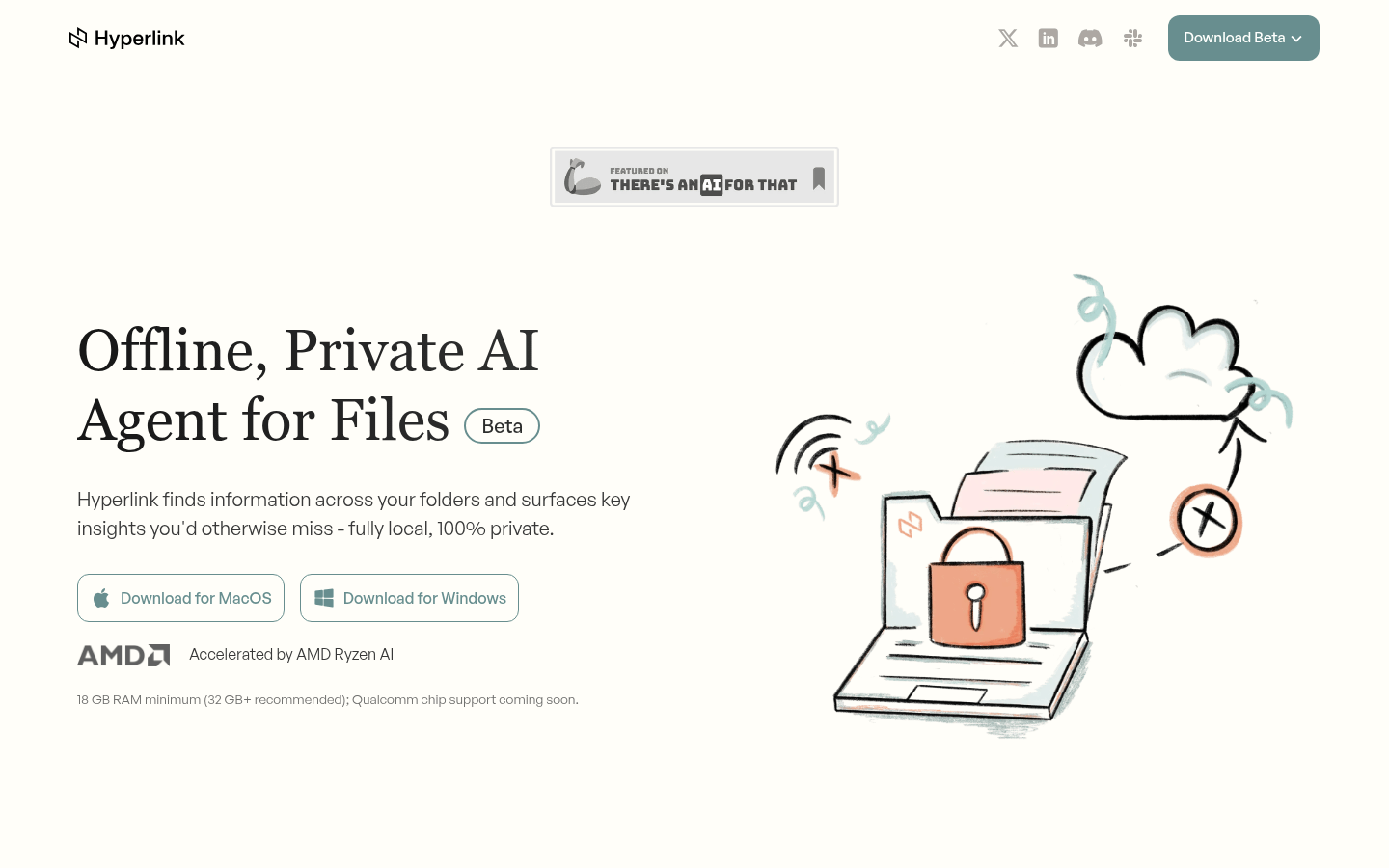
Screenshot archived from the listing page, for preview only.











