
HyperFrames Studio
Code-driven AI video editor for agentsWrite web code, render MP4 video
Highlights
What you can do with it
- Batch-generate marketing videos from a landing page template
- Let an agent build scenes and add a voiceover automatically
- Export a live dashboard as a weekly report video
How to use it
- 1 Open hyperframes.dev and enter Studio
- 2 Create a blank project or start from a template
- 3 Write or paste HTML, CSS, and JavaScript for the visuals
- 4 Preview the animation and adjust timing and copy
- 5 Set resolution and frame rate, then render to MP4
Who it is for
Pros
- Videos become code, so they are testable and versioned
- Deterministic output removes render randomness
- Open-source base allows self-hosting and embedding
Limitations
- An open-use stage, so pricing is not finalized
- Needs some comfort with web code
- Agent workflows require setup and monitoring
- Free basic access may change as the product develops
What HyperFrames Studio is
HyperFrames Studio is a video editor built by the team behind HeyGen on top of the open-source HyperFrames framework. It is described as a video editor born for agents, and it changes how video is made: instead of a timeline, the video is an HTML, CSS, and JavaScript project. You or an AI agent write web animations using tools like CSS keyframes and GSAP, and a deterministic engine captures the frames and composites them into MP4. Because rendering is deterministic, the same input always produces the same output, which makes videos testable and version-controllable.
What you can do with it
- Write the whole video as web code with CSS and JavaScript animation
- Render that code into a standard MP4 with custom resolution and frame rate
- Let an AI agent read and modify project files and submit render jobs
- Turn existing web pages, campaign pages, and dashboards into video
Who it is for
AI developers and agent engineers who want their agents to produce video, frontend and creative developers who prefer code to heavy editing software, and content or growth teams that need to batch-produce clips all fit HyperFrames Studio. Product managers and entrepreneurs who want a video backend inside their own product can embed the framework. Educators making course previews or software demos also benefit from the repeatable, code-based workflow.
What to watch out for
The product is in an open-use stage and the page does not list final pricing, so costs and limits may change as it develops. You need some comfort with web code to get the most from it, even though an agent can write much of the project for you. Agent workflows still require setup and monitoring, because an unattended run can produce output you did not intend. Confirm current terms on the site before building a production pipeline around it.
FAQ
What is HyperFrames Studio?
It is a video editor where the video is written as web code and rendered to MP4.
Is it free?
Basic capabilities can be experienced for free during the open-use stage.
Do I need to code?
Comfort with HTML, CSS, and JavaScript helps, though agents can also modify project files.
Can AI agents use it?
Yes, it has built-in interfaces so agents can read files and submit render tasks.
Why it is free
What the official page says: for free
Free limits, trial length and features are decided by the official site and can change at any time.
Product preview
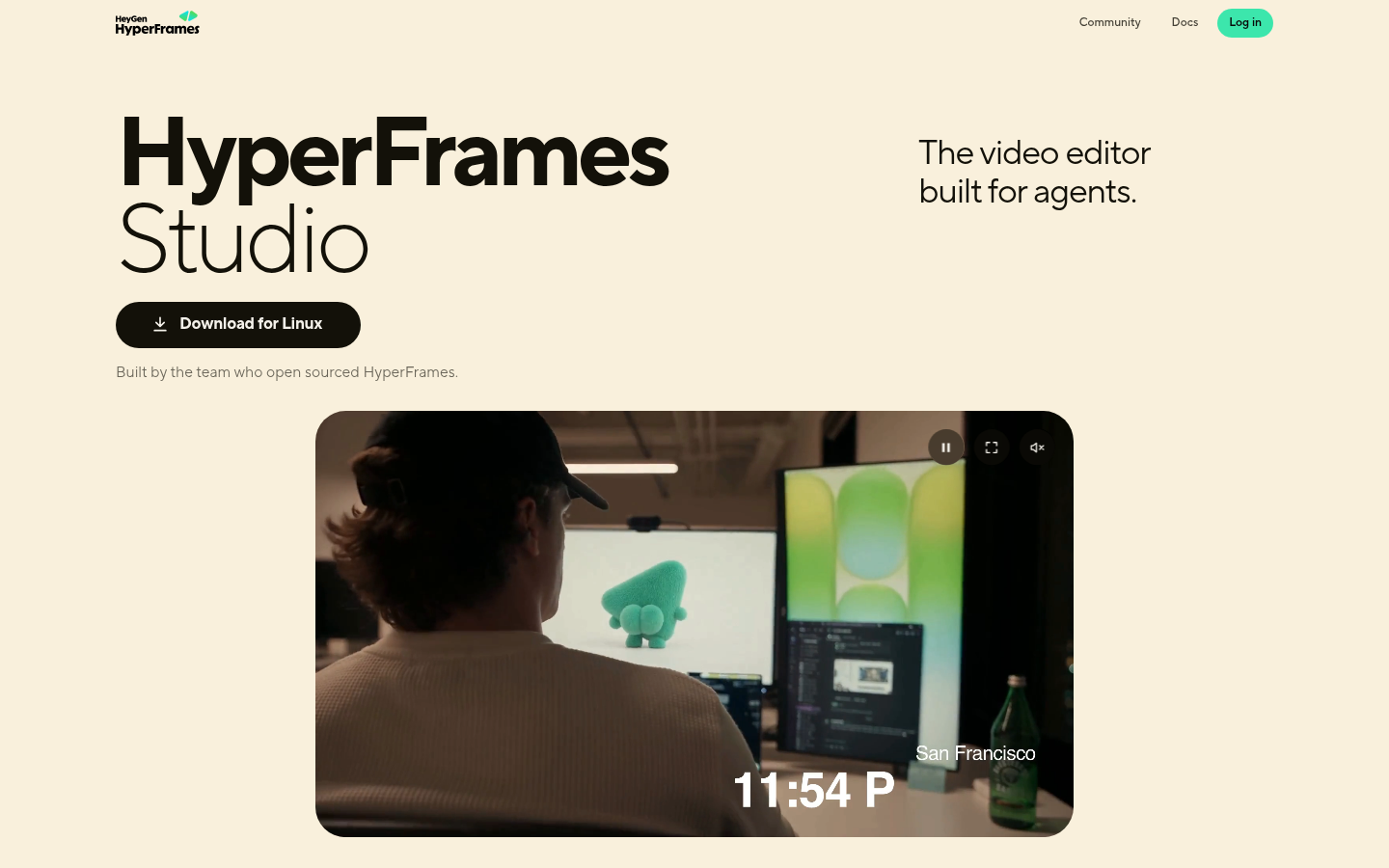
Screenshot archived from the listing page, for preview only.











