
HyperDX
Open-source full-stack monitoring and production debugging toolSee production issues in real time and find the cause fast
Highlights
What you can do with it
- An internet startup monitored a new e-commerce app and fixed an abnormal database connection issue
- A traditional enterprise debugged a new business system and found a performance bottleneck early
- A small development team tracked a mobile app and solved a stuttering problem reported by users
How to use it
- 1 Visit the HyperDX site and register an account
- 2 Complete the basic account setup and verification
- 3 Integrate the monitoring code into your project using the documentation
- 4 Open the console to view monitoring data and run debugging
- 5 Handle and optimize the issues you find
Who it is for
Pros
- Real-time view across the whole stack
- Open-source code allows customization
- Lower cost is a stated advantage for smaller teams
Limitations
- A free trial is mentioned, and pricing or free rules can change
- Self-hosting or integration still takes setup work
- Monitoring value depends on how well the code is instrumented
What HyperDX is
HyperDX is a tool focused on full-stack production debugging and monitoring. It watches every layer of a running system, from the front end to the back end, and shows indicators and health in real time. When something breaks, the page says it uses data analysis to locate the cause quickly so the team can cut downtime. It is built on an open-source model, which means developers can inspect the code, join the project, and extend it for their own needs. The page also describes the cost as affordable and frames it as a practical choice for small and medium-sized teams, with a free trial mentioned.
What you can do with it
- Debug across the full stack in a production environment.
- Watch system indicators and health in real time.
- Locate the source of a failure with less guesswork.
- Customize the open-source code for your own setup.
Who it is for
- Developers who need to trace code issues in live systems.
- Operations teams that own uptime and need alerts they can act on.
- Smaller companies that want solid monitoring without a heavy budget.
What to watch out for
The page mentions a free trial but does not publish full pricing, and any free rule or plan can change. You still have to instrument your code and integrate the monitoring client, which takes real setup effort on a complex stack. Open source also means you may rely on community updates for fixes, so plan your own support path if you run it in production. Generated suggestions are for reference only, so verify anything that affects professional judgment or important data.
FAQ
Is HyperDX open source?
Yes. The page describes an open-source model that lets developers customize and extend it.
What does it monitor?
Full-stack production systems, from the front end to the back end, in real time.
Is there a free option?
The page mentions a free trial, and it does not spell out full pricing, so check the site.
Who is it for?
Developers, operations teams, and small or medium-sized businesses that need affordable monitoring.
Why it is free
What the official page says: free trial
Free limits, trial length and features are decided by the official site and can change at any time.
Product preview
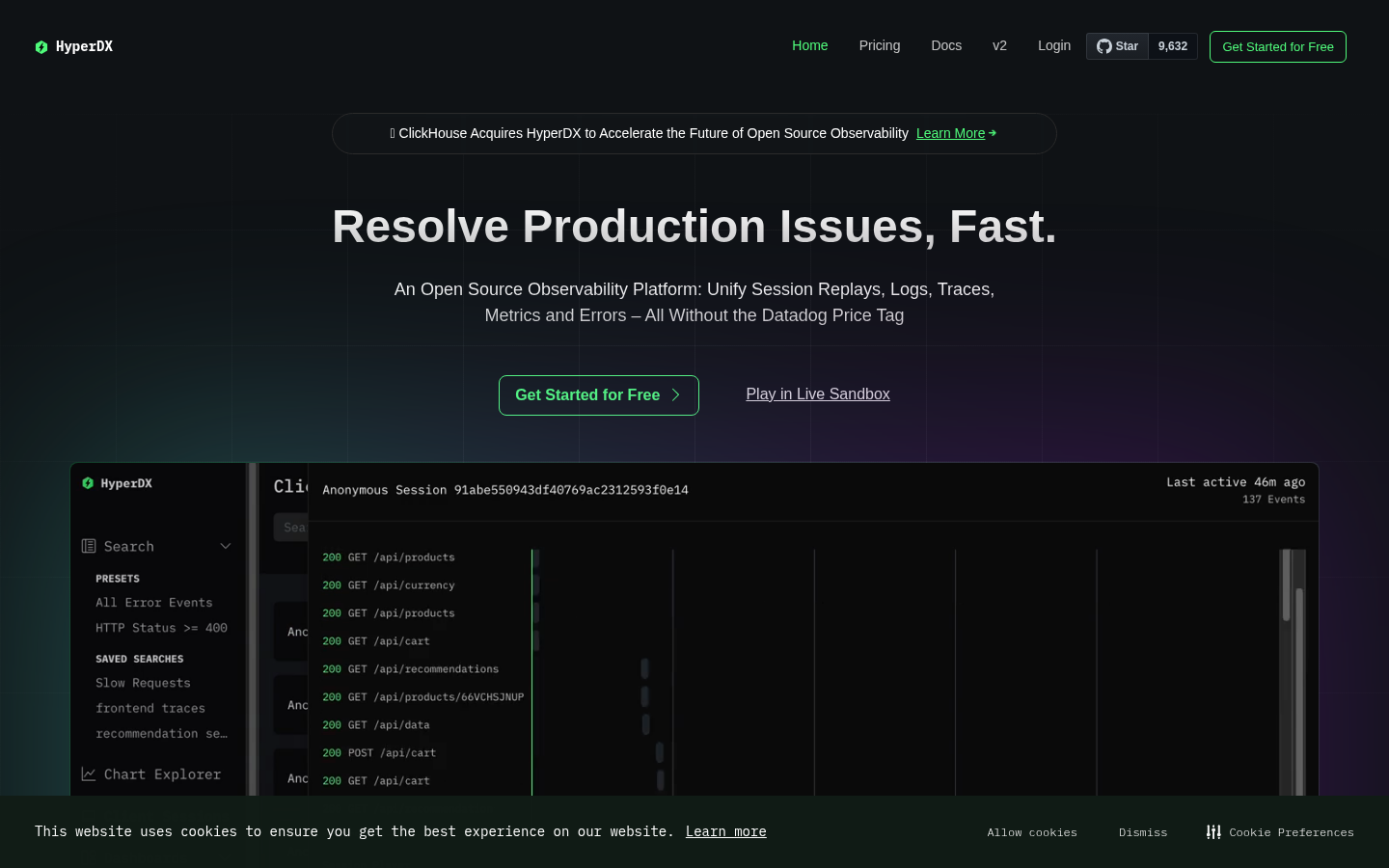
Screenshot archived from the listing page, for preview only.











