
Huncher
AI website audit toolScan, score, and fix your website
Highlights
What you can do with it
- An e-commerce site fixing speed and call-to-action issues
- A startup closing SEO gaps like missing tags
- An agency comparing a client site to competitors
How to use it
- 1 Register and log in to Huncher
- 2 Paste the URL of your website
- 3 Run the scan and review the score
- 4 Copy the AI repair tips for each issue
- 5 Paste them into your editing tool and rescan
Who it is for
Pros
- Actionable tips, not just a report
- Covers conversion, SEO, and competitors
- Free first scan to test value
Limitations
- Tips still need a developer to apply
- Scoring may not match your priorities
- Repeated scans likely need a paid plan
What Huncher is
Huncher is a tool dedicated to website optimization. It conducts a comprehensive scan of a website from header to footer, looking for every factor that might cost you potential customers. That includes the absence of a clear call to action, unappealing titles, and slow loading speed. What separates it from a plain audit is the output: each detected issue comes with a precise AI repair tip that you can copy and paste into tools such as Cursor or Lovable. After each scan you get four perspectives on the site, covering conversion, design, SEO, and competitive comparison, plus a score for areas like the hero section, copy, forms, speed, and trust.
What you can do with it
- Scan the whole site for issues that block conversion
- Get copy-and-paste AI repair tips for each problem
- Score the site across hero, copy, forms, speed, and trust
- Compare features against competitor websites
- Rescan after repairs to confirm problems are solved
Who it is for
- Website owners who want better performance and experience
- Marketing personnel focused on conversion and acquisition
- Developers maintaining and improving sites
What to watch out for
The tips identify problems, but applying them still requires someone with access to your code or editing tools, so plan for implementation time. The scoring reflects the tool's model of a good page, which may not match your priorities or industry. Only the first scan of the first page is free, so repeated scanning and deeper analysis likely need a paid plan. Confirm current pricing before ongoing use. Generated suggestions are for reference only, so verify anything that affects professional judgment or important data.
FAQ
What does Huncher find?
It finds issues that may lose customers, such as unclear calls to action, unappealing titles, and slow loading speed.
Where do I use the repair tips?
The tips are designed to be pasted into development and editing tools such as Cursor and Lovable.
Is the first scan free?
Yes, the first scan of the first page is free.
Why it is free
What the official page says: 免费
Free limits, trial length and features are decided by the official site and can change at any time.
Product preview
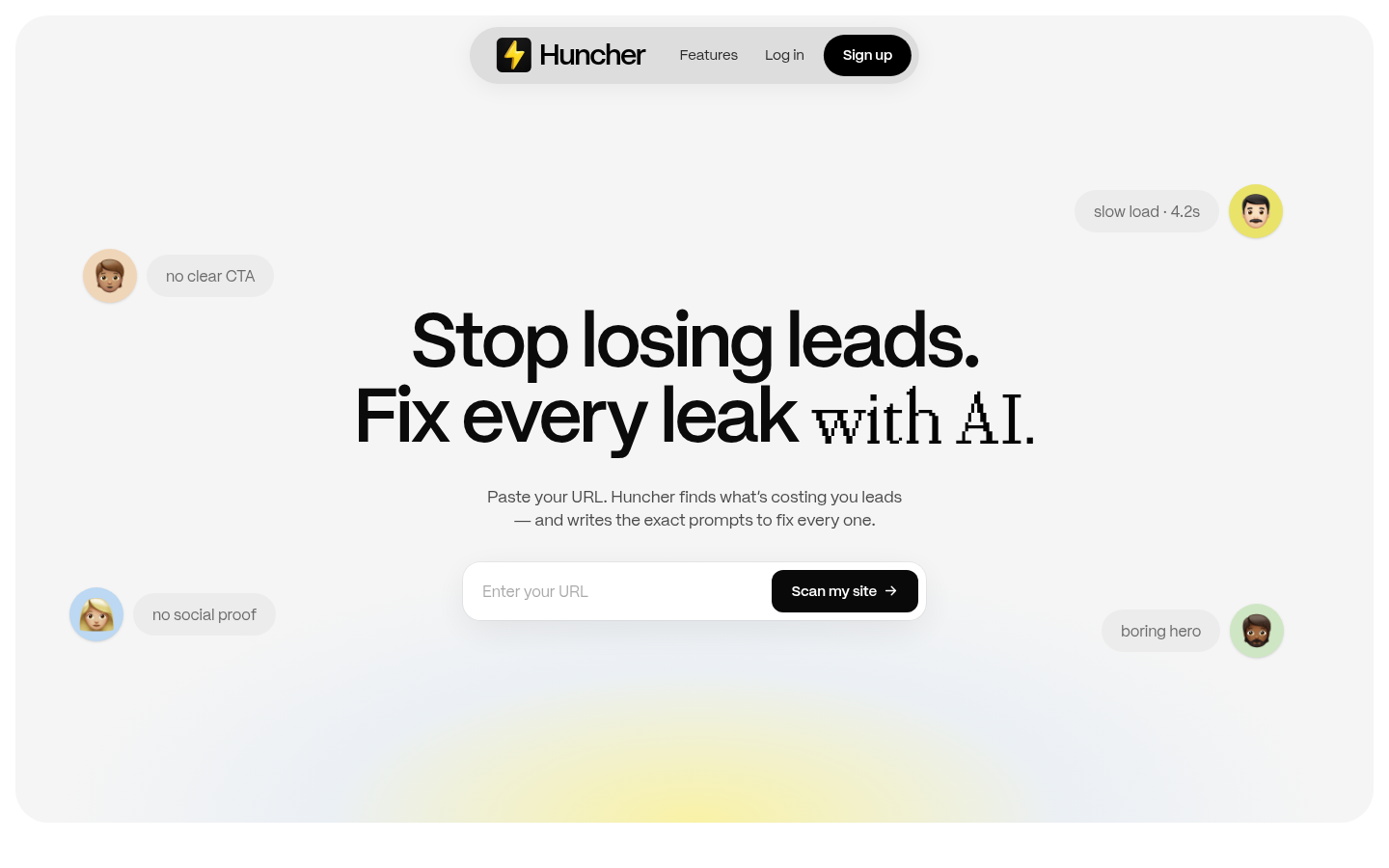
Screenshot archived from the listing page, for preview only.











