
Humanizeaitext AI
AI text humanizer for smoother writingRewrite AI drafts into natural prose
Highlights
What you can do with it
- Smooth out AI drafted articles and posts
- Rewrite marketing copy that sounds stiff
- Clean up machine written messages
How to use it
- 1 Open the Humanizeaitext AI site
- 2 Paste your AI generated text into the input box
- 3 Run the humanizer and read the rewritten version
- 4 Edit the result so it matches your own voice
Who it is for
Pros
- Simple one click workflow
- Targets a real problem with stiff AI phrasing
- Can be tried before committing to a paid plan
Limitations
- The 100 percent human score is a marketing claim, not a guarantee
- Using it to disguise AI written work may violate school or platform rules, and the user carries any consequence
- Free and paid limits are not clearly detailed and can change
What Humanizeaitext AI is
Humanizeaitext AI is an online tool built to rewrite AI generated text into writing that reads like a person produced it. Large language models tend to leave patterns behind: uniform sentence lengths, flat transitions, and vocabulary that repeats. This tool targets those tells and rebuilds the text so it flows more naturally, and the site says the output can reach a 100 percent human score and claims the rewritten content is plagiarism free. The workflow is one click: paste, run, read. The listing points to free and paid versions, though exact limits are not spelled out, and the product is aimed at writers across industries who regularly start from AI drafts and want the result to sound less mechanical. For anyone publishing regularly, the appeal is obvious: less time spent rewriting the same stiff paragraph by hand.
What you can do with it
- Paste an AI draft and get a smoother, human readable version
- Reduce the repetitive phrasing typical of machine output
- Rewrite marketing copy, articles, or messages in one click
- Edit the result further to match your own voice
- Clean up machine written text before it goes out
Who it is for
- Writers and editors cleaning up AI first drafts
- Marketers who want generated copy to sound less stiff
- Anyone reviewing machine written text before it goes out
- Students checking their own drafts
What to watch out for
The 100 percent human score is advertising language, and no rewriter can promise how every detector will respond, so treat the claim as a target rather than a fact. Always read the output, because rewriting can shift meaning or introduce errors. Using this kind of tool to disguise AI written work may violate school policies, publisher guidelines, or platform rules, and any penalty lands on the person who submits the text, so check the rules that apply to you before you rely on it. Pricing and free limits are vague in the listing and may change, so confirm current terms on the site. Keep a copy of the original text, because a rewrite can lose a specific fact or number, and comparing versions is the only reliable way to catch that.
FAQ
What does this tool do?
It rewrites AI generated text to sound more natural.
Is the human score really 100 percent?
That is the site's claim; results vary by detector and by text.
Is it free?
The listing suggests free and paid versions may exist, but specifics are not detailed.
Can I use it to bypass AI checks at school?
That may break institutional rules and any penalty falls on you, so check your policy first.
Why it is free
What the official page says: 免费
Free limits, trial length and features are decided by the official site and can change at any time.
Product preview
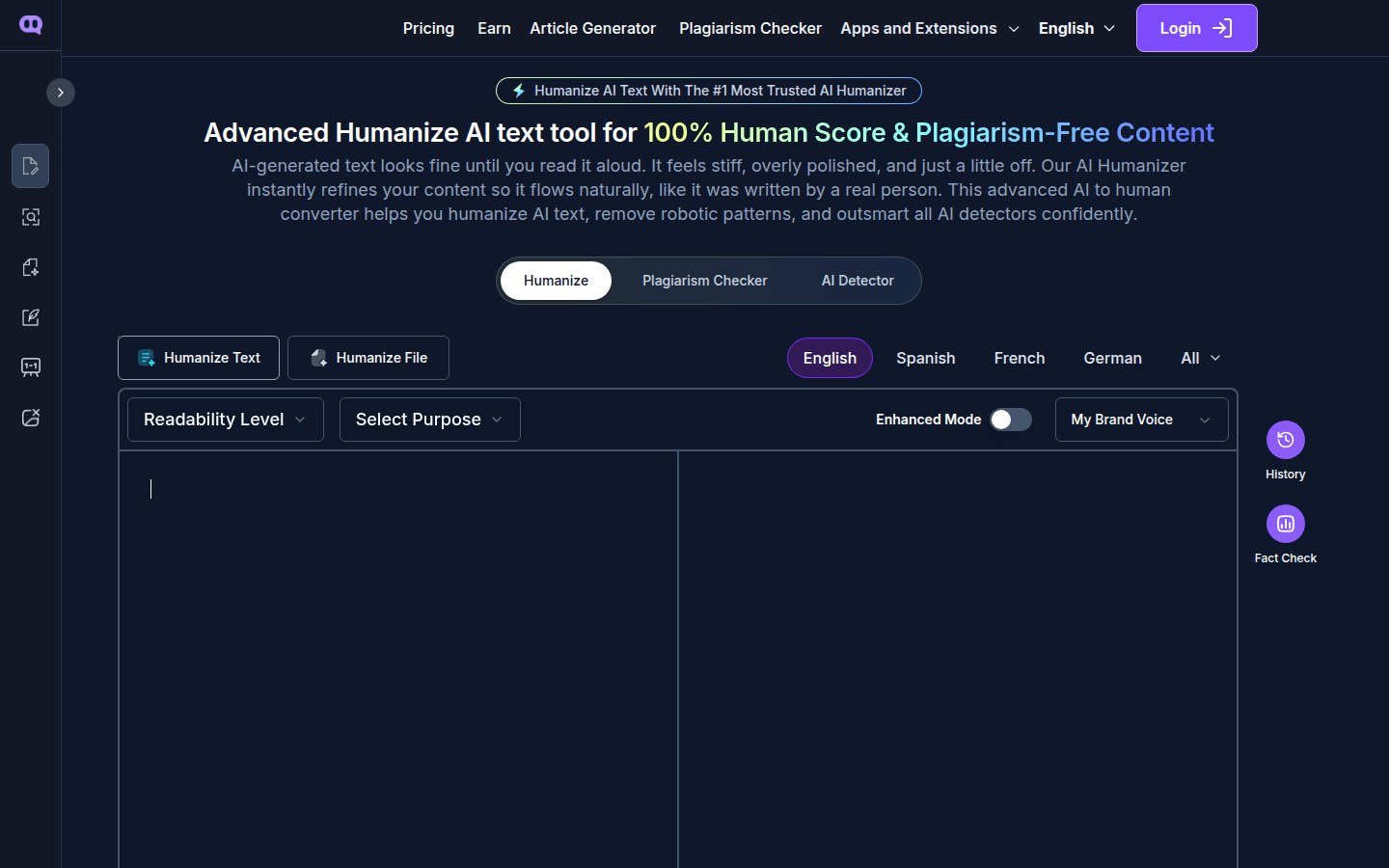
Screenshot archived from the listing page, for preview only.