
humanize AI
Rewrite AI text to sound naturalMake drafts read like a person wrote them
Highlights
What you can do with it
- Smoothing a blog post before publishing
- Polishing a draft so it reads more naturally
- Improving the tone of automated support replies
How to use it
- 1 Open WritePaper and find the AI Humanizer tool.
- 2 Paste your text or upload a file.
- 3 Run the tool and wait for the rewrite.
- 4 Review the result and run it again if needed.
Who it is for
Pros
- Free to use with unlimited processing listed
- Works on several text types
- Simple paste, run, and review workflow
Limitations
- Using it to disguise AI work may violate school or platform rules
- Rewrites can change meaning if not reviewed
- Free status and tool scope can change at any time
What WritePaper's AI Humanizer is
WritePaper's AI Humanizer is a tool that rewrites AI generated text into language that reads more naturally. You paste a draft or upload a file, and it adjusts tone and structure, fixes formatting problems, and produces cleaner prose. The stated uses are content creation, educational materials, and customer support, where automated or machine assisted writing tends to sound stiff. It is listed as free with unlimited processing, which means you can run a text through it repeatedly until you are satisfied with the result.
What you can do with it
- Rewrite AI generated text into more natural phrasing.
- Adjust tone and structure for a smoother read.
- Fix formatting issues so the text stays consistent.
- Polish product descriptions and advertising copy.
- Run a draft through repeatedly until it reads well.
Who it is for
- Bloggers and writers who want smoother drafts.
- Students revising papers for clarity and readability.
- Support teams improving the tone of automated replies.
- Anyone who finds machine generated phrasing too rigid.
What to watch out for
Using this tool to disguise AI generated work so it passes as original may violate school academic integrity rules or platform policies, and any consequences fall on you, so check the rules that apply to your situation before you use it that way. Rewriting changes wording, and meaning can shift if you do not read the result carefully, so never submit rewritten text unedited. The tool is listed as free today, but free access and feature scope can change. It improves style, not factual accuracy, so wrong information stays wrong after a rewrite. When quality matters, export a small draft first to confirm the result before producing the final file.
FAQ
What does the tool do?
It rewrites AI generated text so it reads more naturally, adjusting tone and structure.
Is it free?
The listing describes it as free with unlimited processing.
Can it handle academic papers?
It lists articles, blogs, and academic papers among the supported text types.
Why it is free
What the official page says: 免费
Free limits, trial length and features are decided by the official site and can change at any time.
Product preview
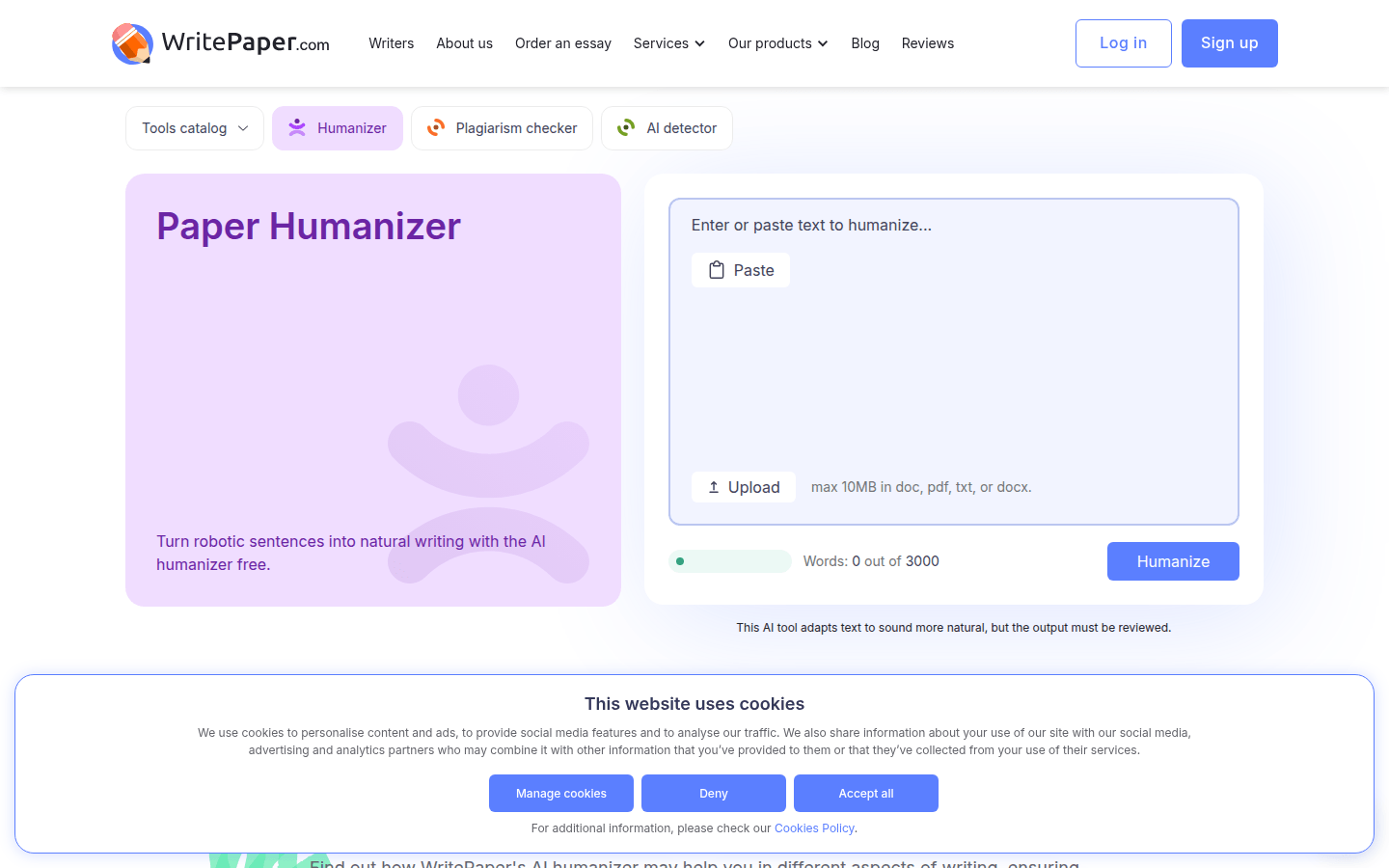
Screenshot archived from the listing page, for preview only.











