
Huemint
AI color palette generatorUnique palettes for your brand
Highlights
What you can do with it
- Explore palette options for a brand
- Pick colors for a website design
- Generate color sets for graphics
How to use it
- 1 Open Huemint in your browser.
- 2 Enter colors, an image, or keywords.
- 3 Review the generated palettes.
- 4 Study variations and color notes.
- 5 Export or apply the palette you like.
Who it is for
Pros
- Fast palette ideas from simple inputs
- Variations help compare options
- Explanations add context per color
Limitations
- Generated palettes still need design judgment
- Taste is subjective, so results vary in fit
- Free version limits apply
- Pricing and features can change
What Huemint is
Huemint is a color palette generator that uses machine learning to create unique palettes for brands, websites, and graphics. Give it colors, images, or keywords and it returns a set of palettes with variations, plus descriptions and suggestions for each color so you understand the meaning and usage. The tool is meant to answer a narrow question quickly: which colors work well together here. The listing says pricing is flexible, with free and paid versions for users of different sizes and needs.
What you can do with it
- Generate palette options from a keyword
- Explore variations of a base palette
- Read usage notes for each color
- Test palettes for a brand or website
- Collect color sets for graphic work
The variations are useful when you want options rather than a single answer.
Who it is for
- Designers choosing brand colors
- Web designers building page palettes
- Marketers checking visual consistency
- Anyone stuck on color choices
Non designers use it to avoid clashing choices in slides and posts.
What to watch out for
Generated palettes still need design judgment, since taste and context decide what works. Results are subjective, so a palette that fits one project may not fit another. Free version limits apply, and paid features need a subscription. Pricing and features can change, and color rendering can differ between screens, so export values in the format your design tool expects. Processing speed depends on file size and network conditions, so retry later if a task stalls during peak hours. Run one full task end to end first, then expand once you are comfortable with the workflow and the result quality.
FAQ
What is Huemint?
A machine learning tool that generates color palettes for brands, websites, and graphics.
What inputs does it accept?
Colors, images, or keywords, according to the listing.
Is there a free version?
Yes, the listing mentions free and paid versions.
Why it is free
What the official page says: 免费
Free limits, trial length and features are decided by the official site and can change at any time.
Product preview
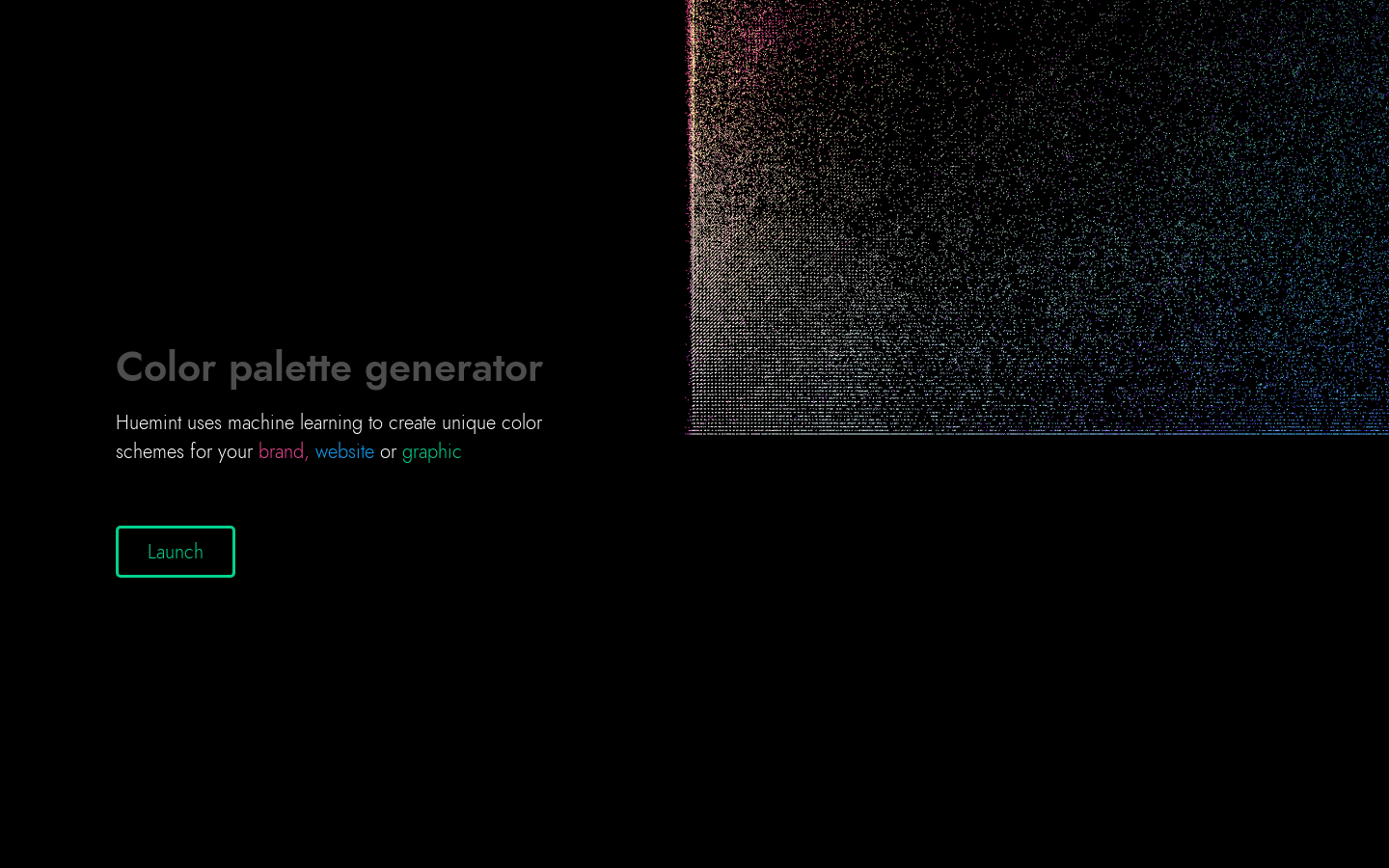
Screenshot archived from the listing page, for preview only.











