HubSpot Campaign Assistant
Free AI marketing copy generatorLanding pages, emails, and ads from a campaign brief
Highlights
What you can do with it
- Drafting landing page copy for a campaign
- Writing several email variants for a send
- Producing short ad copy for testing
How to use it
- 1 Open the HubSpot Campaign Assistant page
- 2 Describe your campaign or paste existing content
- 3 Choose the asset type you need
- 4 Generate the copy
- 5 Edit and refine before publishing
Who it is for
Pros
- Free access to generated marketing copy
- Multiple asset types from one brief
- Works from content you already have
- Good for producing variants to test
Limitations
- Free availability and features can change
- Output is generic until you edit for brand voice
- Claims about product features still need fact-checking
- Scope is marketing copy, not strategy or design
What HubSpot Campaign Assistant is
HubSpot Campaign Assistant is a free AI marketing asset generator. You hand it your marketing campaign content and it returns text for landing pages, emails, and ad copy, which is the part of a campaign that usually eats the most time. Because it works from material you already have, the output is anchored to your offer rather than invented from nothing. It sits inside the HubSpot family of tools, so it makes most sense if you already work there or plan to. For a solo marketer or a small team without a dedicated copywriter, the practical value is having something to react to instead of a blank page.
What you can do with it
- Draft landing page copy from a campaign brief
- Write email variants for a send
- Produce short ad copy to test
- Reuse existing campaign content across asset types
Who it is for
- Solo marketers and small teams without a copywriter
- People running campaigns who need variants quickly
- HubSpot users who want copy generation inside their existing tools
What to watch out for
Free availability and the exact feature set can change, since free tools from larger vendors often move behind account requirements over time. Output is generic by default and will not know your brand voice, your legal constraints, or what you promised last quarter, so editing is mandatory. Any specific claim the generator makes about your product or pricing must be checked before it goes live. Scope is copy generation only; it will not design the page, build the email, or tell you whether the campaign is a good idea.
FAQ
Is it free?
The listing describes it as a free AI marketing asset generator, though terms can change.
What can it generate?
Landing page copy, emails, and ad copy based on your campaign content.
Does it need my campaign content?
Yes, it leverages your marketing campaign content to generate the text you need.
Can I publish the output as is?
Better not. Treat it as a first draft and edit for accuracy, tone, and brand before publishing.
Why it is free
What the official page says: 免费
Free limits, trial length and features are decided by the official site and can change at any time.
Product preview
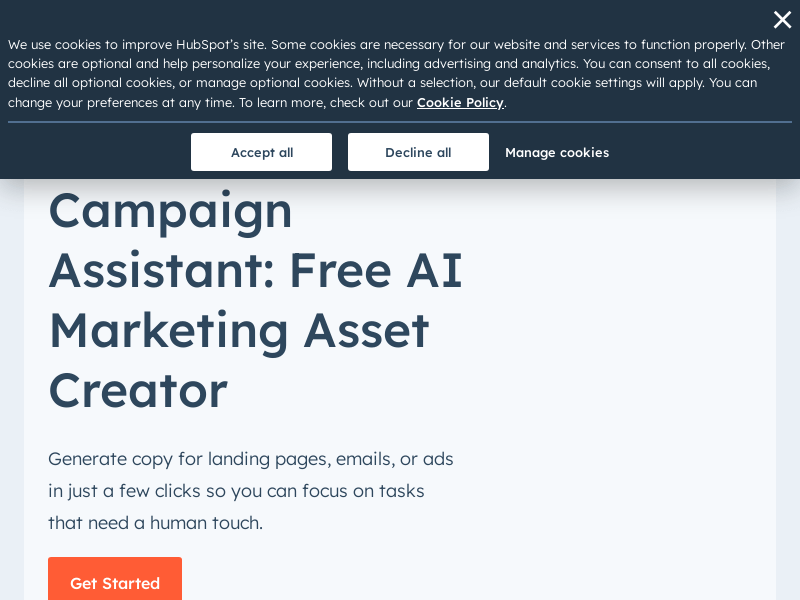
Screenshot archived from the listing page, for preview only.