
https
ComfyUI app builderBuild and share workflow apps
Highlights
What you can do with it
- Build a personal workflow application to speed up repeated tasks
- Create a shared workflow application for a team
- Develop a custom workflow application for a business need
How to use it
- 1 Visit comfyflow.app
- 2 Click the button to create your workflow application
- 3 Build the app in the ComfyUI workflow editor
- 4 Click share and send the link to others
- 5 Others open and use the application through that link
Who it is for
Pros
- Free to use
- Simple interface for building applications quickly
- Sharing is built in, so others can open your app from a link
Limitations
- Depends on ComfyUI and Stable Diffusion, so upstream changes affect it
- Free usage terms can change
- Most useful if you are already comfortable with node-based workflows
What ComfyFlow is
ComfyFlow is a platform for turning ComfyUI workflows into web applications you can share. Built on top of ComfyUI and Stable Diffusion, it takes a node graph you have already assembled and wraps it in a simple interface that other people can open in a browser. Hosting is included and usage is free. Creators can join a revenue-sharing program, and privacy controls decide who gets to see a workflow application. The editor is the same one ComfyUI users already know, so the learning is mostly about packaging a graph for other people rather than rebuilding it from zero.
What you can do with it
- Turn a ComfyUI workflow into a standalone web application.
- Share that application with a link so others can run it.
- Keep a workflow application private when you need to.
- Join a revenue-sharing program as a creator.
Who it is for
- Individual users who want a personal workflow application.
- Teams that need one shared, repeatable tool instead of everyone rebuilding it.
- Enterprises that want a custom application built around their own process.
What to watch out for
ComfyFlow sits on top of ComfyUI and Stable Diffusion, so anything that changes upstream reaches you here. Model updates, breaking changes in ComfyUI, or shifts in hosting can all affect what your application does, and a workflow that works today may need attention later. Free usage terms can change too. The tool is most useful if you are already comfortable with node-based workflows; if you have never used ComfyUI, the editor will be the first thing you have to learn before the sharing and hosting parts pay off.
FAQ
What does ComfyFlow do?
It turns a ComfyUI workflow into a web application you can share with other people.
Is it free?
Yes. The listing describes simplicity, full hosting, and free usage.
Can creators earn from their apps?
Yes. There is a revenue-sharing program creators can join.
Why it is free
What the official page says: 免费使用免费
Free limits, trial length and features are decided by the official site and can change at any time.
Product preview
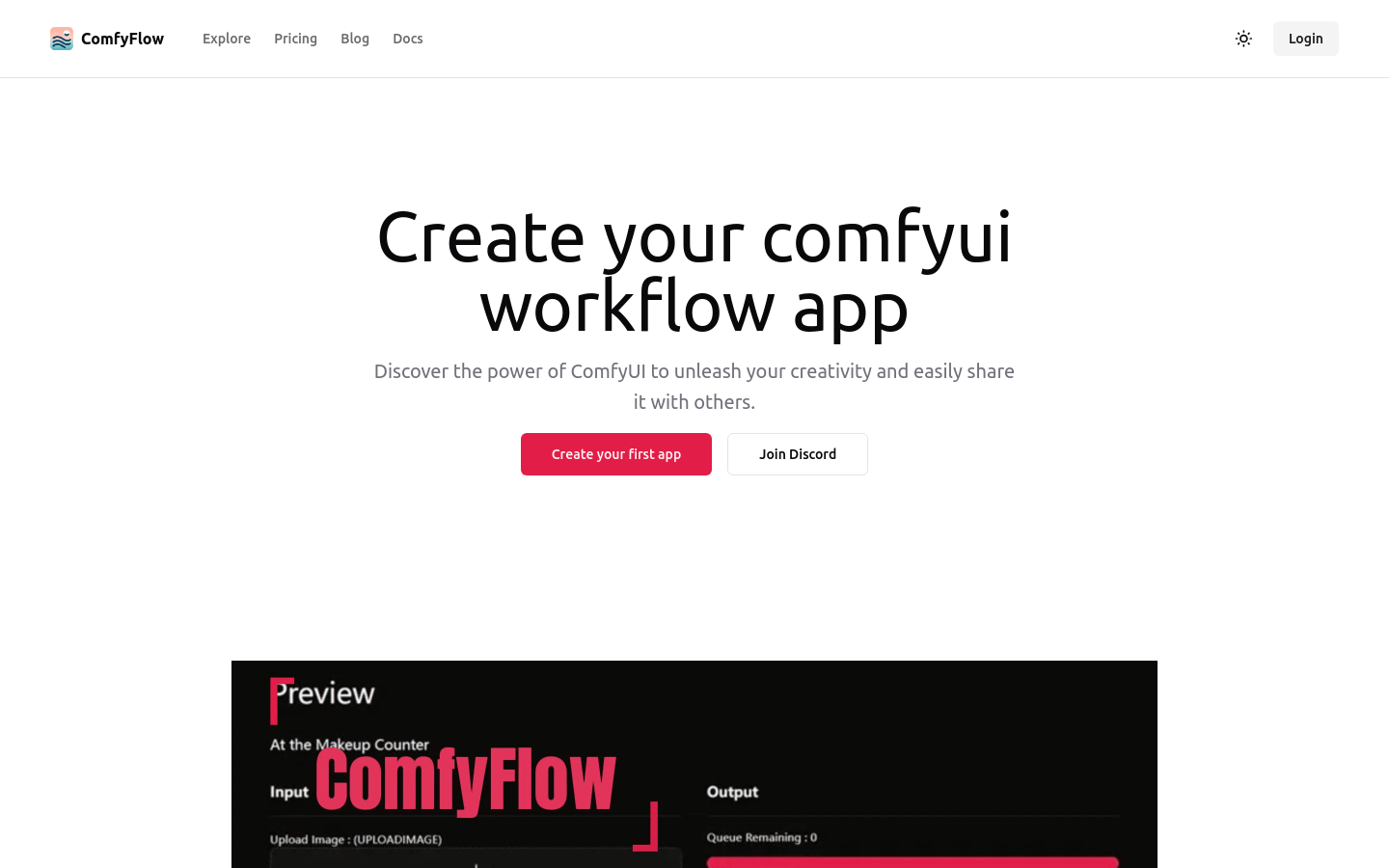
Screenshot archived from the listing page, for preview only.











