
Hovercode
Dynamic QR codes you can editCreate, track, and manage dynamic QR codes
Highlights
What you can do with it
- Run a marketing campaign and update the landing link without reprinting
- Promote a product and track how many people scan the code
- Share social or menu links that you can change later
How to use it
- 1 Sign up for a Hovercode account
- 2 Choose a template and create a new dynamic QR code
- 3 Set the destination link you want the code to point to
- 4 Download and place the code on your material
- 5 Edit the link or check scan data whenever you need
Who it is for
Pros
- Dynamic codes can be edited after printing
- Scan tracking shows how often a code is used
- Free plan available alongside paid tiers
Limitations
- The free plan has limits, and paid pricing can change
- Dynamic codes depend on Hovercode staying online, since the link is redirected through the service
- Scan tracking accuracy depends on how and where the code is shared
What Hovercode is
Hovercode is a dynamic QR code generator that lets you create, track, and manage QR codes from one place. The key feature is that a dynamic code can be edited after it is printed, so you can change the destination link at any time instead of reprinting a new code. This makes it useful for campaigns, product promotion, and social media links where the target page may change. It also offers template options and scan tracking so you can see how often a code is used. Hovercode has both free and paid plans, so you can start at no cost and upgrade only when you need more.
What you can do with it
- Create scannable, editable dynamic QR codes
- Change the target link at any time without reprinting
- Track scans to measure how a code performs
- Choose from template options for different uses
Who it is for
- Marketers running campaigns that may change over time
- Product and retail teams linking to menus, pages, or offers
- Social media managers who want editable links
- Anyone who needs QR codes they can update and track
What to watch out for
The free plan has limits, and the paid pricing and features can change, so check current terms before you rely on it. Because a dynamic code redirects through Hovercode, it depends on the service staying online; if the service is down or you stop paying, the code may stop working. Scan tracking gives you a general sense of usage but its accuracy depends on how and where the code is shared, so treat the numbers as a guide rather than exact counts.
FAQ
What makes a QR code dynamic?
A dynamic code can be edited after it is created, so you can change the destination link without making a new code.
Can I track scans?
Yes. Hovercode supports scan tracking so you can see how often a code is used.
Is there a free plan?
Hovercode offers free and paid plans based on your needs.
Why it is free
What the official page says: 免费
Free limits, trial length and features are decided by the official site and can change at any time.
Product preview
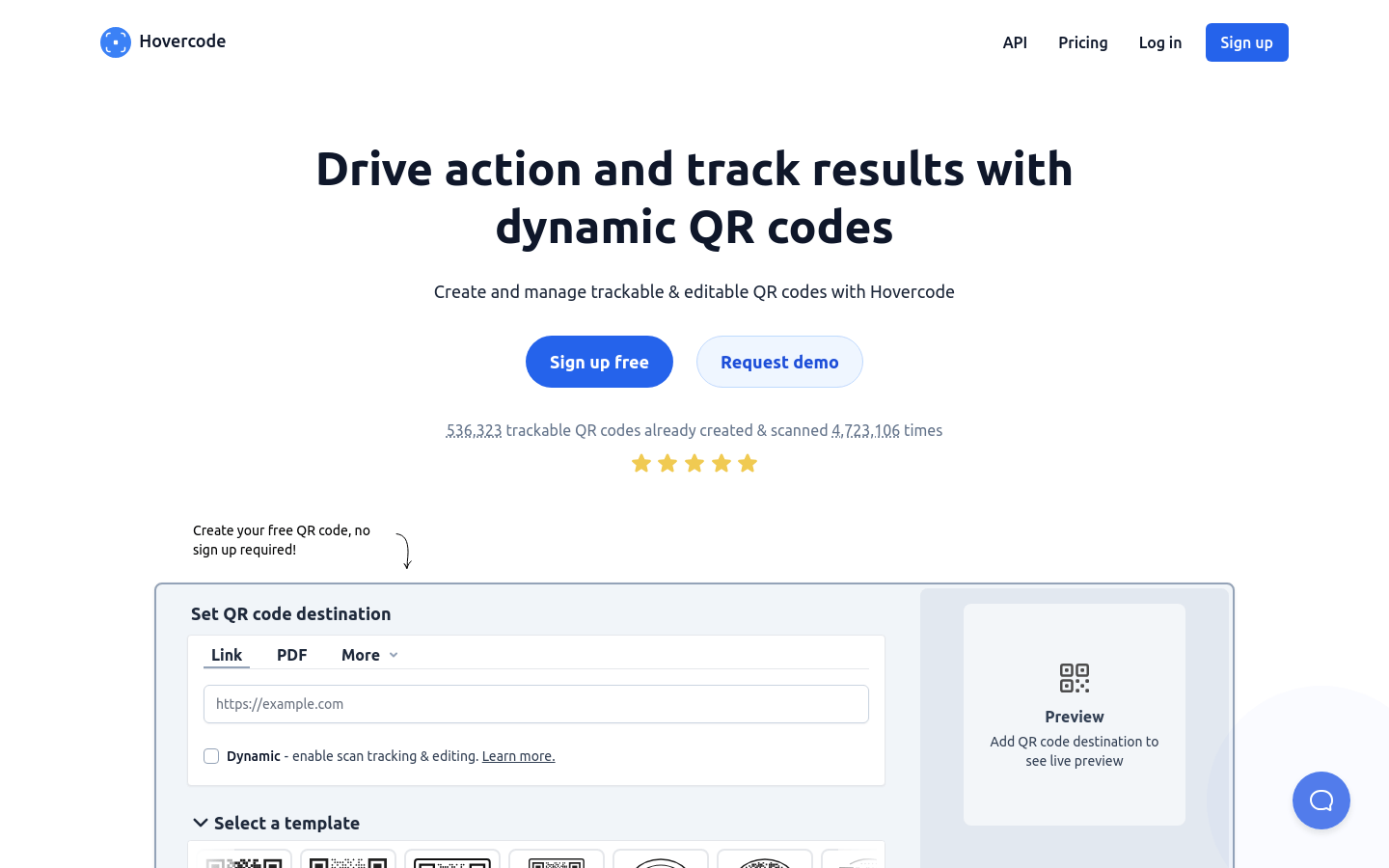
Screenshot archived from the listing page, for preview only.











