
Homestyler AI
Free online home design tool3D floor plans and room design
Highlights
What you can do with it
- Draw a floor plan for a room or a whole home
- Design a kitchen or bathroom layout in 3D
- Produce rendered visuals of a design before renovating
How to use it
- 1 Open Homestyler and start a new design project
- 2 Draw or import the floor plan
- 3 Add rooms, furniture, and finishes from the catalogue
- 4 Switch to 3D to review the layout
- 5 Render images or video of the finished design
Who it is for
Pros
- Free to start according to the listing
- Covers floor plans through to rendered visuals
- Dedicated kitchen and bathroom modules
- Mobile app and VR/AR extend it beyond the desktop
Limitations
- Detailed 3D rendering can demand a capable device
- Full design work has a learning curve for first-time users
- Advanced features and plan details are published on the official site, so check before committing
What Homestyler is
Homestyler is an online home design platform. It covers the path from a blank floor plan to a rendered visual: you draw the plan, place rooms and furniture, decorate interiors, and then switch to 3D to see how it holds together. There are dedicated modules for kitchens and bathrooms, which are the two rooms people most often plan before buying anything, and the output side includes visualisation and video rendering so a design can be shown rather than described. Mobile apps and VR and AR support extend the same work beyond a desktop, and design projects plus DIY video tutorials are available for people learning as they build.
What you can do with it
- Draw or import a floor plan for a room or a whole home
- Design interiors, including dedicated kitchen and bathroom layouts
- Review the design in 3D and from a mobile device
- Render images or video of the finished concept
Who it is for
- Homeowners planning a renovation or a room refresh
- Interior designers presenting concepts to clients
- DIY users who want to learn design through tutorials and example projects
What to watch out for
Detailed 3D scenes and video rendering are demanding, so an older laptop or phone will struggle with larger models and higher quality output. The product also has real depth: floor plans, decoration modules, rendering, and collaboration features take time to learn, and a first project will be slower than the marketing suggests. Since plan details are published on the official site rather than in the product summary, check what the free access includes before you depend on a particular feature for client work.
FAQ
Is Homestyler free?
It is presented as a free online home design tool. Plan details are published on the official website.
Can I design a whole floor plan?
Yes. Floor plan design is one of the core features, alongside interior decoration and room modules.
Does it work on mobile?
Yes. There is a mobile application, plus VR and AR support.
Why it is free
What the official page says: 免费
Free limits, trial length and features are decided by the official site and can change at any time.
Product preview
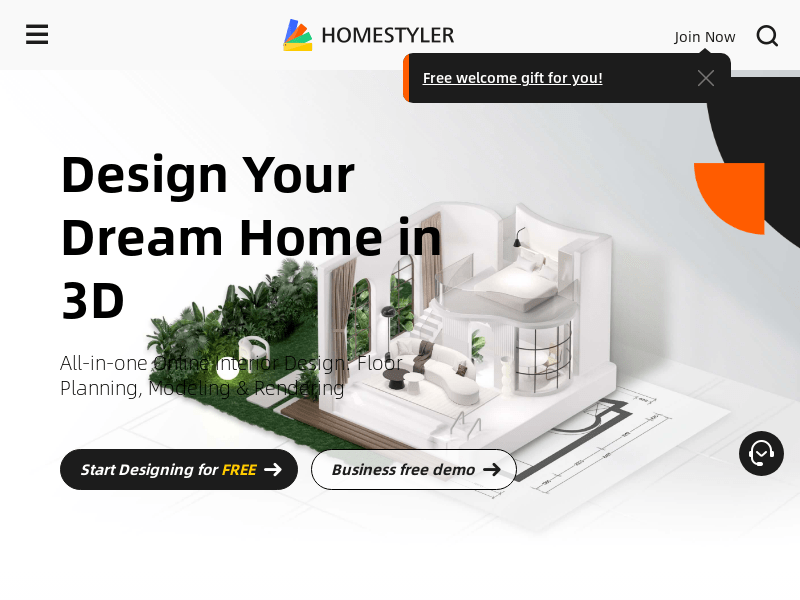
Screenshot archived from the listing page, for preview only.











