
Home Design AI Online
Turn room and garden photos into AI renovation designsFree AI home design from a single photo
Highlights
What you can do with it
- Redesign a living room and compare furniture and color options.
- Plan a store exterior refresh and share it with partners.
- Design garden planting and landscape layout from a photo.
How to use it
- 1 Upload a clear photo of the room, exterior, or garden.
- 2 Select the space type and design style.
- 3 Add materials, colors, or details to keep.
- 4 Generate up to four options and compare them.
- 5 Download the high-resolution result or refine it.
Who it is for
Pros
- Free credits let you try it after a simple login.
- Multiple styles from one photo make comparison easy.
- Paid designs carry commercial use rights.
Limitations
- Designs cost credits, and the credit prices for 2K and 4K can change.
- Results are concepts, not construction drawings, so a professional is still needed.
- Commercial use requires that you own or have licensed the uploaded images.
What Home Design AI Online is
Home Design AI is an online tool that turns a photo or a text idea into a visual design concept for a room, a house exterior, or a garden. You do not need design experience to use it: upload a clear photo, choose the space type and style, and the system returns options you can compare from the same viewpoint. After you log in you get eight free credits, and further designs are charged by resolution. The basic version costs eight credits for a 2K image and twelve for 4K, while the professional version costs ten for 2K and sixteen for 4K. Paid designs include commercial use rights as long as you own or have licensed the images you upload.
What you can do with it
- Generate design concepts from a single photo.
- Compare up to four styles side by side.
- Customize space type, style, materials, and colors.
- Download high-resolution results for review or sharing.
Who it is for
Families planning a renovation, interior designers who need quick variations, and real estate developers who showcase model rooms and exteriors. If you want to see options before committing to a real project, this gives you a fast first look that you can share with family, clients, or a contractor to align everyone early.
What to watch out for
Credits are the limit here, and the per-image credit costs for 2K and 4K can change, so check current pricing before you plan a big project or a batch of rooms. The output is a concept image, not a construction drawing, so you will still need a professional for anything you intend to build. Commercial use is only covered on paid designs and only when you own or have licensed the uploaded images, so do not upload pictures you do not have rights to.
FAQ
Is it free?
You get eight free credits after logging in, and further designs use credits.
What can I design?
Rooms, house exteriors, and gardens.
Can I use the results commercially?
Paid designs include commercial rights if you own or have licensed the uploaded images.
Why it is free
What the official page says: for freefree credits
Free limits, trial length and features are decided by the official site and can change at any time.
Product preview
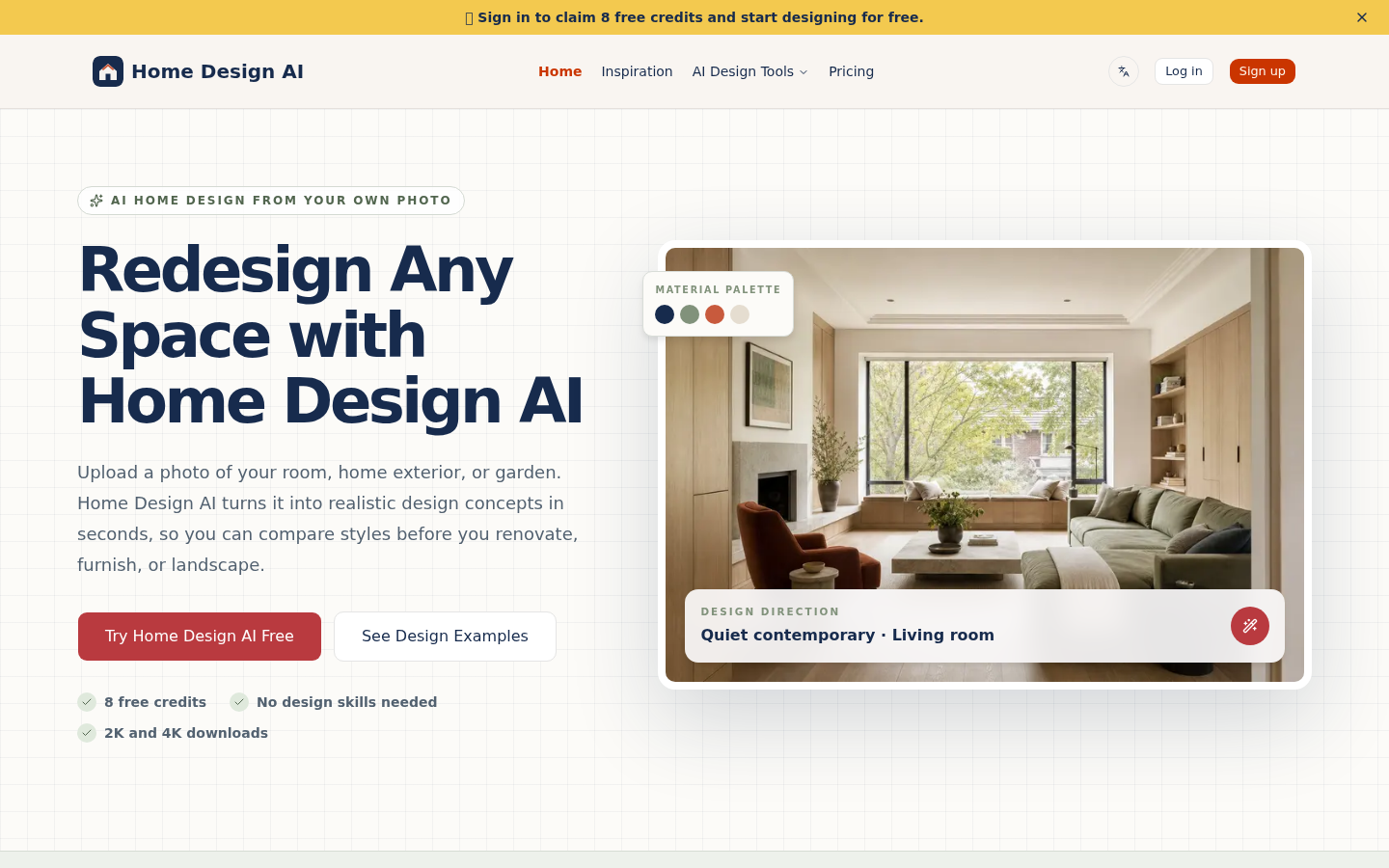
Screenshot archived from the listing page, for preview only.











