
Himedia
All in one AI media toolTurn text and photos into video, images and music
Highlights
What you can do with it
- Create short videos for TikTok and other social platforms.
- Build product showcase videos for ecommerce listings.
- Generate brand promotion posters and creative design material.
How to use it
- 1 Visit https://himedia.ai in your browser.
- 2 Register and log in to your account.
- 3 Pick the function you need, such as image to video or text to video.
- 4 Enter the text prompt or upload the image the function asks for.
- 5 Set output options such as resolution and style.
- 6 Click generate and wait for the video or image to finish.
- 7 Edit the result, add music and adjust effects.
- 8 Save or download the finished work.
Who it is for
Pros
- A wide set of media tools behind one account.
- Simple operation with no professional skills required.
- Generation is described as finishing within minutes.
- Free to use, and output is said to carry no floating watermark.
Limitations
- The domain is new and the link returned a redirect when checked, so confirm the current address.
- Free access may change or gain limits, and paid add ons are likely.
- Result quality depends heavily on your prompt and your input image.
- Video work is slower and less predictable than still images.
- Editing and music steps are still needed after generation.
What Himedia is
Himedia is an all in one AI platform for making images, video and music. You give it text or a picture and it returns finished media. The tool list covers image to video, text to video, image to image, text to image, a short video generator, an AI music generator, action imitation and a comic drama production tool, so most of the common content jobs sit behind one account. The listing stresses three things: no professional knowledge is needed, generation finishes within a few minutes, and the output does not carry a floating watermark. It says the service is free to use, with paid value added services possible on top.
What you can do with it
- Turn a still photo into a short video with motion and depth.
- Generate video straight from a text prompt with no shooting or editing.
- Restyle an existing image or change clothing and details with image to image.
- Create illustrations and concept art from text, then add generated music.
Who it is for
- Content creators who need a lot of material in several formats.
- Marketers who have to produce promotional assets on short notice.
- Ecommerce sellers who want clearer, more attractive product visuals.
- Brand designers and anime enthusiasts making stylised or comic style work.
What to watch out for
The domain is young and the link returned a redirect when this entry was checked, so verify the current address before you plan around it. Free access is the headline claim, but free terms on a new platform can change quickly, and paid add ons are likely as the product matures. Quality tracks your input closely: a vague prompt or a low resolution source image produces a weak result, and video output is slower and less predictable than stills. The listed workflow still ends with editing, music and effects, so budget time for that. Treat anything you generate as a draft to review, especially where real people, brands or products appear, and check that you have the right to use the material you upload.
FAQ
Is Himedia free?
The listing says it is free to use, with possible paid value added services.
What can it create?
Images, videos and music, using text prompts or uploaded images.
Does it put a watermark on my files?
The listing claims free use without floating watermarks.
Do I need an account?
Yes, the steps include registering and logging in.
Why it is free
What the official page says: free to use
Free limits, trial length and features are decided by the official site and can change at any time.
Product preview
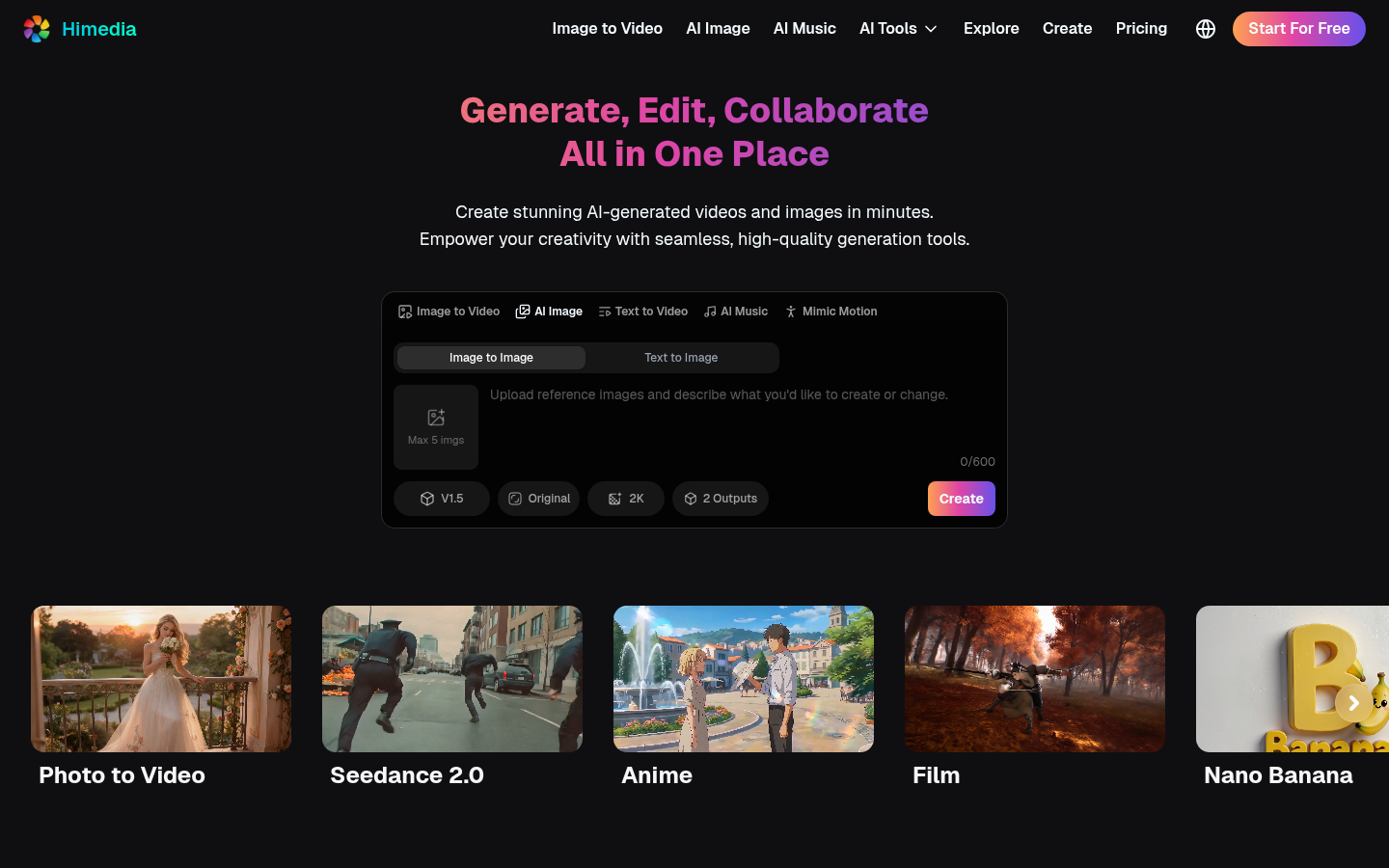
Screenshot archived from the listing page, for preview only.











