
highlight.io
Open-source full-stack monitoringSession replay, errors, and logs in one place
Highlights
What you can do with it
- Developers reproducing hard-to-find frontend errors
- Product teams understanding real user behavior
- CTOs monitoring performance across the stack
How to use it
- 1 Register and select a plan
- 2 Integrate the SDK into your application
- 3 Configure replay, error, and log monitoring
- 4 Set rules and alerts
- 5 Analyze replays, errors, and logs
Who it is for
Pros
- Open-source with a free trial
- Replay plus errors plus logs in one tool
- OpenTelemetry-based tracing
- Modern framework support
Limitations
- Self-hosting or paid plans needed at scale
- Session replay captures sensitive user data by design
- Setup takes integration work across the stack
What highlight.io is
highlight.io is an open-source full-stack monitoring platform. Instead of stitching together separate tools for errors, logs, and traces, it puts session replay, error monitoring, log recording, and tracing into one view of the application stack. Session replay is the centerpiece: it captures console and network activity, so when a user encounters a bug you can watch exactly what happened rather than guessing from a stack trace. Error monitoring alerts you before an exception becomes a visible outage, with custom error grouping and configurable alert rules. Logs are searchable across the stack, and tracing shows performance for requests and transactions.
What you can do with it
- Replay sessions with console and network detail
- Monitor errors with grouping and alert rules
- Search and alert on logs across the stack
- Trace request and transaction performance
- Build custom dashboards for observability data
Who it is for
- Developers debugging errors that only appear in production
- Product designers who need to understand real user behavior
- CTOs and engineering managers watching application health
What to watch out for
A free trial is offered, but at scale you will need a paid plan or to self-host, so plan for cost and operations. Session replay captures user interactions by design, which means sensitive data like typed input can end up in recordings, so mask private fields and follow privacy rules. Integrating the SDK across the stack is real setup work, not a five-minute job, and incomplete integration produces incomplete data. Alerts need tuning, or noise will drown the useful indicator among thousands of events. Finally, replay and logs can grow large, so check retention and storage costs before traffic scales.
FAQ
What does highlight.io do?
It provides full-stack monitoring including session replay, error monitoring, logs, and tracing in one platform.
Is it open source?
Yes, it is described as an open-source monitoring platform, with a free trial available.
What does session replay capture?
It records console and network activity so developers can see the real reasons behind errors.
Who uses it?
Developers debugging issues, product designers studying behavior, and CTOs monitoring application health.
Why it is free
What the official page says: free trial
Free limits, trial length and features are decided by the official site and can change at any time.
Product preview
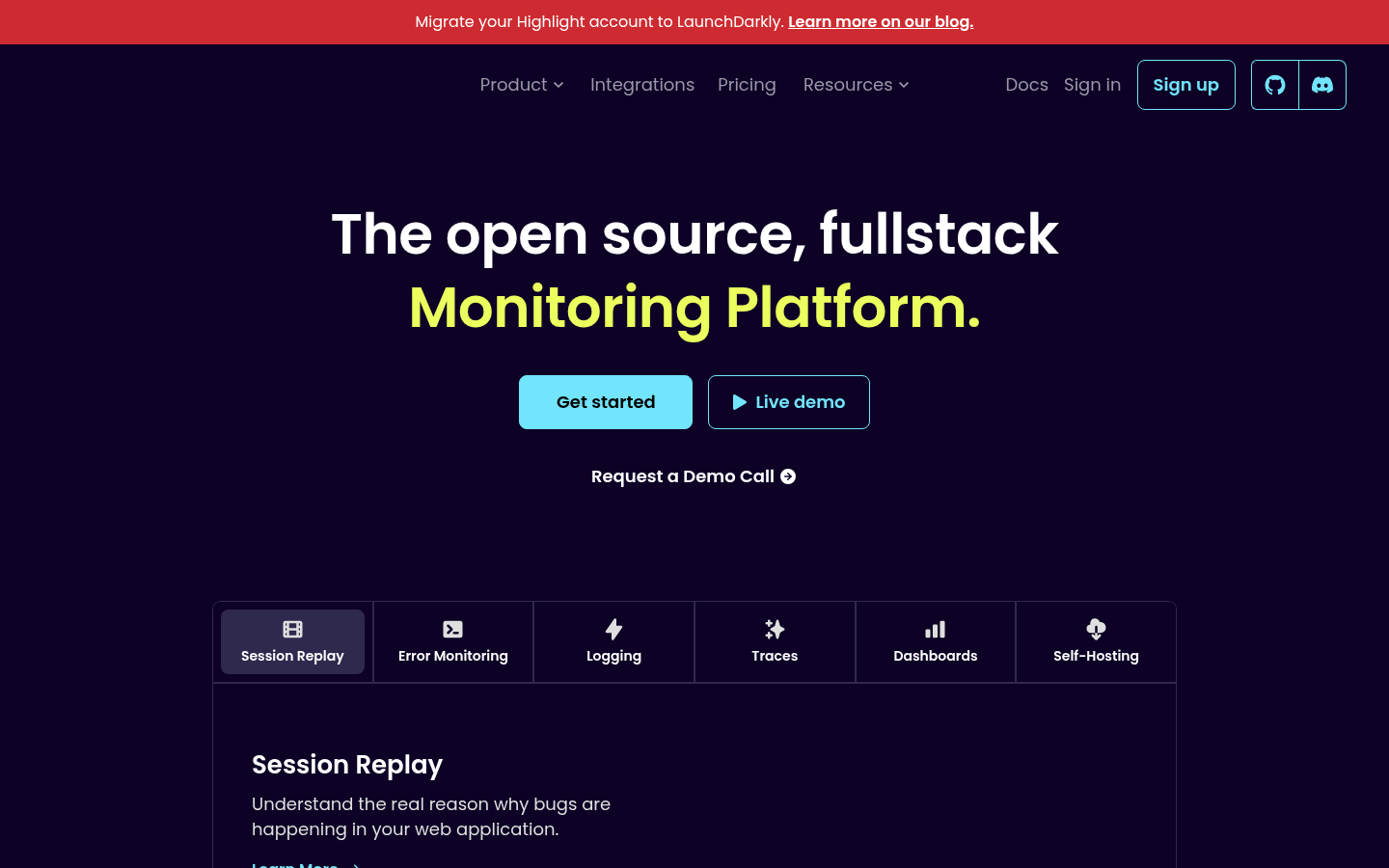
Screenshot archived from the listing page, for preview only.











