
hiData
One AI workspace for data, docs, and slidesTurn scattered files into tables, sheets, and decks
Highlights
What you can do with it
- Operations managers automate messy CSV imports and turn them into clean tables
- Data engineers get helpful context over complex enterprise data structures
- Consultants generate weekly slide decks from short prompts instead of manual work
How to use it
- 1 Visit hidata.ai and click Start for Free to register an account
- 2 Pick the module you need: AI Table Creator, AI Spreadsheet, or AI Slide
- 3 Upload unstructured files or describe your task in plain language
- 4 Review and edit the result, then share or save your table, sheet, or deck
Who it is for
Pros
- Free version lets you test the core workflow before paying
- One place for tables, spreadsheets, documents, and presentations
- Conversational spreadsheet lowers the need for formulas and scripting
- Handles many input formats, from PDFs and images to web pages
Limitations
- Free version limits and paid plan terms may change over time
- AI output still deserves a review when data is sensitive or numbers matter
- Advanced features and enterprise controls sit behind paid tiers
- Learning the full suite takes time if you only need one tool
What hiData is
hiData is an integrated AI workspace that connects data collection, spreadsheets, documents, databases, and presentations in one workflow. Instead of jumping between separate apps, you work in a single environment that turns scattered files into analyzable and shareable output. It is aimed at modern teams that handle many formats at once. A free version is available so you can try the core tools before deciding on a paid or enterprise plan. The goal is to shorten the path from raw material to a finished table, sheet, or slide, and to keep the steps connected so information does not get lost between tools.
What you can do with it
- Convert unstructured content such as PDFs, web pages, images, and documents into structured tables with the AI Table Creator.
- Work in an AI Spreadsheet by describing what you want in plain language instead of writing formulas or scripts.
- Build interactive presentations with the AI Slide tool, which favors dynamic layouts and clear storytelling.
- Clean, merge, convert, and analyze data so you can pull useful information out of messy sources.
Who it is for
- Operations managers who need to process large amounts of data and documents quickly.
- Data engineers who want helpful context over complex enterprise data structures.
- Consultants and analysts who build reports and slide decks on a tight schedule.
What to watch out for
The free version has limits, and paid plan pricing and features may change, so confirm current terms before relying on it for important work. AI output still deserves a review, especially when the data is sensitive or the numbers matter for a decision. The suite is broad, so if you only need one function, you may spend time learning parts you will not use. Check that the supported file types and integrations match your current workflow before committing to a paid plan.
FAQ
Is there a free version of hiData?
Yes. hiData offers a free version so you can start building tables, spreadsheets, and slides, with paid and enterprise plans available for more capacity.
What does the AI Table Creator do?
It turns unstructured content such as PDFs, web pages, images, and documents into structured tables so information stays consistent.
Who is hiData for?
It suits operations managers, data engineers, and consultants who need to move from raw files to shareable results quickly.
Why it is free
What the official page says: free version
Free limits, trial length and features are decided by the official site and can change at any time.
Product preview
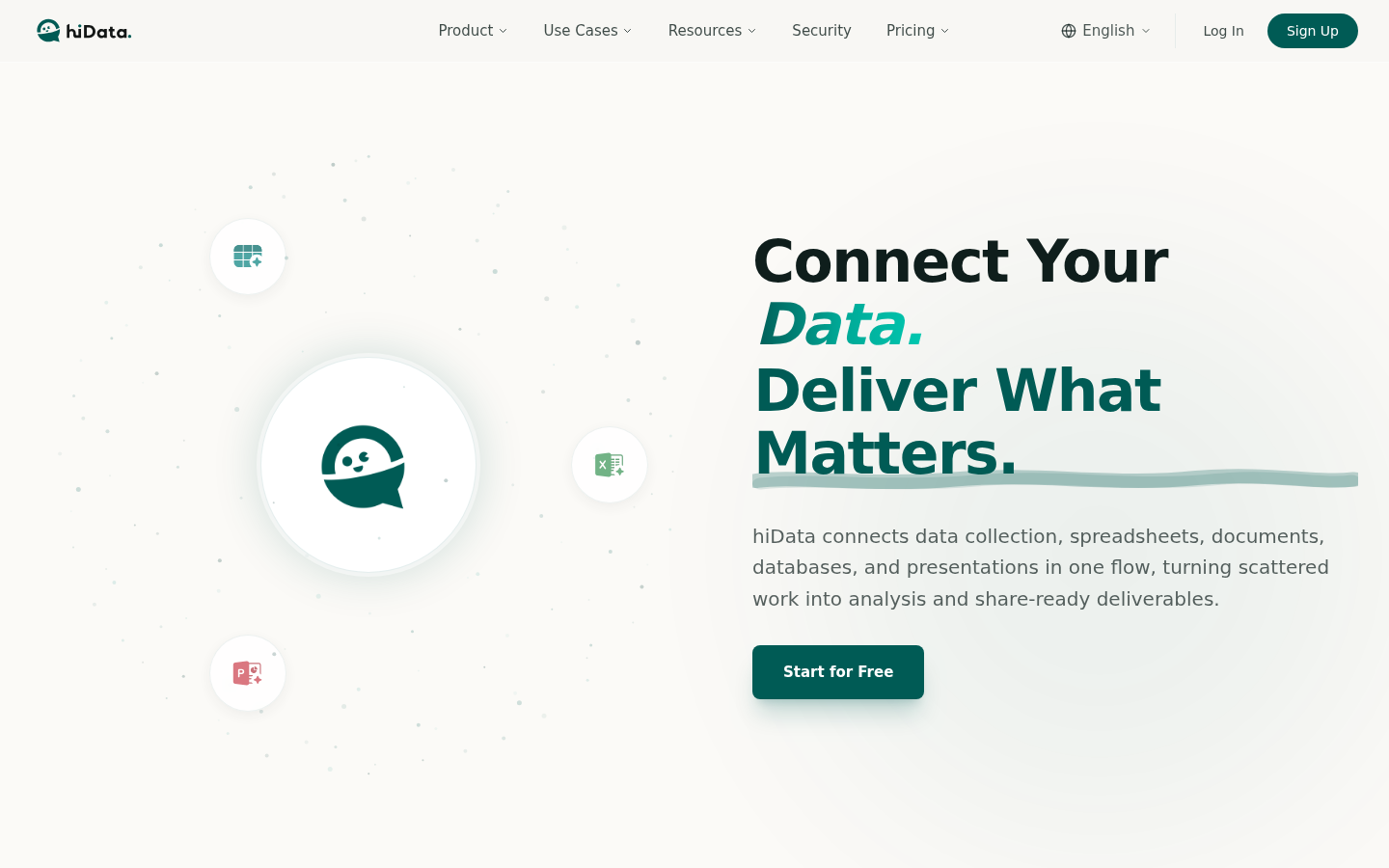
Screenshot archived from the listing page, for preview only.











