
HeyPhoto
AI selfie photo editorEdit selfies with AI, free
Highlights
What you can do with it
- Tidy a selfie before using it as a profile picture
- Preview a hairstyle or age change
- Anonymise a photo before posting it publicly
How to use it
- 1 Open hey-photo.com in your browser.
- 2 Upload a clear photo.
- 3 Pick the feature you want to change.
- 4 Adjust the controls, then save the result.
Who it is for
Pros
- Free and needs no editing skills
- Runs in the browser with nothing to install
- Covers small tweaks and full anonymisation
Limitations
- Works best with high quality source photos
- Heavy edits can look unnatural
- Free access rules and photo handling can change
What HeyPhoto is
HeyPhoto is a free online selfie editor that uses AI to change faces. Upload a photo and you can adjust features such as the eyes, nose, skin tone, age, hairstyle, and weight, or change the expression entirely. There is also an anonymise option that alters the face so facial recognition systems do not identify the person. The tool runs in a browser, needs no special skills, and the site notes it works best with high quality photos, so a sharp, well lit source image matters more than any setting.
What you can do with it
- Adjust individual facial features without manual retouching.
- Change the expression in a photo after it was taken.
- Preview a different age, hairstyle, or skin tone.
- Produce a less recognisable version of a photo before publishing.
Who it is for
- Anyone who wants a quick selfie fix for a profile picture.
- People who want to preview a look before spending money on it.
- Users who need a version of their face that is harder to identify.
What to watch out for
Only edit photos of yourself, or of people who have agreed, since changing someone's face and sharing the result can be harmful and in some cases unlawful. Heavy edits often look artificial, so keep changes subtle if the image needs to stay believable. Anonymising one photo does not protect you if other copies already exist elsewhere. As with any free web tool, access rules, features, and how long uploaded photos are kept can change at any time, so avoid sending images you cannot afford to lose. Generated suggestions are for reference only, so verify anything that affects professional judgment or important data.
FAQ
What can I change?
Eyes, nose, skin tone, age, hairstyle, weight, and facial expression, according to the feature list.
What does the anonymise feature do?
It changes the face so that facial recognition systems do not recognise the person.
Does anonymising protect my privacy?
It makes that particular image harder to recognise. It does nothing to other copies of the same photo that already exist.
Why it is free
What the official page says: 免费
Free limits, trial length and features are decided by the official site and can change at any time.
Product preview
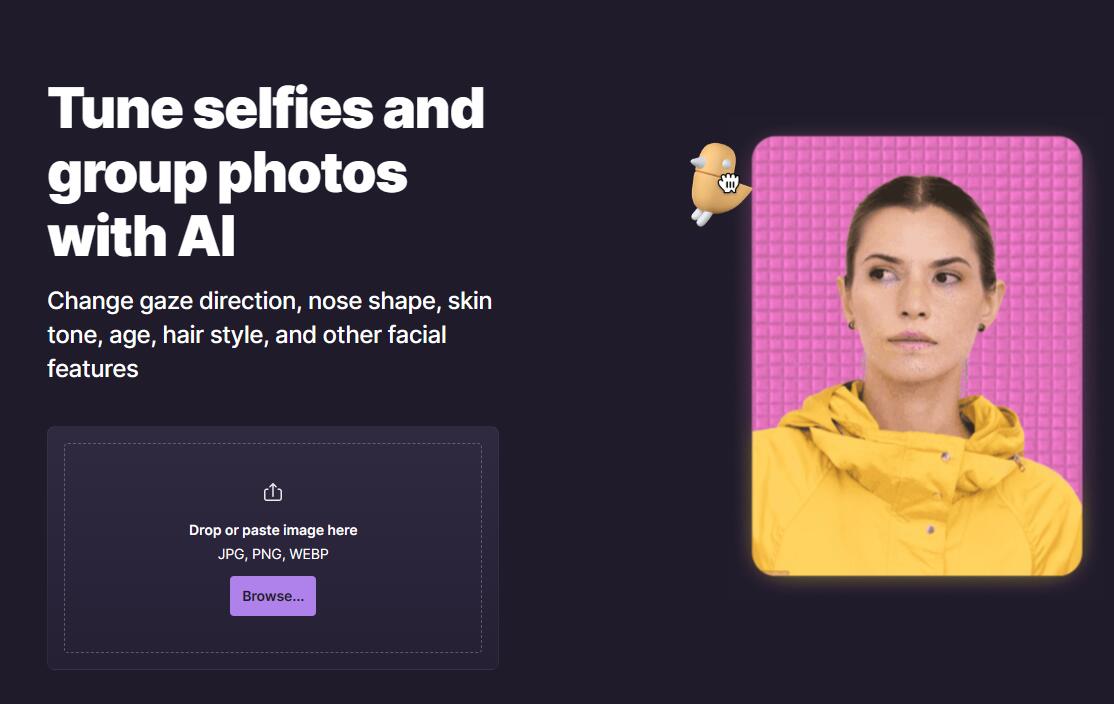
Screenshot archived from the listing page, for preview only.











