
HappySRT
YouTube SRT generatorAuto-transcribe YouTube into SRT subtitles
Highlights
What you can do with it
- A YouTuber creates subtitle files for a new upload
- A team cleans up auto-generated captions before publishing
- Anyone who needs an SRT file without manual typing
How to use it
- 1 Bring your YouTube video into HappySRT
- 2 Let the AI transcribe it into an SRT file
- 3 Edit timing and text in the free SRT editor
- 4 Export the finished subtitle file
Who it is for
Pros
- Free online SRT editor included
- AI transcription reduces manual caption work
- Focused on the YouTube subtitling workflow
Limitations
- Accuracy depends on audio quality and accents
- Free access and features can change over time
- Mainly aimed at YouTube-style subtitle files, not full video editing
What HappySRT is
HappySRT is an online tool that uses AI to generate accurate SRT subtitle files for YouTube videos. It transcribes your video automatically so you get precise subtitles without typing them out by hand, and it includes a free online SRT editor for any cleanup. The source presents it as useful for both individual creators and large teams, because it streamlines the whole subtitling step and helps videos look more professional.
What you can do with it
- Transcribe a YouTube video into accurate subtitles using AI.
- Edit timing and wording in the free online SRT editor.
- Export an SRT file that fits the YouTube subtitling workflow.
Who it is for
- Individual YouTube creators who need subtitles for uploads.
- Larger teams that produce video at volume and need faster captions.
- Anyone who wants an SRT file without manual typing.
What to watch out for
Transcription accuracy depends heavily on audio quality, background noise, and accents, so expect to review the text. The free SRT editor is the main free part, and free access or features can change over time. It is aimed at subtitle files, not full video editing, so you will still need an editor for anything beyond captions. Behavior may vary across browsers and devices, so test before production use and consult the help docs if errors appear. Features and interface details may change between versions, so review the latest notes on the page before you start. Processing speed depends on file size and network conditions, so retry later if a task stalls during peak hours. Run one full task end to end first, then expand once you are comfortable with the workflow and the result quality.
FAQ
Is HappySRT free?
The source lists a free online SRT editor as part of the tool.
What does it make?
It generates SRT subtitle files for YouTube videos using AI transcription.
Can I fix mistakes?
Yes, you can edit the captions in the included online SRT editor.
Why it is free
What the official page says: 免费
Free limits, trial length and features are decided by the official site and can change at any time.
Product preview
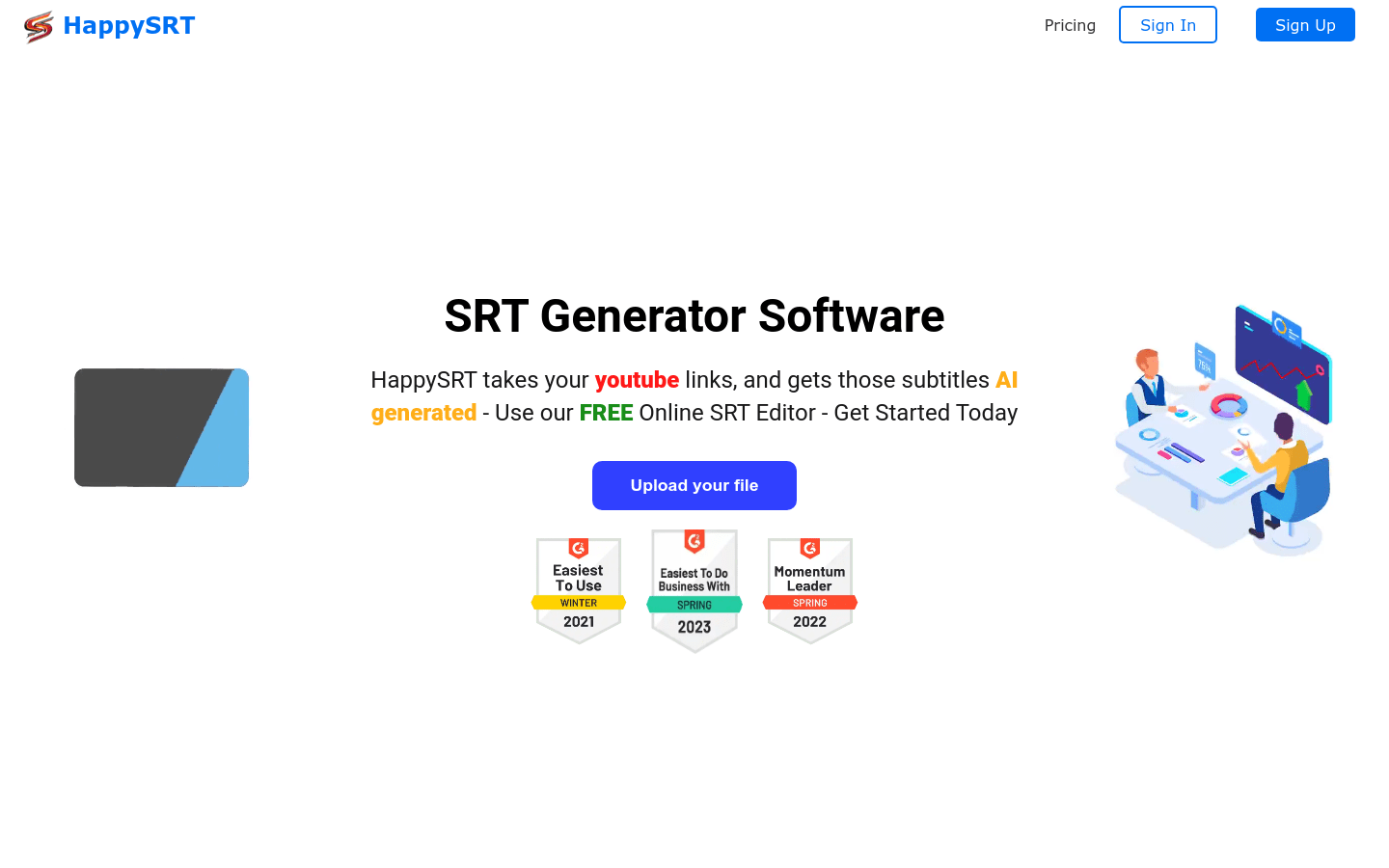
Screenshot archived from the listing page, for preview only.











