
Happyml
Build and deploy an AI chatbot fastTrain a chatbot in five minutes, no card
Highlights
What you can do with it
- Add real-time customer service to an online store
- Answer internal questions for employees
- Provide interactive experiences on a social platform
How to use it
- 1 Register a free account.
- 2 Connect your APIs, files, or website as sources.
- 3 Train the chatbot on that material.
- 4 Deploy it to Slack, Shopify, or another platform.
- 5 Monitor answers and add sources as gaps appear.
Who it is for
Pros
- Free to join with no credit card required
- Fast setup from existing files and sites
- Deploys to platforms you already use
Limitations
- The site was not reachable when checked, so availability is uncertain
- A chatbot is only as good as its sources; thin material gives thin answers
- Automated answers can be wrong, so keep a human path for important issues
- Free tier limits are not described
What Happyml is
Happyml is a platform for building AI chatbots on top of current language models. The pitch is speed: connect your APIs, files, and websites as knowledge sources, train the bot on that material, and deploy it, which the page says takes about five minutes. Deployment targets include Slack and Shopify, so the bot lands where people already are rather than in a separate interface. Joining is free and no credit card is required. The suggested uses are customer service on an e-commerce site, internal communication inside a company, and interactive experiences on social platforms.
What you can do with it
- Connect files, APIs, and websites as the bot knowledge base.
- Train a chatbot without writing model code.
- Deploy it to Slack, Shopify, or another supported platform.
- Use it for customer support or internal questions.
Who it is for
- E-commerce stores wanting automated first-line support.
- Companies needing an internal FAQ bot for staff.
- Builders adding chat to a product they already run.
What to watch out for
The site was not reachable when checked, so verify availability before you plan around it. A chatbot is only as good as what it is given: thin or contradictory source material produces thin and contradictory answers, which is the most common reason these deployments disappoint. Automated answers can be wrong, so keep a human path for anything that matters commercially or legally, and be clear to users that they are talking to a bot. Free tier limits are not described, so check message volume and source size before you connect everything. Generated suggestions are for reference only, so verify anything that affects professional judgment or important data.
FAQ
How long does setup take?
The page says you can train and deploy in five minutes.
What can it learn from?
APIs, files, and websites you connect.
Where can I deploy it?
Slack, Shopify, and other platforms are listed.
Why it is free
What the official page says: no credit card
Free limits, trial length and features are decided by the official site and can change at any time.
Product preview
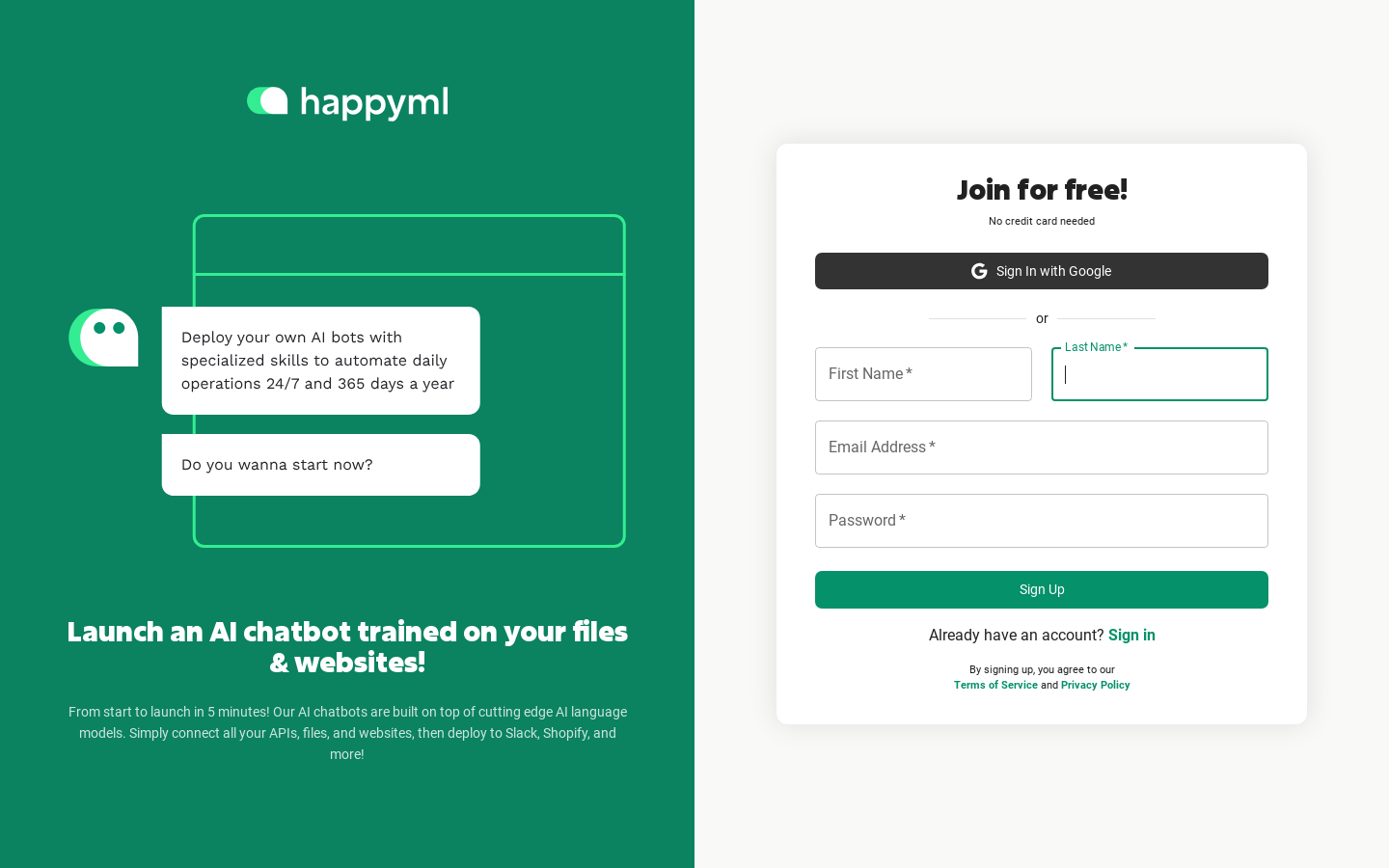
Screenshot archived from the listing page, for preview only.











