
HappyHorse Video
Free AI video generator for text and imagesTurn prompts and stills into 1080p short videos, free of charge
Highlights
What you can do with it
- Generate a wingsuit high-altitude descent clip with fast aerial motion and wide scenery.
- Produce a lively animated character video with bright actions and a cheerful mood.
- Create an outdoor life scene clip with calm scenery and everyday moments.
How to use it
- 1 Visit the site.
- 2 Sign in with a Google account or start using it directly.
- 3 For text-to-video, type the theme, scene, camera movement and atmosphere.
- 4 For image-to-video, upload a still image.
- 5 Pick the aspect ratio and video settings you need.
- 6 Click generate, wait, then preview and download the video.
Who it is for
Pros
- Free of charge right now, with no cost to try the core generation flow.
- 1080p output and multi-shot narrative give a more film-like, consistent look.
- Fast iteration helps teams test many ideas quickly.
Limitations
- It is currently free, but that can change, and the API is only planned, not available yet.
- As a newer service, long-term reliability and the product roadmap are not guaranteed.
- Output control is lighter than pro editing tools, so fine-tuning may be limited.
What HappyHorse Video is
HappyHorse Video is an online AI video generator that turns text prompts and images into refined short clips with movie-grade motion and scene consistency. It focuses on high-quality output, fast creative iteration and support for several aspect ratios so you can prepare videos for social media, paid media and general publishing. It is currently free of charge, and you can sign in with a Google account or begin using it directly. The service is built for marketing, social media and agency work, and an API for developers is planned for the future.
What you can do with it
- Text-to-video: describe the theme, scene, camera movement and atmosphere and get a finished short clip.
- Image-to-video: turn a still image into motion for product display, event material or story-driven content.
- Multi-shot narrative: build clips with smoother scene transitions and a consistent visual style.
- Choose from several aspect ratios to fit different platforms and publishing workflows.
Who it is for
- Marketing teams that need ad concepts, campaign variants and landing page videos fast.
- Social media teams producing short videos for TikTok, Reels and Shorts.
- Agencies creating concept videos and creative drafts for clients who want quick turnaround.
What to watch out for
The service is free of charge right now, but that can change at any time, and the planned API is not available yet, so do not build workflows that depend on it. As a newer tool, long-term reliability and the product roadmap are not guaranteed, and the site could change or add limits later. Output control is lighter than a full editing suite, so fine adjustments after generation may be limited. Test a few clips before committing to a larger project, and keep local copies of anything you want to keep.
FAQ
Is HappyHorse Video free?
Yes, it is currently free of charge. An API for developers is planned for the future.
What can I generate?
Text-to-video and image-to-video clips, including multi-shot narratives, at up to 1080p.
Do I need an account?
You can sign in with a Google account or start using it directly.
What aspect ratios are supported?
Several ratios are supported so you can prepare videos for social, paid and general publishing.
Why it is free
What the official page says: free of charge
Free limits, trial length and features are decided by the official site and can change at any time.
Product preview
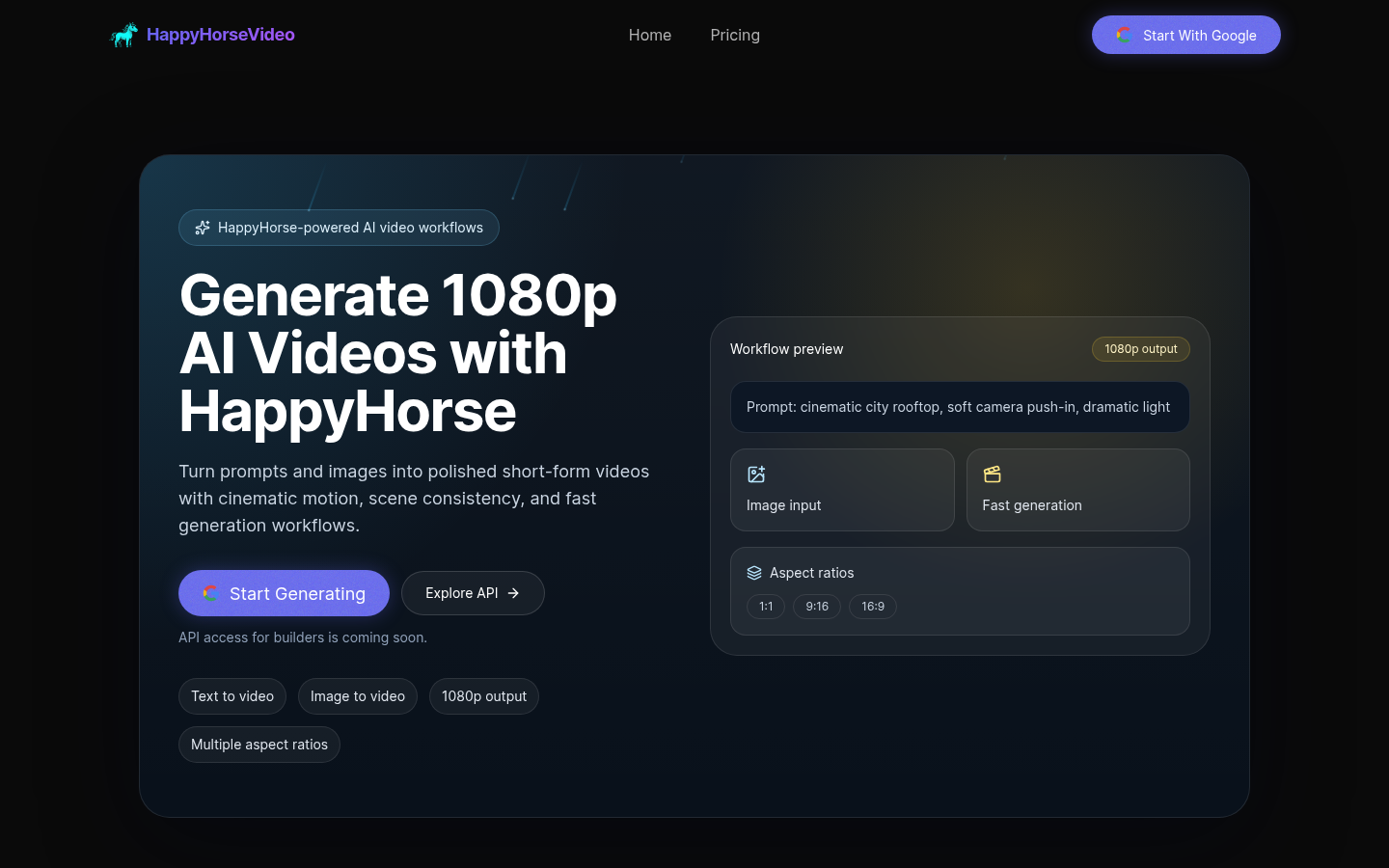
Screenshot archived from the listing page, for preview only.











