
HappyHorse
Free AI video generator up to 1080pText and image to 1080p video fast
Highlights
What you can do with it
- Making 1080p promo clips from a text prompt
- Turning a photo into a short cinematic video
- Adding lip-sync and transitions to short content
How to use it
- 1 Open the site and pick text or image input
- 2 Write a prompt or upload your image
- 3 Generate the 1080p video and preview it
- 4 Export or upgrade if you need more
Who it is for
Pros
- Free plan to start
- 1080p output with multi-shot transitions
- Fast generation with lip-sync support
Limitations
- Free plan limits and prices can change over time
- Lip-sync and multi-shot control need practice
- Needs a stable connection and can use credits fast
What HappyHorse is
HappyHorse is a free AI video generator powered by HappyHorse 1.0. It can create 1080p high-definition, cinematic video in seconds through two main paths: text-to-video and image-to-video. The product is based on advances in unified multimodal video generation technology, which is what lets it combine different inputs into one clip. Its main advantages are fast generation, a range of video effects, support for multi-shot transitions, and lip-syncing, so short clips can feel more dynamic and polished. There is a free plan to start, and paid plans such as a Basic version and a Pro version are available for users who need more.
What you can do with it
- Turn a text prompt into a 1080p cinematic clip
- Convert an uploaded image into a short video
- Add multi-shot transitions between scenes
- Use lip-syncing for character or presenter clips
Who it is for
- Creators making short-form video content
- Marketers who need quick 1080p clips
- Users who want to test image-to-video generation
What to watch out for
The free plan has limits, and plan prices and features can change over time, so check current terms before you commit. Lip-sync and multi-shot control are powerful but need practice to get clean, natural results, and small errors are common at first. Because the tool runs online, you need a stable connection, and frequent or long renders can use up credits quickly. Use lip-sync and video output responsibly, follow the rules of the platforms where you publish, and avoid making misleading videos of real people. For best results, start with a small test file and review the output carefully before working on anything important.
FAQ
Is HappyHorse free?
There is a free plan, with paid Basic and Pro plans for more use.
What resolution does it output?
It creates 1080p high-definition video.
Does it support lip-sync?
Yes, lip-syncing is listed among its features.
Why it is free
What the official page says: 免费计划免费
Free limits, trial length and features are decided by the official site and can change at any time.
Product preview
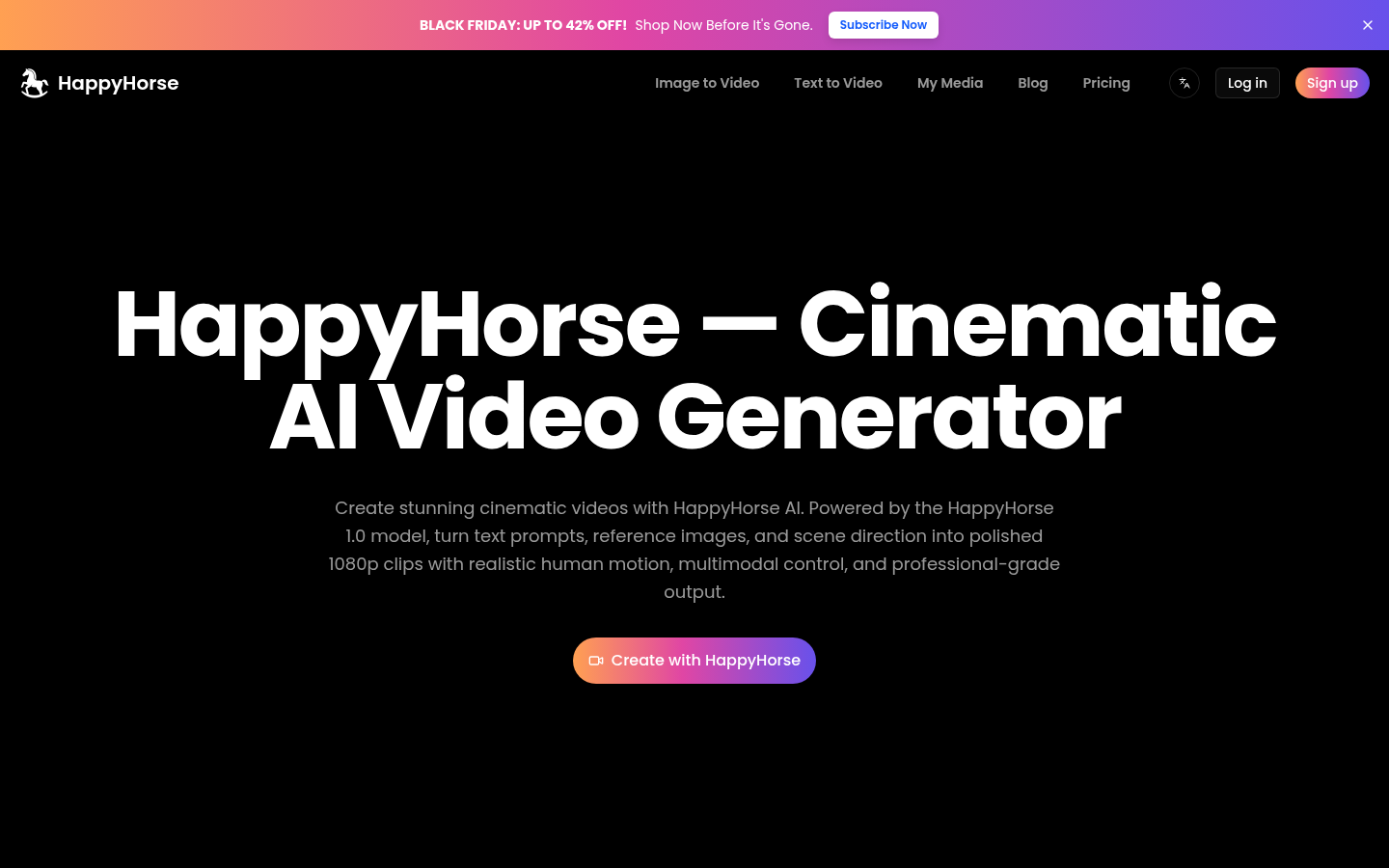
Screenshot archived from the listing page, for preview only.