
HappyHorse
Browser AI video workspaceText, image, and reference-guided video in one place
Highlights
What you can do with it
- All-in-one video drafting
- Image-to-video conversion
- Reference-guided scenes
- Quick edits in the browser
How to use it
- 1 Open the site in your browser
- 2 Start the free trial
- 3 Pick text, image, or reference input
- 4 Set resolution and aspect ratio
- 5 Generate, edit, and export
Who it is for
Pros
- Free trial available
- Multiple input methods in one place
- 720p and 1080p options
- Runs in the browser
Limitations
- Credits limit usage
- Pricing details are on another page
- Free trial terms may change
- Editing features need practice
What HappyHorse is
Happy Horse AI is a browser-based AI video generation tool. It brings text-to-video, image-to-video, reference-guided generation, and video editing together in one workspace, so you can move from idea to edited video without switching between tools. That matters because bouncing between a generator and an editor usually costs more time than the generation itself. It supports 720p and 1080p output with flexible aspect ratios, and usage runs on credits, which keeps spend tied to actual renders. A free trial is provided, while specific pricing details sit on a separate pricing page. It is positioned as an AI video creation platform for creators who want a simpler, more efficient workflow.
What you can do with it
- Generate video from text or images
- Use reference-guided generation
- Edit video in the same workspace
- Output at 720p or 1080p
- Pick flexible aspect ratios
Who it is for
- Creators who want one tool for the job
- Browser-only workflows without installs
- Small teams without editing suites
- Beginners in AI video
What to watch out for
Credits limit how much you can generate, and pricing lives on another page, so read it before committing to a plan. Free trial terms may change, and the trial may not include the fullest feature set. The editing tools are useful but need practice, and reference-guided generation works well only when your references are clear and consistent. Check that 1080p output and the supported aspect ratios fit your delivery needs, since the page does not list every technical specification. For best results, start with a small test file and review the output carefully before working on anything important.
FAQ
What is Happy Horse AI?
A browser-based AI video tool with generation and editing in one workspace.
What outputs are supported?
720p and 1080p with flexible aspect ratios.
Is there a free trial?
Yes, a free trial is provided and pricing details sit on the pricing page.
Can I edit video there?
Yes, video editing is included alongside generation.
Why it is free
What the official page says: 免费试用免费
Free limits, trial length and features are decided by the official site and can change at any time.
Product preview
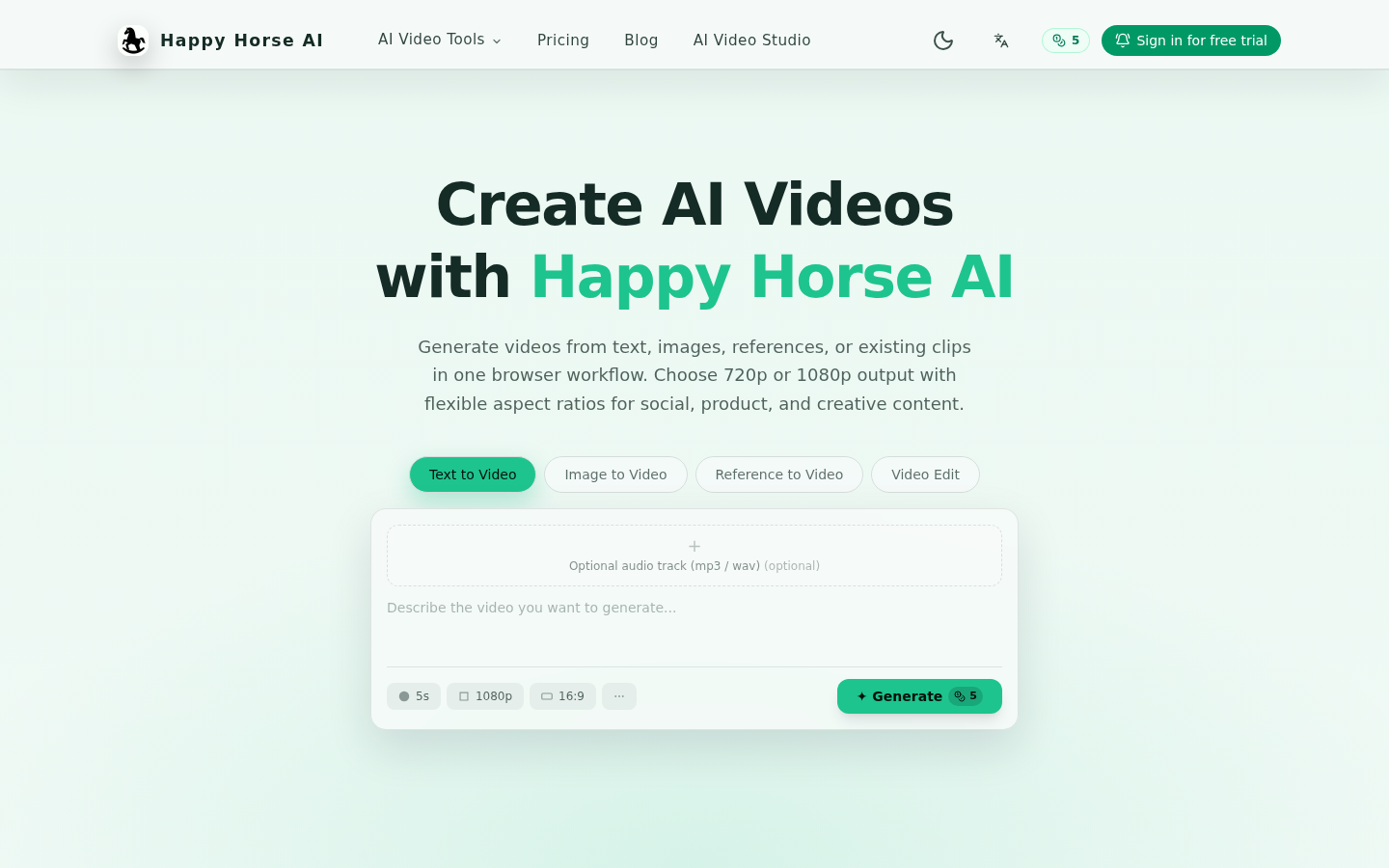
Screenshot archived from the listing page, for preview only.